↔
BeforeAfter
An 18+ photo editor for authorized images. Choose who to edit and review the result.
Select clothing style and fit, then upload a photo. Enable JavaScript to use the interactive editor.
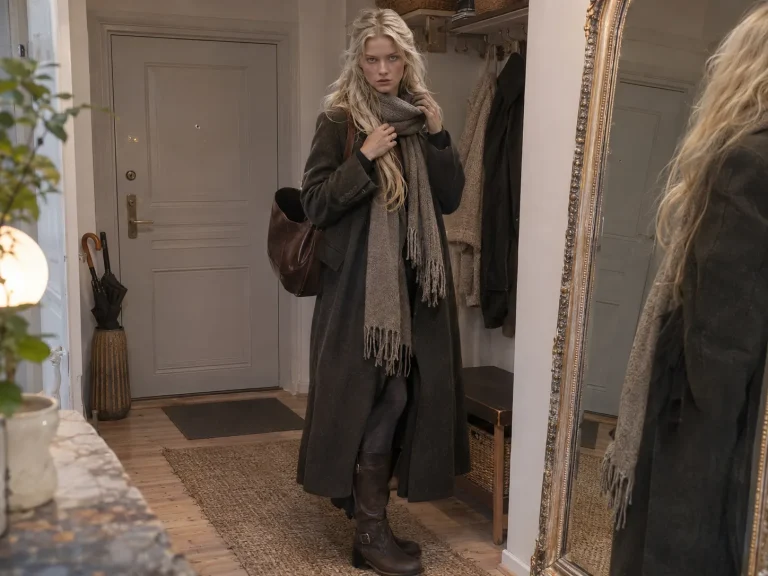
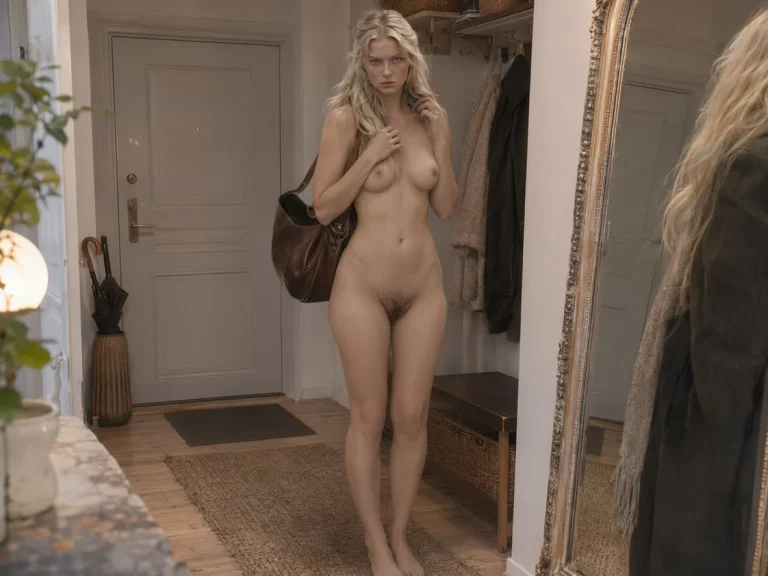
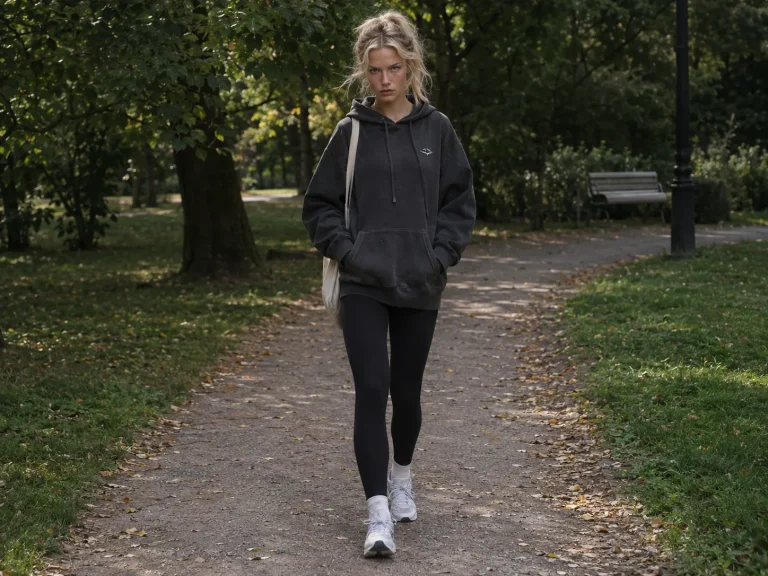
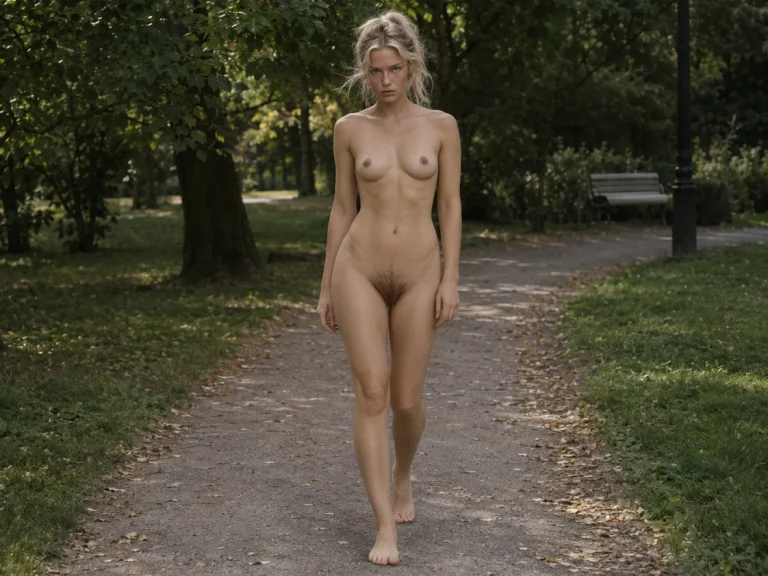
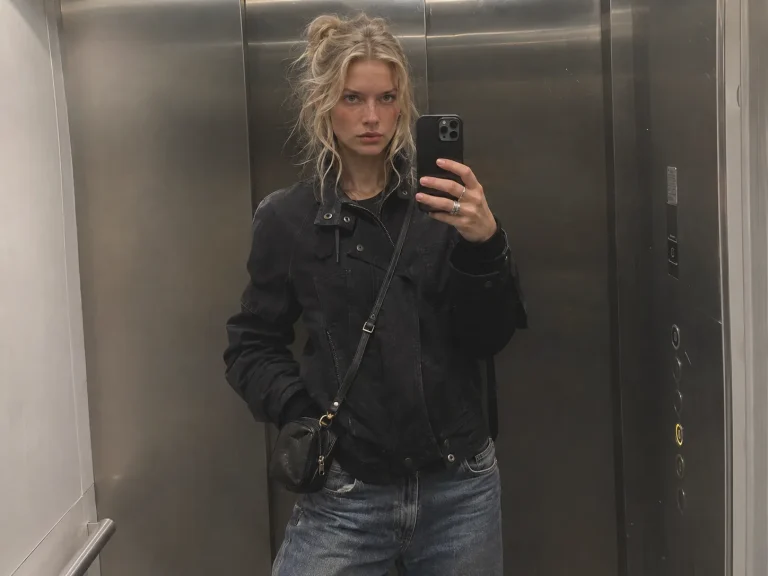
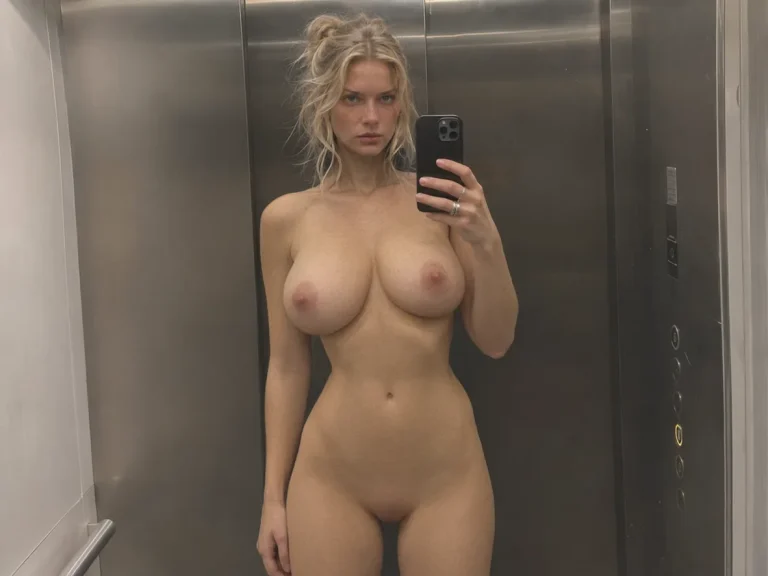
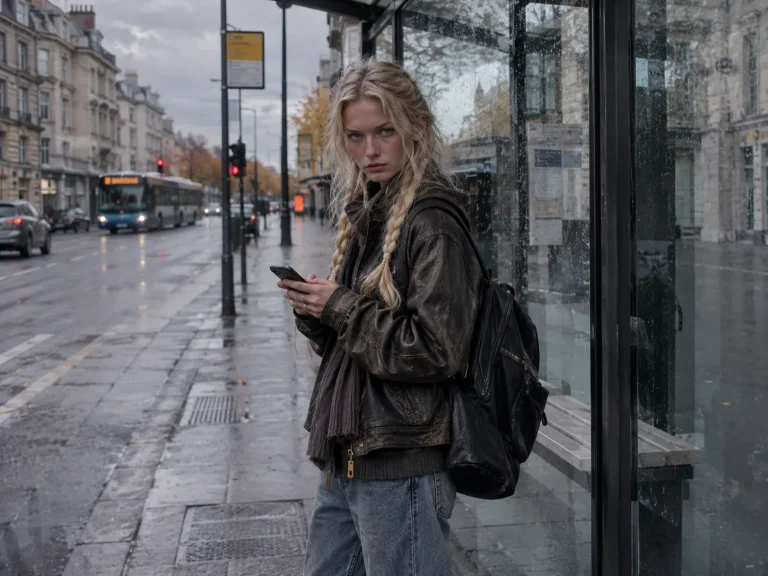
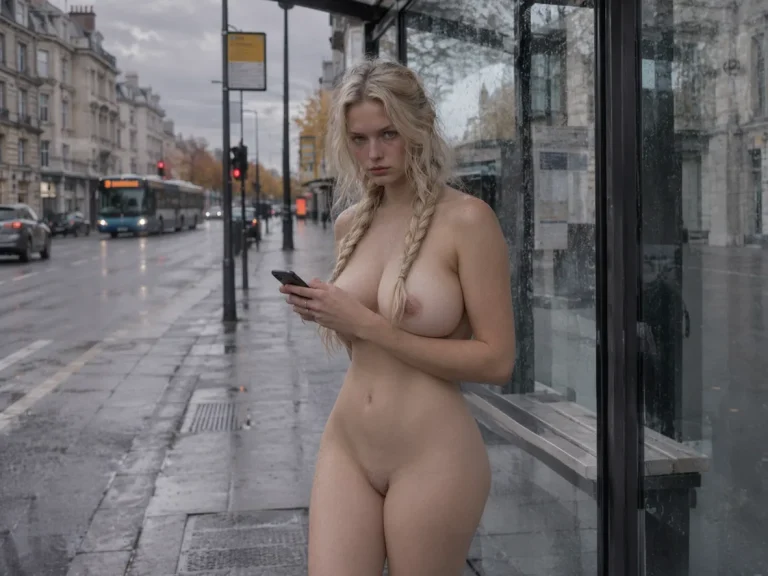
Examples of clothing transformations. Replace these illustrations with real results before publishing.
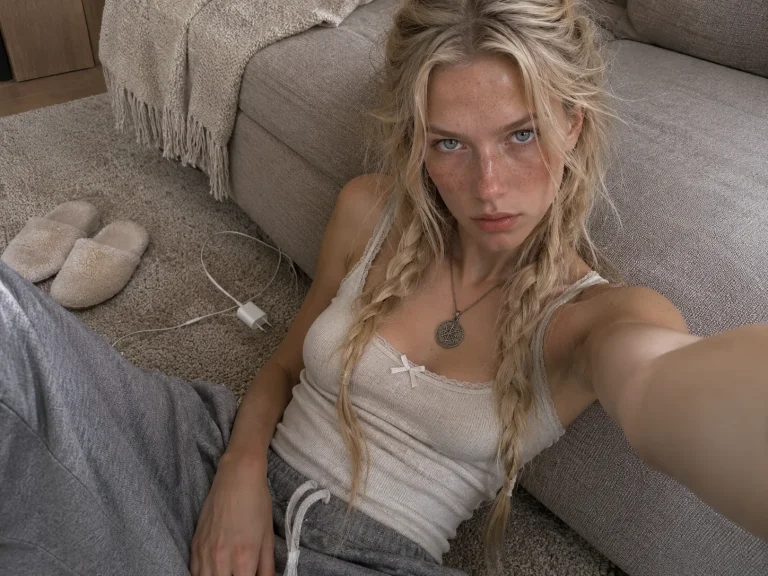
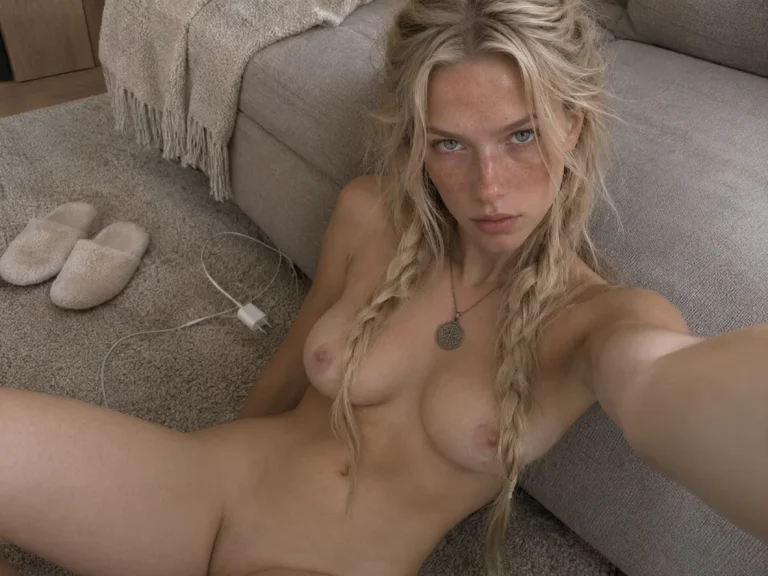
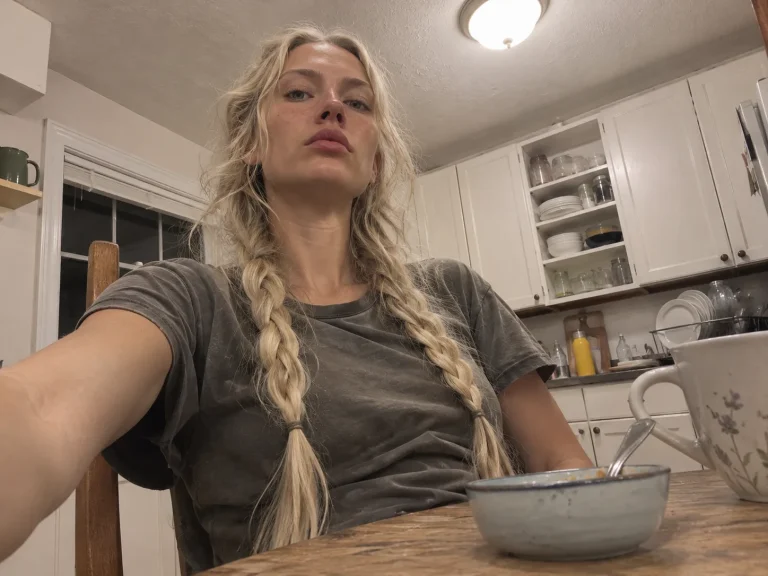
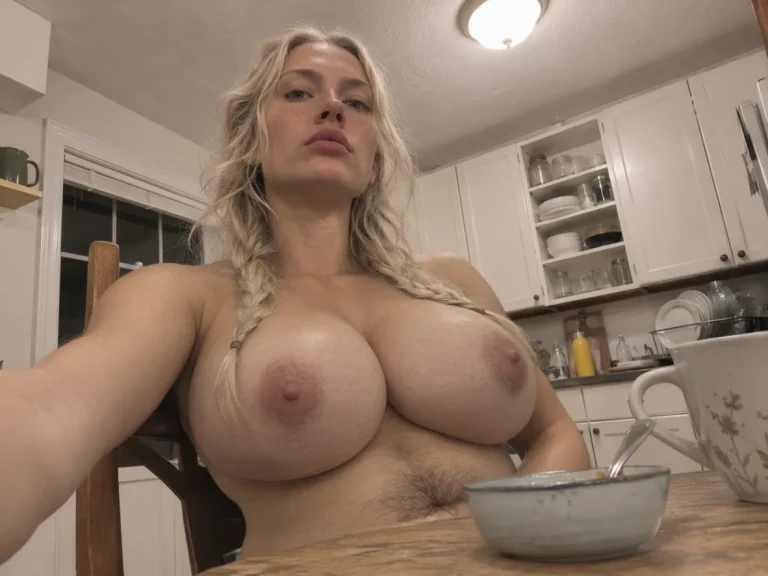
Explore other photo transformation tools and creative looks.
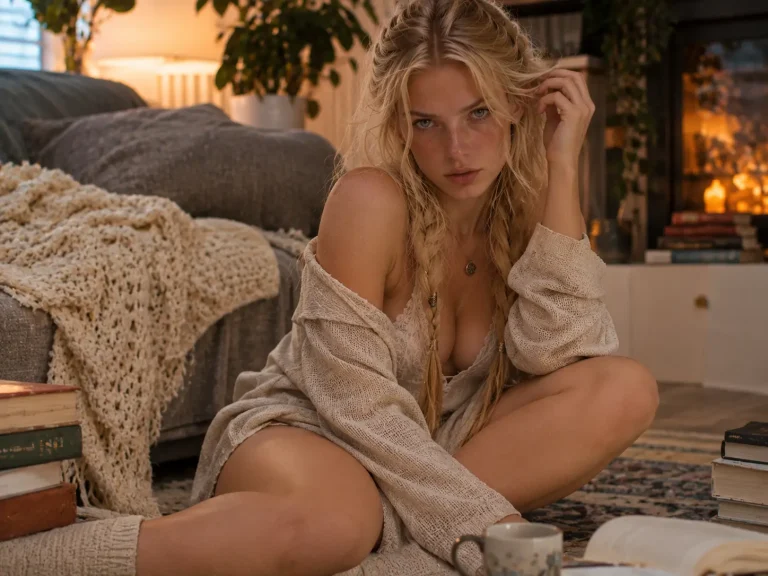 Adult AI Looks GeneratorDiscover adult-themed AI photo looks, choose a preset and transform an authorized adult photo.
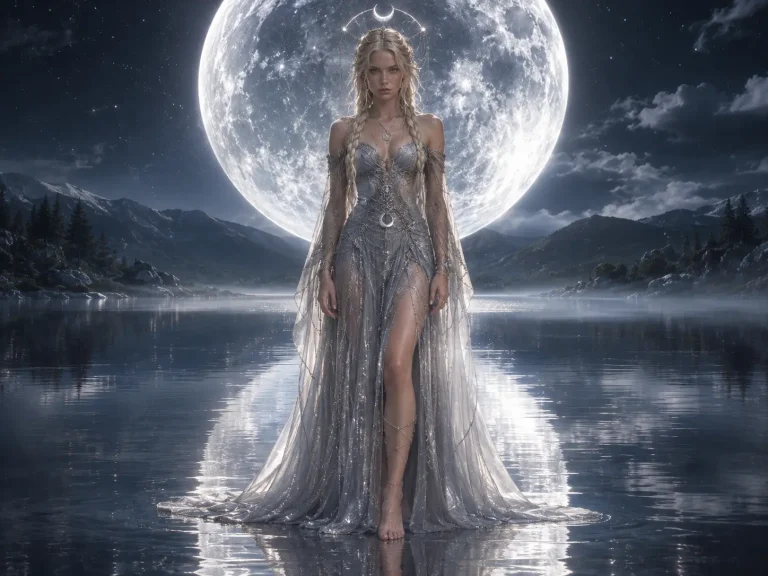
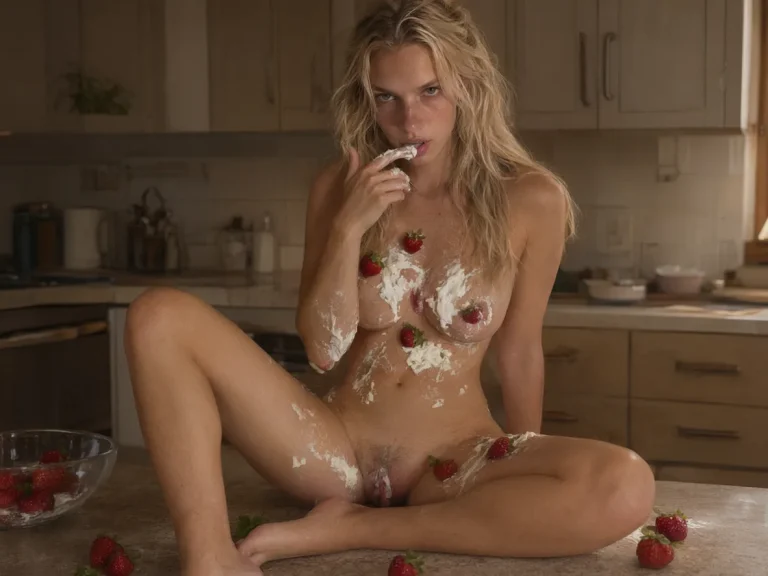 Adult Fantasy AI LooksTransform an authorized adult portrait with fantasy-inspired styling, imaginary settings and cinematic character looks.
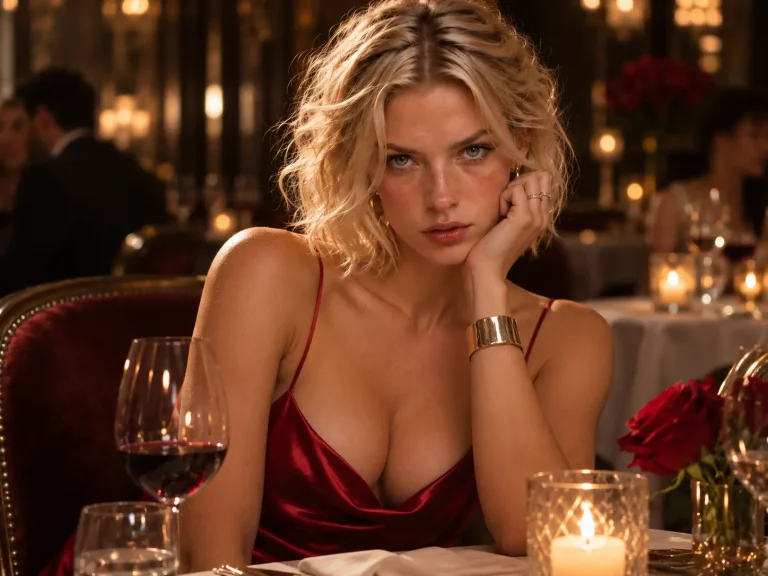 AI Boudoir PhotoshootExplore intimate, tasteful portrait styles with soft window light, silk and cinematic atmosphere.
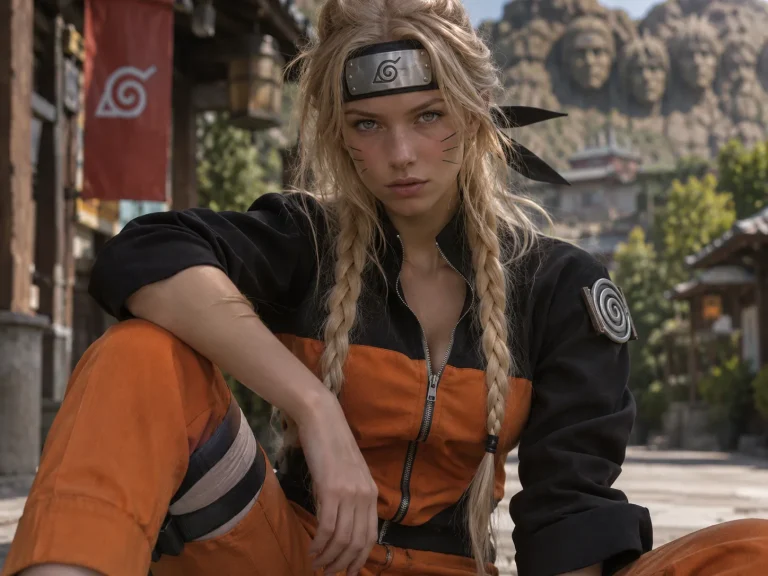 AI Cosplay Photo GeneratorTry original character costumes inspired by fantasy, sci-fi and anime aesthetics.
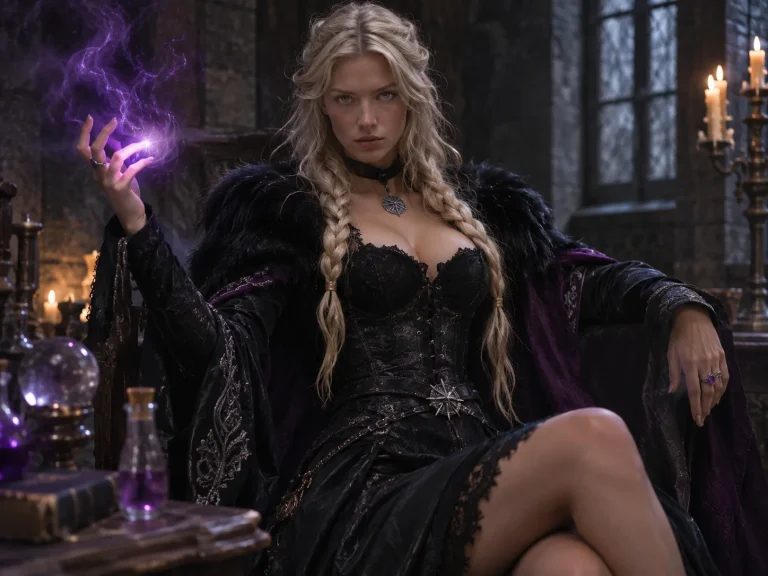 AI Fantasy Portrait GeneratorEnter a fantasy world with magical portraits, cinematic lighting and original character styles.
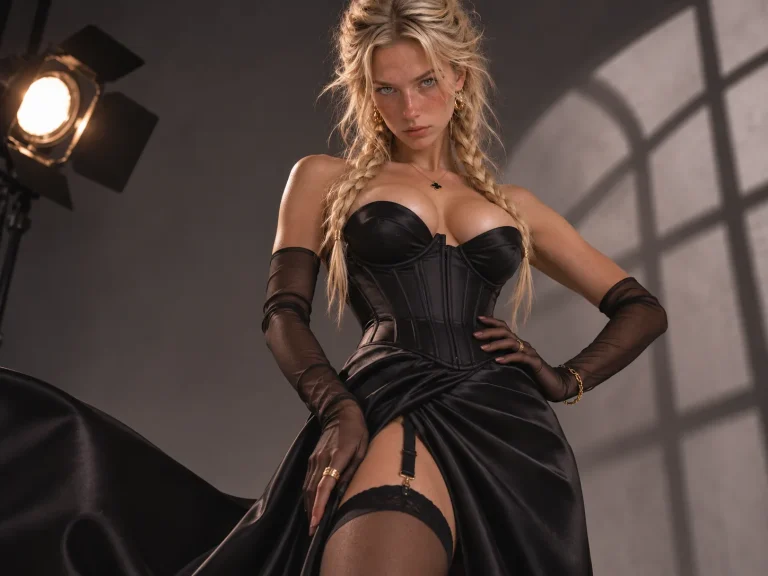 AI Fashion PhotoshootFrom modern tailoring to editorial street style, find a fashion look that fits your photo.
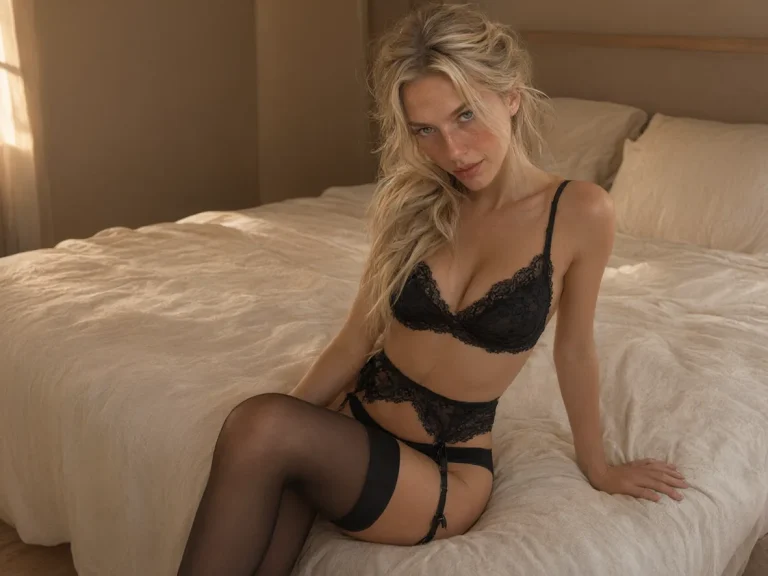
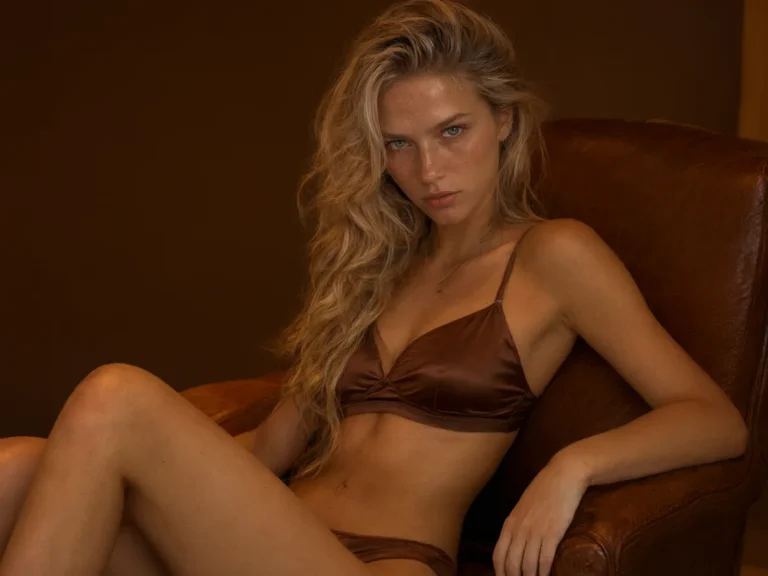 AI Lingerie Photo GeneratorChoose an adult lingerie photoshoot look, upload your photo and create a personalized result.
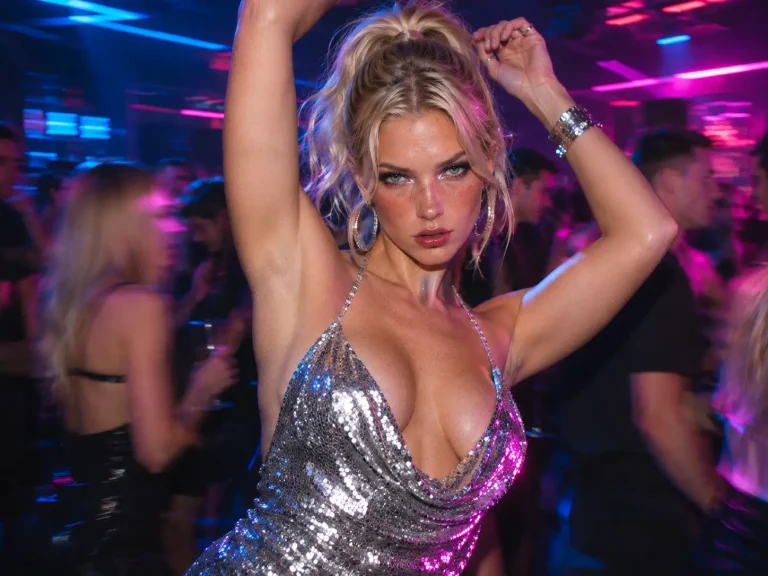 AI Looks GeneratorDiscover a new look in a few steps. Pick a style, upload your photo and generate…
 AI Looks StudioChoose a look, upload a photo you have permission to edit, and create a new image…
 NSFW Image-to-Image AITransform an adult photo with AI. Choose a preset or use a second photo as a…
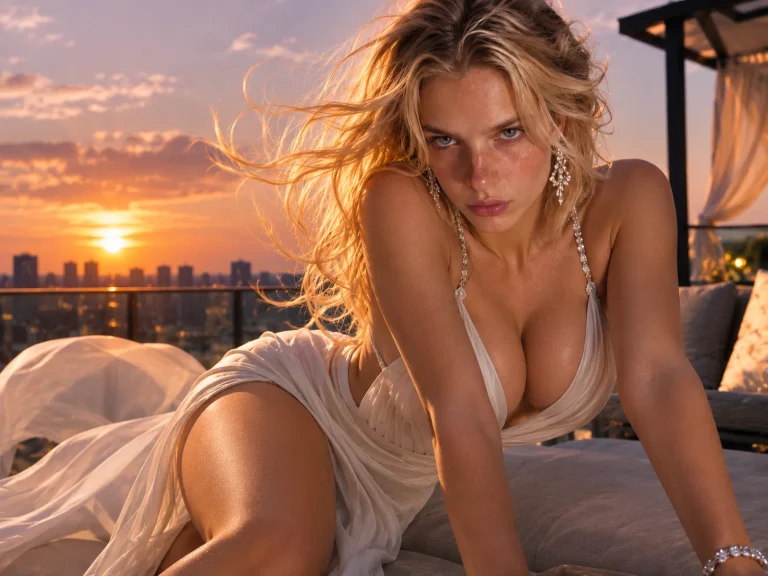 Sexy AI PhotoshootExplore confident adult photoshoot looks, from sophisticated evening portraits to bold editorial styling.
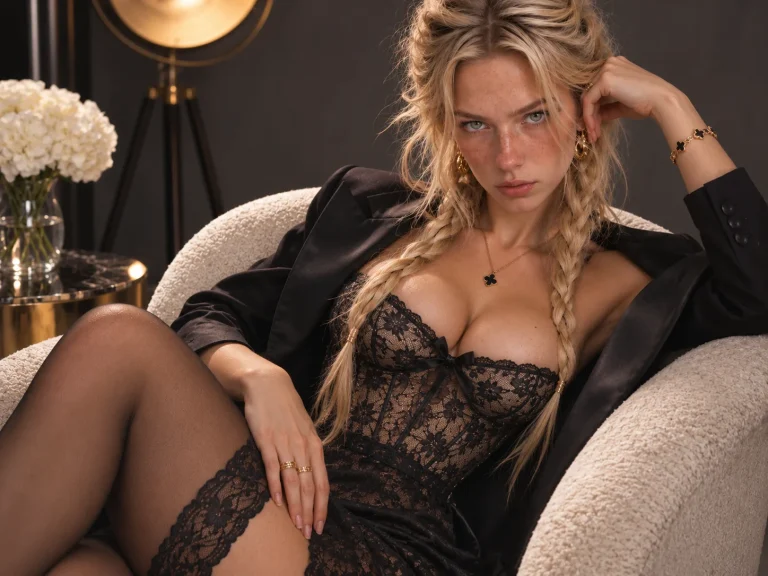 AI Glamour PhotoshootCreate polished glamour portraits with elegant outfits, studio light and a recognizable face.
Choose a style and fit, upload your photo, and create an AI clothing edit.
Pick one of four outfit styles and one of two fit options.
Upload a photo you may edit and select which person or people should change clothes.
Review the new outfit and download the image when complete.
Browse photo styles and tools for your next edit, from studio portraits to creative transformations.
Adult Fantasy AI LooksTransform an authorized adult portrait with fantasy-inspired styling, imaginary settings and cinematic character looks.AI Boudoir PhotoshootExplore intimate, tasteful portrait styles with soft window light, silk and cinematic atmosphere.AI Cosplay Photo GeneratorTry original character costumes inspired by fantasy, sci-fi and anime aesthetics.AI Fantasy Portrait GeneratorEnter a fantasy world with magical portraits, cinematic lighting and original character styles.AI Fashion PhotoshootFrom modern tailoring to editorial street style, find a fashion look that fits your photo.AI Glamour PhotoshootCreate polished glamour portraits with elegant outfits, studio light and a recognizable face.AI Lingerie Photo GeneratorChoose an adult lingerie photoshoot look, upload your photo and create a personalized result.AI Looks StudioChoose a look, upload a photo you have permission to edit, and create a new image…NSFW Image-to-Image AITransform an adult photo with AI. Choose a preset or use a second photo as a…Sexy AI PhotoshootExplore confident adult photoshoot looks, from sophisticated evening portraits to bold editorial styling.Adult AI Looks GeneratorDiscover adult-themed AI photo looks, choose a preset and transform an authorized adult photo.Use a photo of adults who have explicitly agreed to the edit. Choose the edit options and select who to edit in the source image.
Download the finished photo from the editor or open it in My Account. To replace one outfit with another, use AI Clothes Changer.
Use a clear adult photo you have explicit permission to edit. For group photos, check the subject position in the original before generating.
 Use a Clear PhotoA sharp, well-lit image helps preserve facial details.
 Choose the Right CropSelect a portrait or full-body photo to match your look.
 Mind the DetailsKeep important features visible and avoid heavy filters.
 Try Another StyleExplore different presets until the result feels right.
Use a clear photo with one main subject, a visible face and enough space around the clothing or body area that should change. Natural lighting or an evenly lit indoor portrait usually works better than a very dark, blurry or heavily filtered source image.
Check the token price in the editor before you generate.
The editor shows the token price before you start. AI results can vary in details such as folds, lighting and framing.
Use AI Clothes Changer to switch from one outfit to another.
You can choose everyone, the leftmost person, the person nearest the center or the rightmost person. Results depend on photo clarity.
The current token price is visible next to the generation button.
Yes. You can download completed results. Recent images are temporarily available in your private gallery for up to 48 hours.
Only photos of adults who have explicitly agreed to the requested edit. If you want to replace an outfit instead, use AI Clothes Changer.
Select a style, upload your photo and see what AI can create.
Get Started
Save your work and receive one free generation after verifying your email.
Free trial requires email verification. Token payments are optional.
By using LooksAI Studio, you agree to our Terms and Privacy Policy.
Choose a package, select a payment method and continue to the secure checkout page.
Choose a package
Available now
Order summary
Tokens are added after payment confirmation. Crypto network fees and Telegram Stars prices may differ from the USD labels.