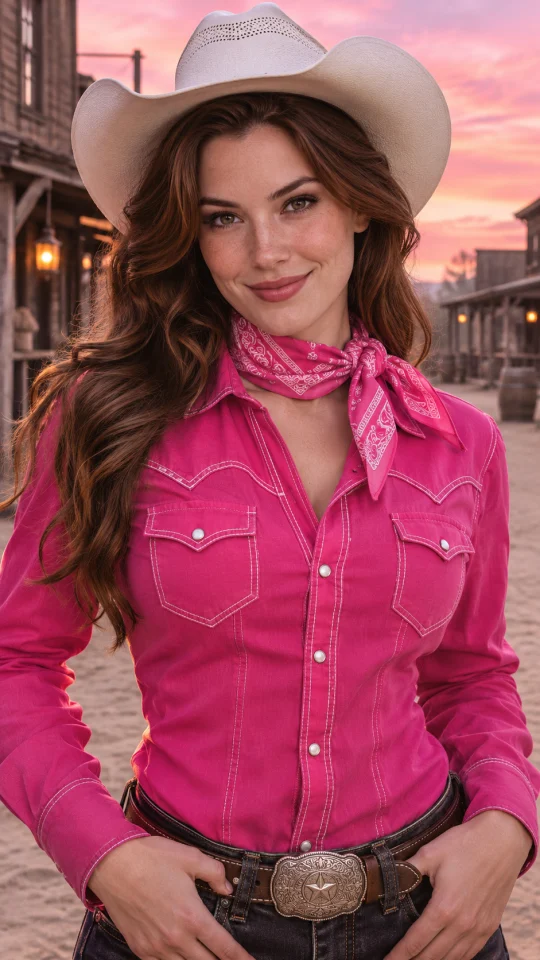
 Barbie Cowgirl Cosplay
AI Cosplay Photo Generator
Try original character costumes inspired by fantasy, sci-fi and anime aesthetics.
Select a preset, then upload your photo. Enable JavaScript to use the interactive preview.
Barbie Cowgirl Cosplay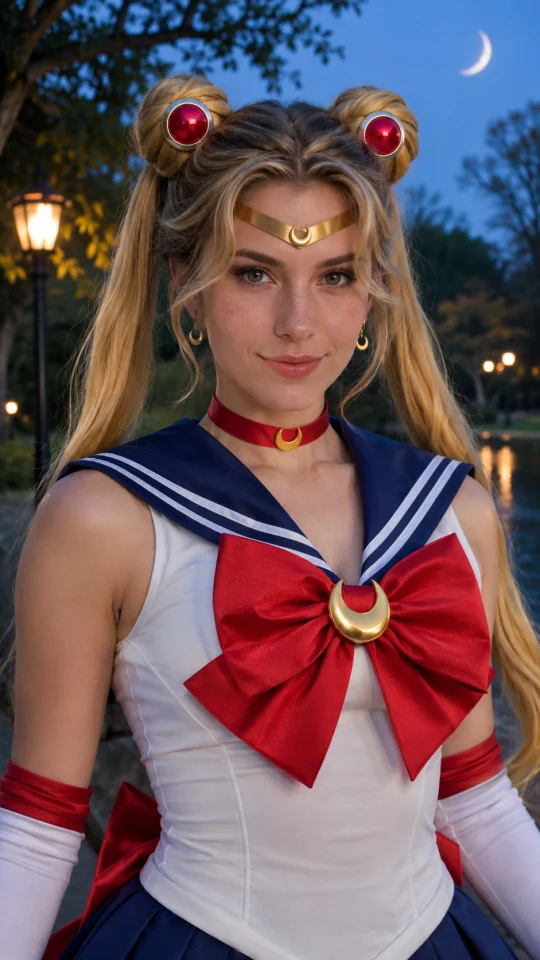 Sailor Moon Cosplay
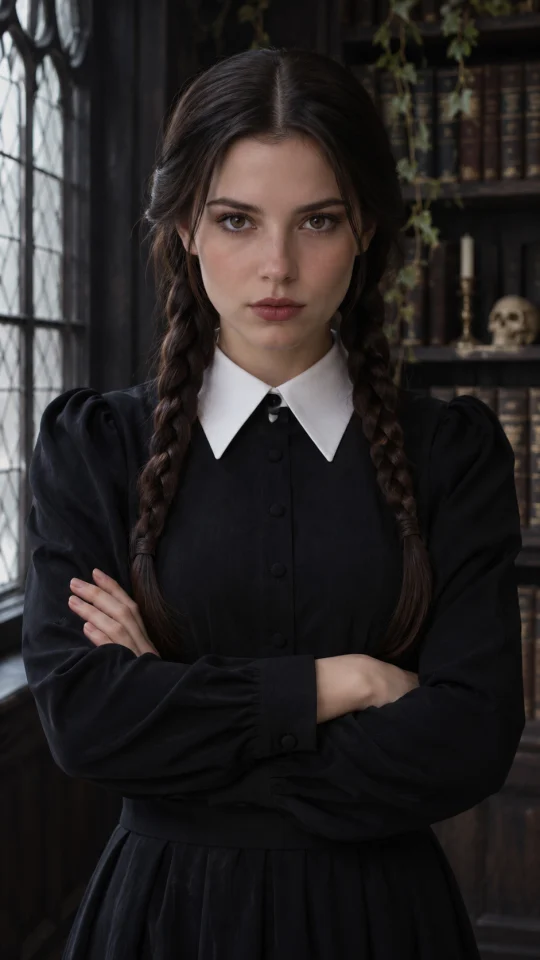 Wednesday Addams Cosplay
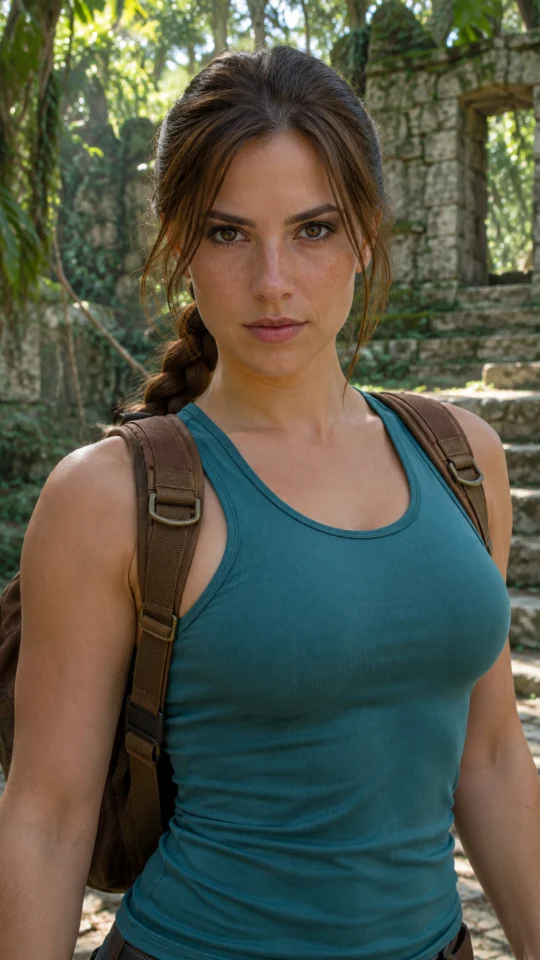 Lara Croft Cosplay
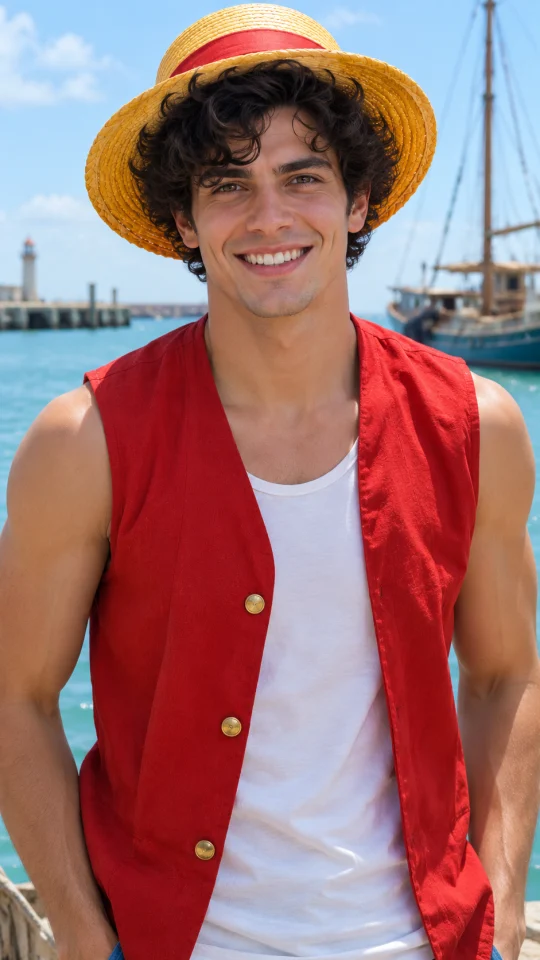 Luffy Cosplay
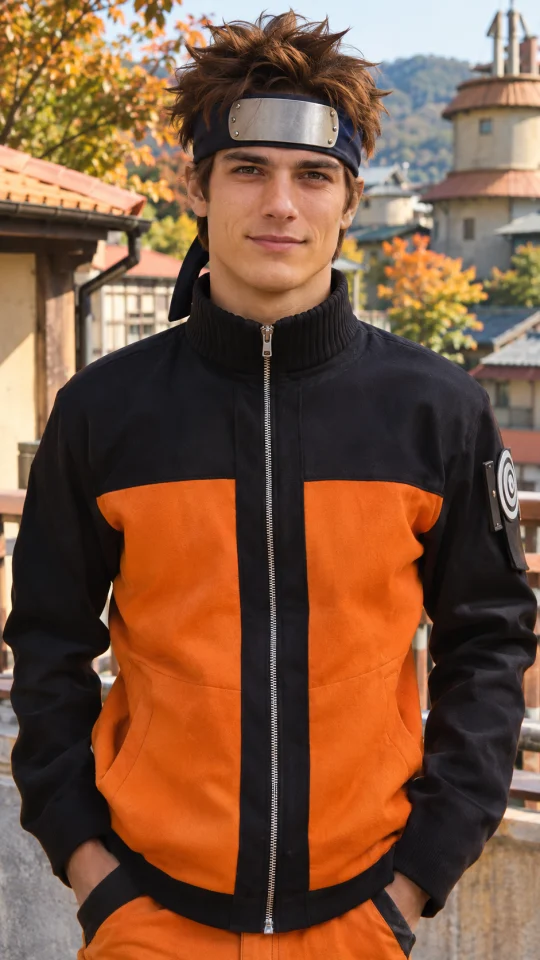 Naruto Cosplay
Original character costumesExperiment with armor, uniforms and imaginative accessories.
Photo-inspired resultsAim for a realistic costume photoshoot rather than a simple filter.
Sci-fi and fantasy settingsExplore neon cities, cinematic landscapes and themed studios.
Preset-based editingChoose a character direction before uploading your photograph.
VISUAL IDEAS
Explore AI Cosplay Photo Generator Examples
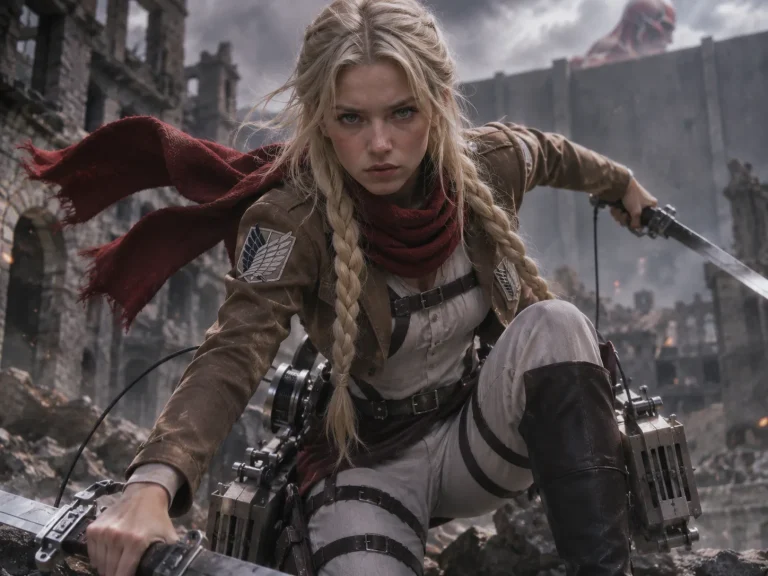
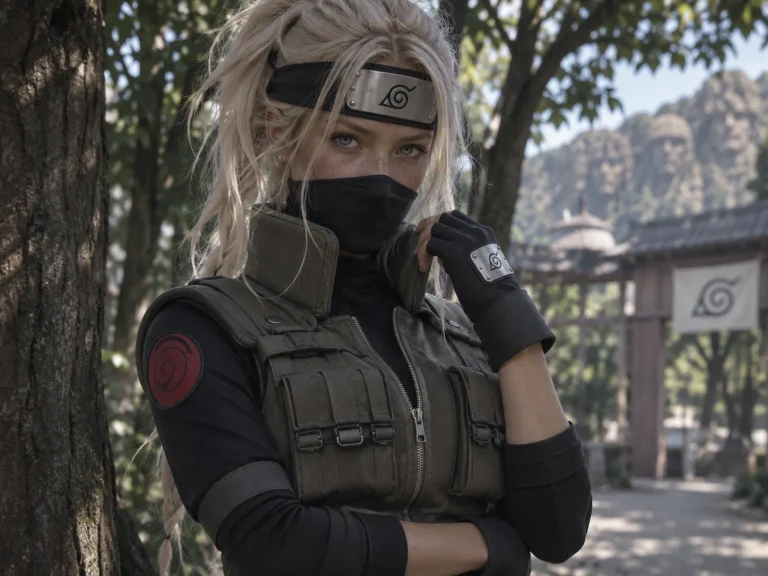
Compare the source photos with the generated results.
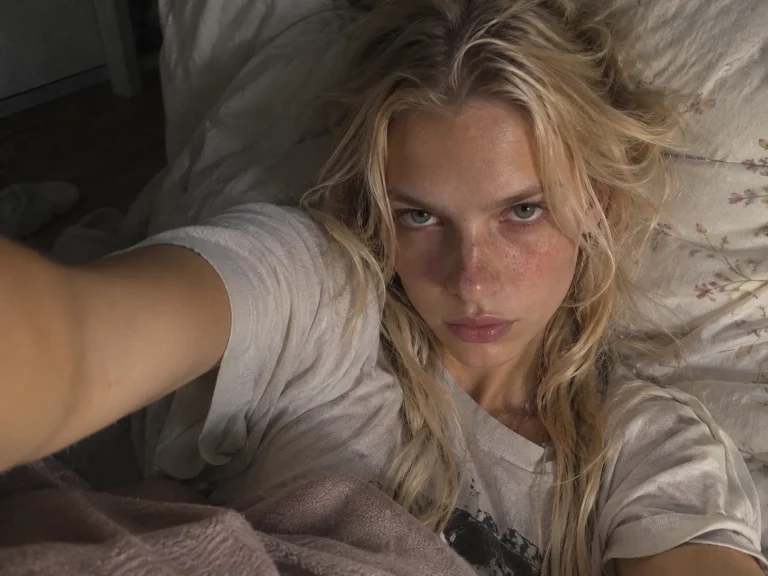
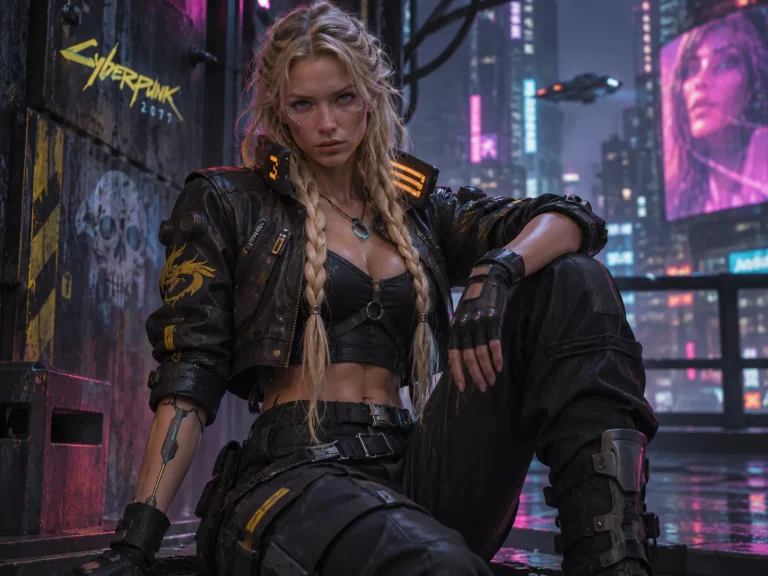
↔
BeforeAfter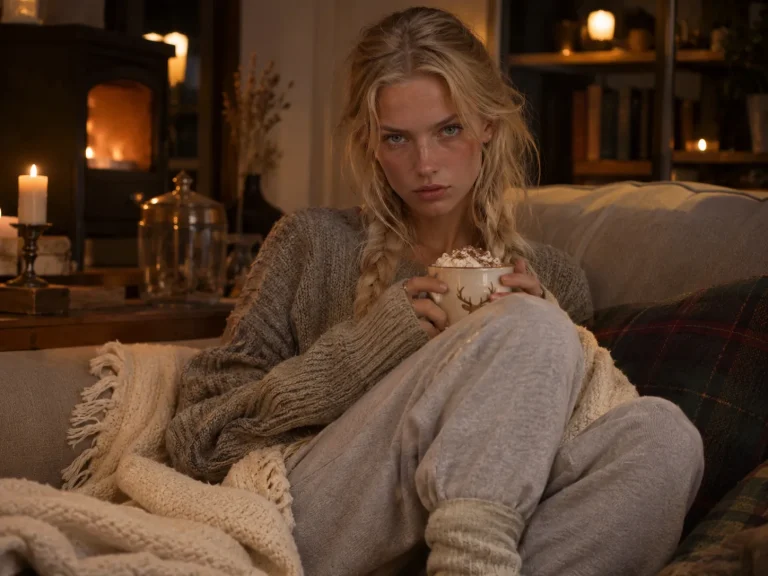
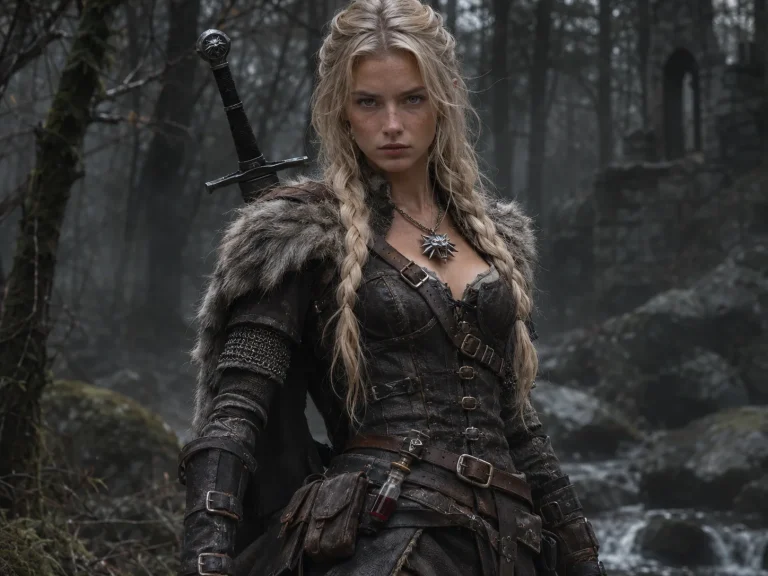
↔
BeforeAfter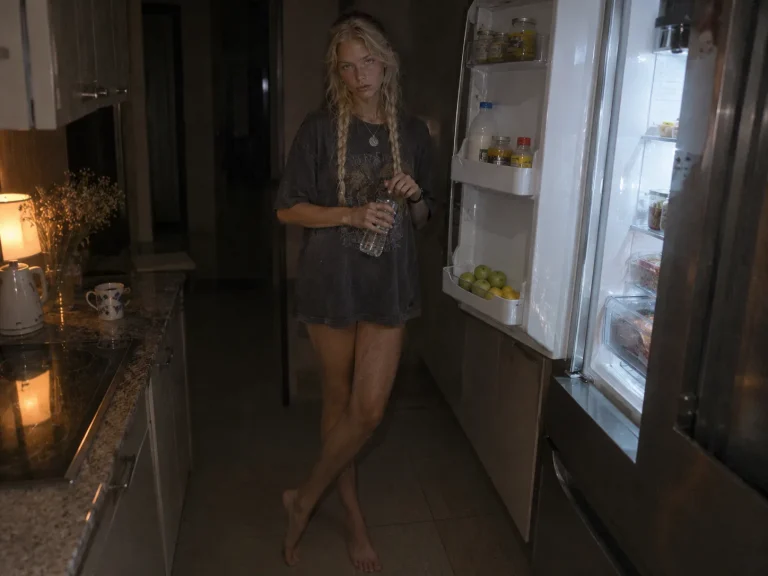
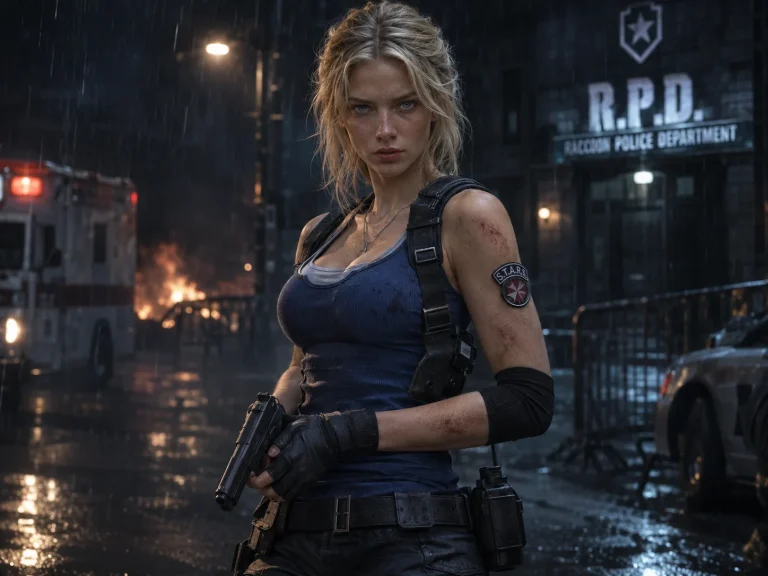
↔
BeforeAfter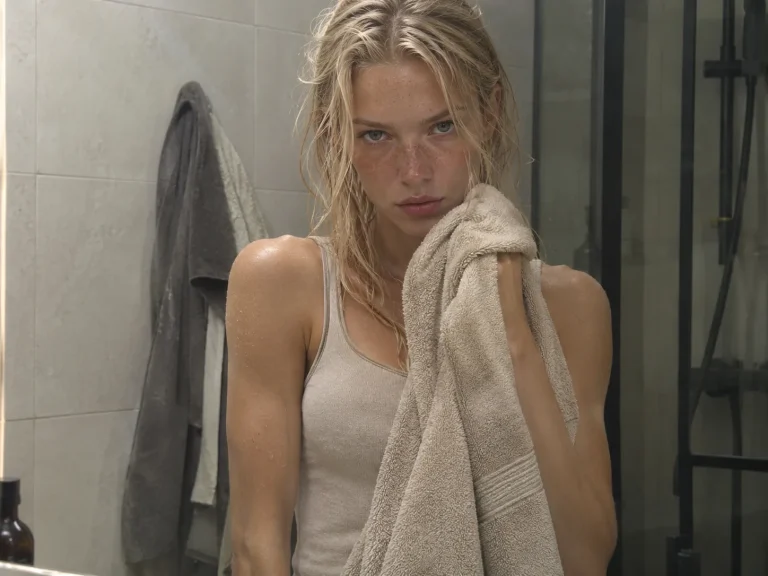
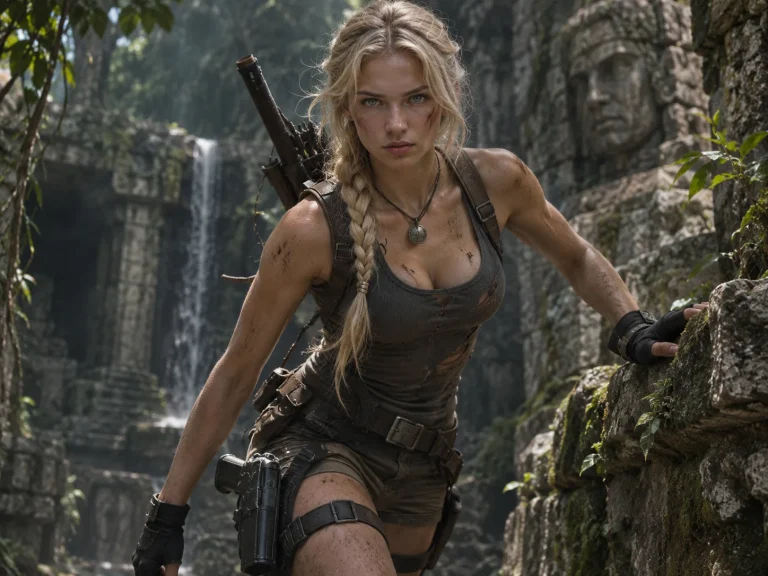
↔
BeforeAfter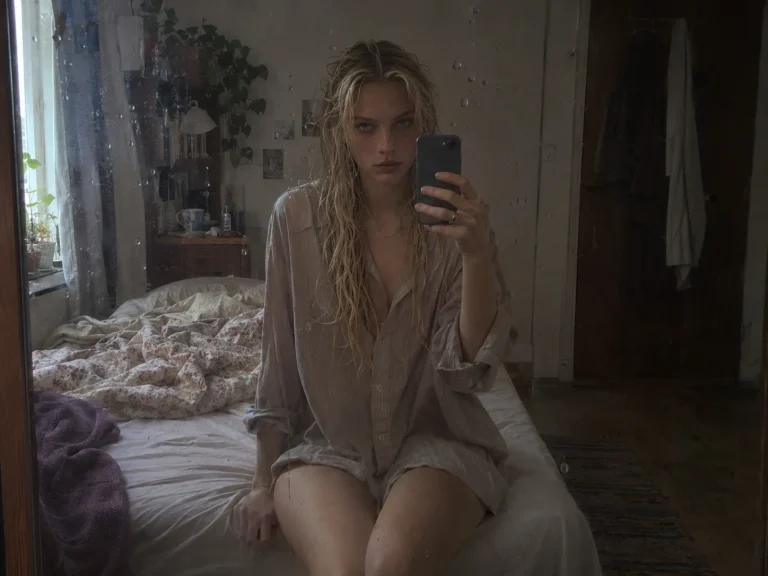
↔
BeforeAfter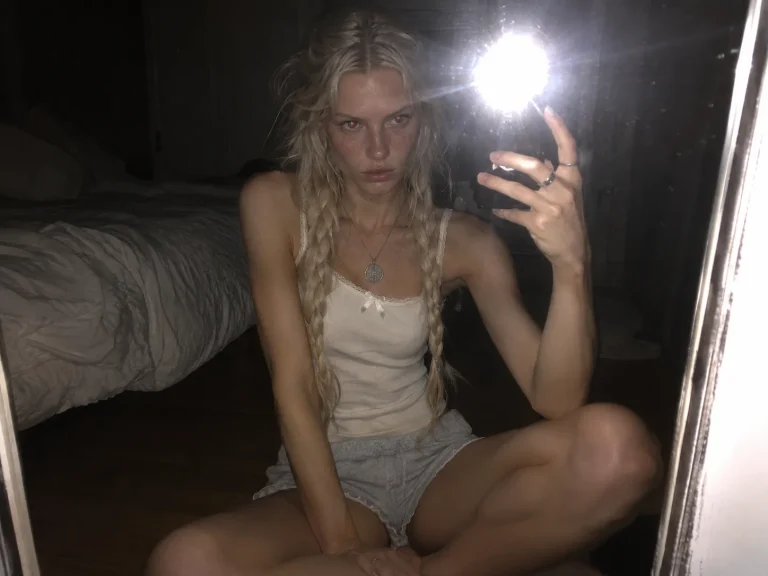
↔
BeforeAfterEXPLORE MORE
What Else Can You Change?
Explore other photo transformation tools and creative looks.
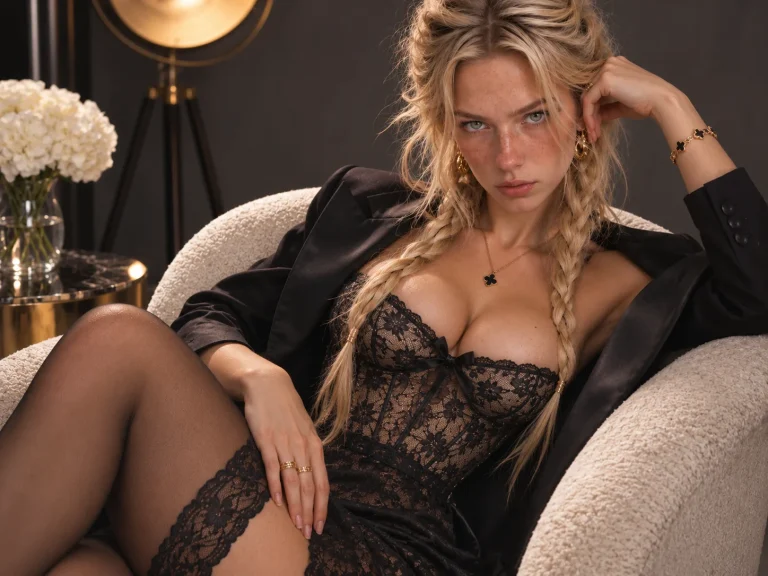 AI Glamour PhotoshootCreate polished glamour portraits with elegant outfits, studio light and a recognizable face.
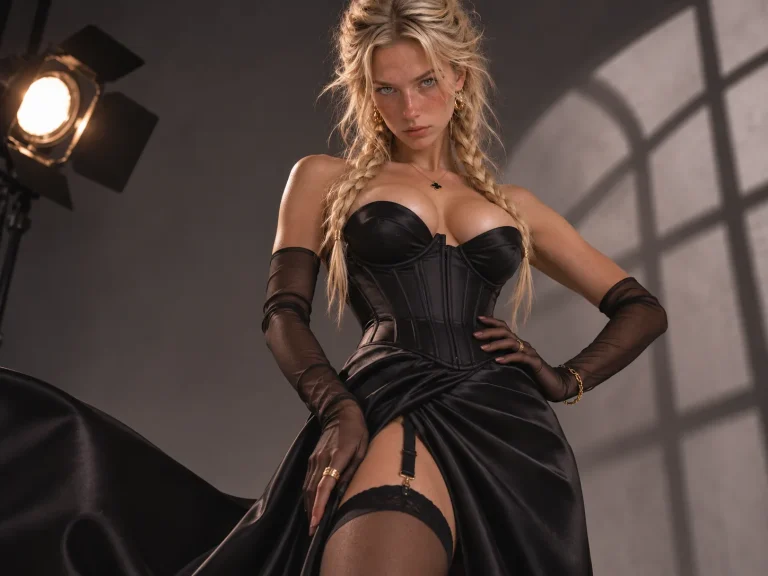 AI Fashion PhotoshootFrom modern tailoring to editorial street style, find a fashion look that fits your photo.
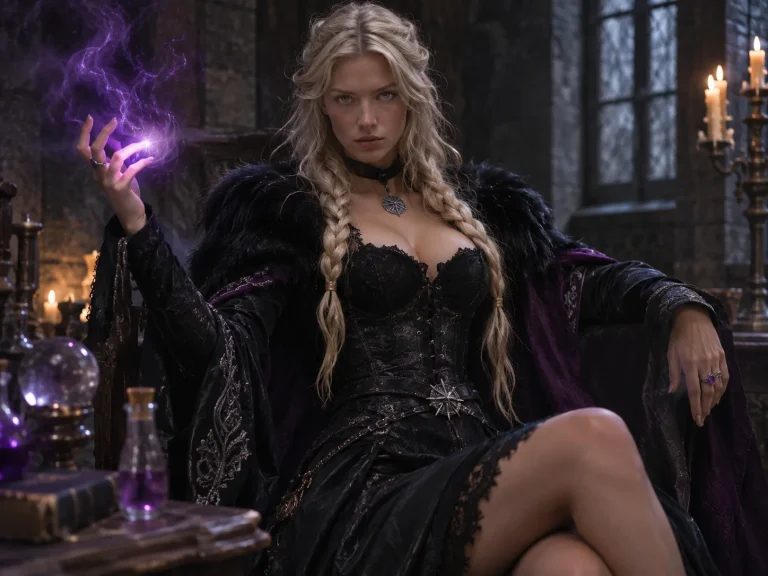 AI Fantasy Portrait GeneratorEnter a fantasy world with magical portraits, cinematic lighting and original character styles.
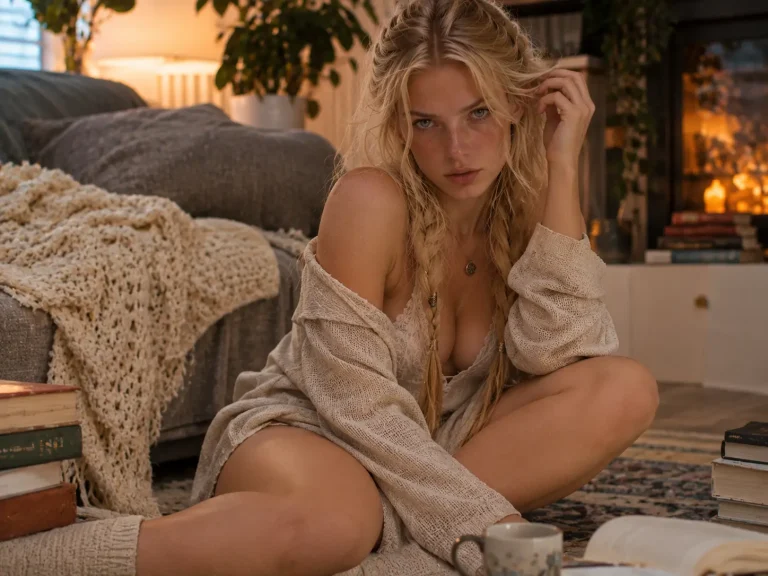 Adult AI Looks GeneratorDiscover adult-themed AI photo looks, choose a preset and transform an authorized adult photo.
 Adult Fantasy AI LooksTransform an authorized adult portrait with fantasy-inspired styling, imaginary settings and cinematic character looks.
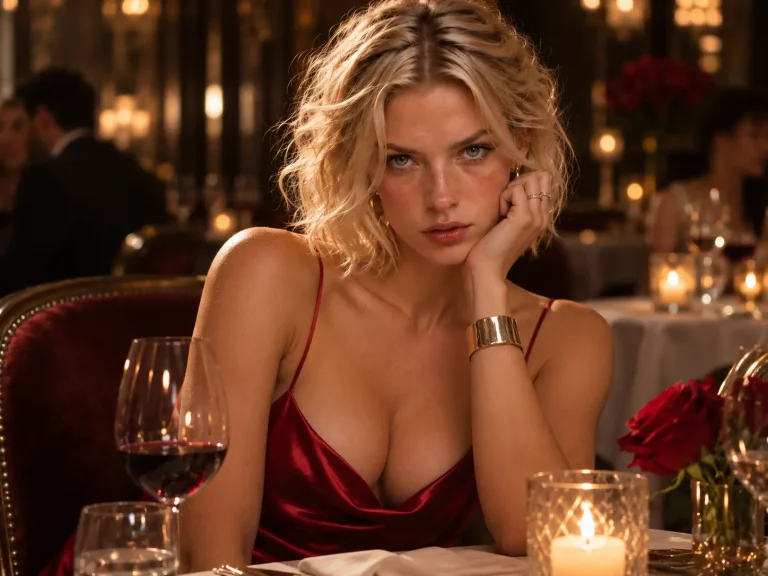 AI Boudoir PhotoshootExplore intimate, tasteful portrait styles with soft window light, silk and cinematic atmosphere.
HOW IT WORKS
How to Use the AI Cosplay Photo Generator
Find an original costume concept, provide a photo and create your cosplay-style portrait.
Choose a look
Browse this category and select a preset that matches the style you want.
Upload your photo
Choose a clear photograph of an adult you have permission to edit.
Generate and download
Create the image, review the result and save it from the studio or your private gallery.
STYLES & USE CASES
Explore More AI Photo Looks
Browse photo styles and tools for your next edit, from studio portraits to creative transformations.
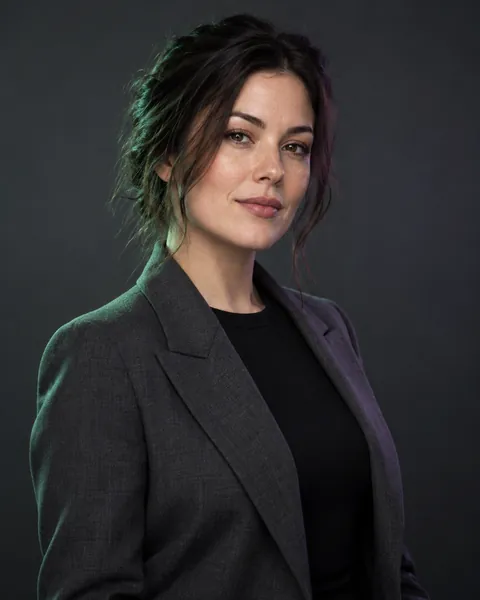 Sci-Fi HeroExplore this look and customize your photo.
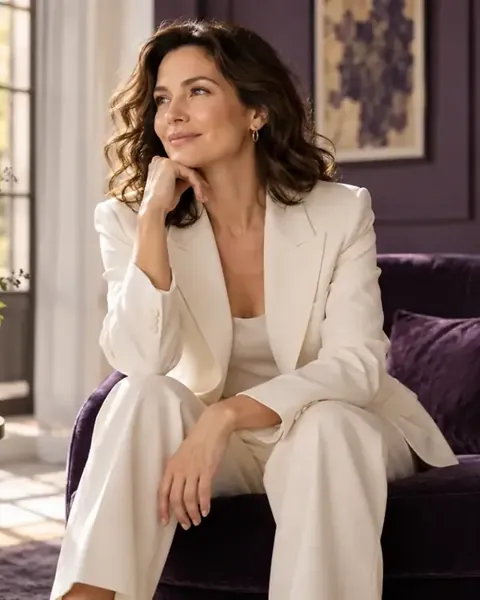 Fantasy CostumeExplore this look and customize your photo.
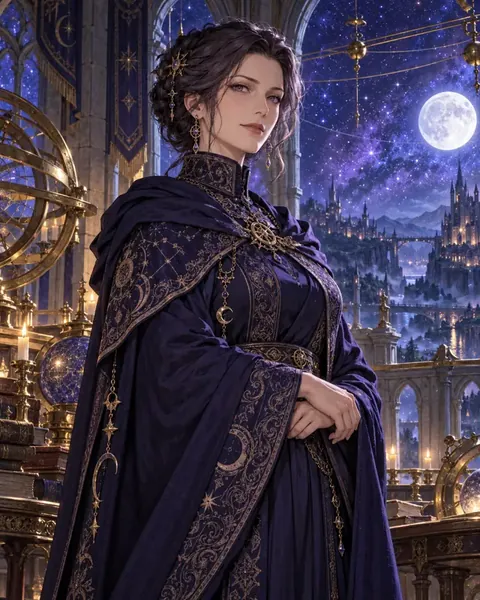 CyberpunkExplore this look and customize your photo.
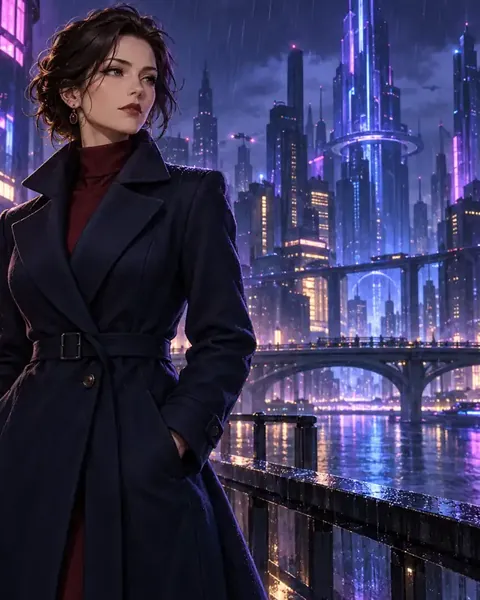 Original Anime LookExplore this look and customize your photo.
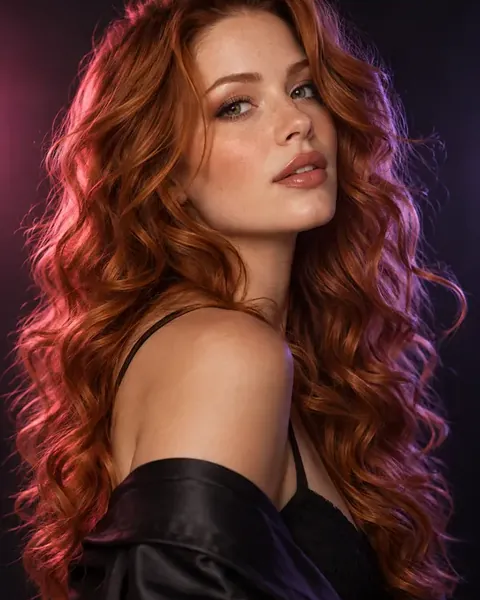 Future CityExplore this look and customize your photo.
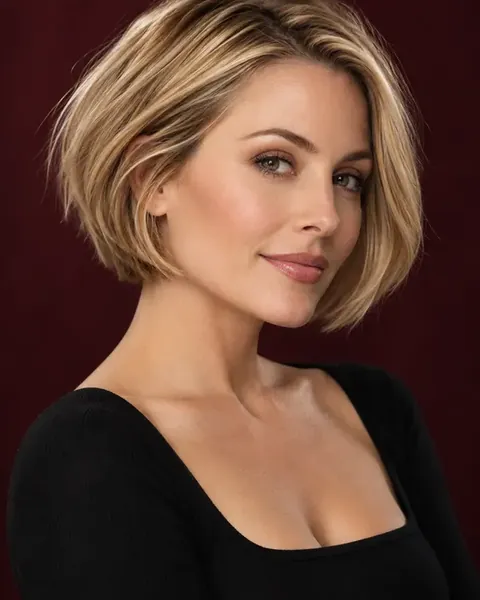 Character PortraitExplore this look and customize your photo.
ABOUT THE TOOL
Create a Cosplay Photo from Your Selfie
Cosplay photography combines costume design, character acting and a photographic setting. You can create a cosplay-inspired portrait with AI by choosing a visual preset that defines the outfit, props and atmosphere. The result is a creative interpretation of a character aesthetic, starting from a photograph you are authorized to edit.
Choose the kind of character you want to portray
Science-fiction characters may feature tailored uniforms, armor plates or futuristic accessories. Fantasy adventurers often rely on layered fabrics, capes and intricate costume details. Anime-inspired concepts can use bold silhouettes and expressive color without copying a particular copyrighted character. A strong preset makes the overall character readable through both costume design and composition.
Make the result look like a costume photoshoot
Realistic cosplay images benefit from plausible lighting and believable materials. A studio setting draws attention to the costume itself. A nighttime city can complement a cyberpunk character, while stone architecture or natural landscapes support fantasy designs. Select a preset that matches the photography style you want, not only the costume theme.
Prepare the right source photo
A simple front-facing photograph works for a head-and-shoulders character portrait. A wider image gives more room to show armor, capes and other full-body details. Avoid extreme blur and obstructions around the face when facial recognition matters. The AI may generate new details that were not present in the source, so the output is an interpretation, not a literal record of a real costume.
Cosplay or fantasy portrait?
The AI Fantasy Portrait Generator emphasizes a magical world and a storytelling atmosphere. This cosplay page focuses on the feeling of a person photographed in an original character outfit. Both can include imaginative settings, but the intended result is different. Try both if you are comparing cinematic art with realistic costume photography.
Generated armor, hands, logos and small props can vary or contain inaccuracies. Review the finished image before using it publicly, and avoid representing the result as a photo of an event that actually took place.
BEST PHOTO TIPS
How to get a better result
A half-body portrait can show a costume and accessories while keeping the face clear.
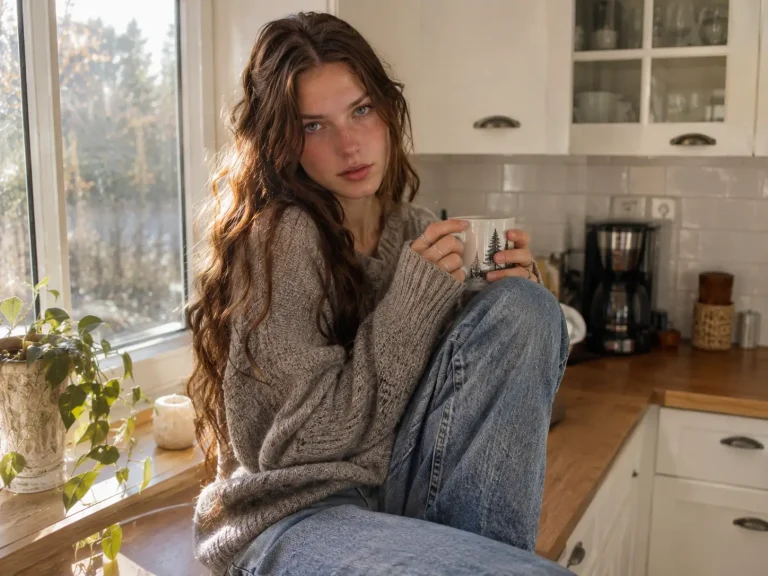 Use a Clear PhotoA sharp, well-lit image helps preserve facial details.
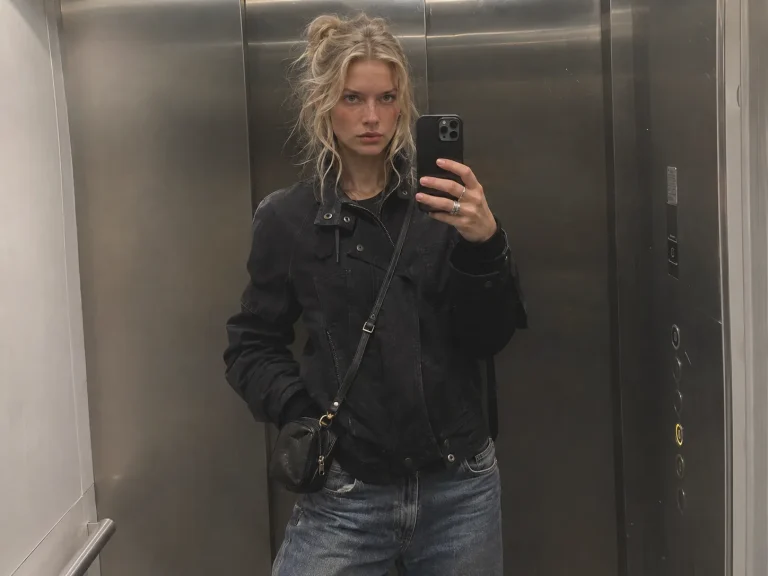 Choose the Right CropSelect a portrait or full-body photo to match your look.
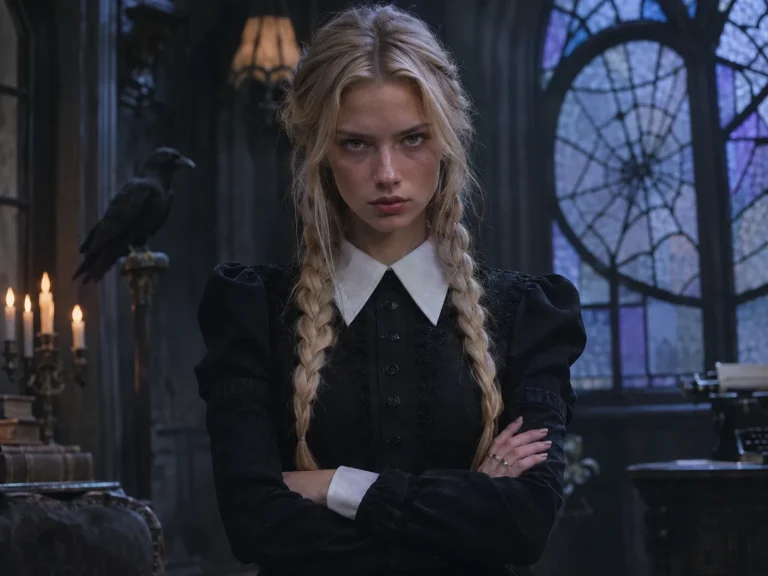 Mind the DetailsKeep important features visible and avoid heavy filters.
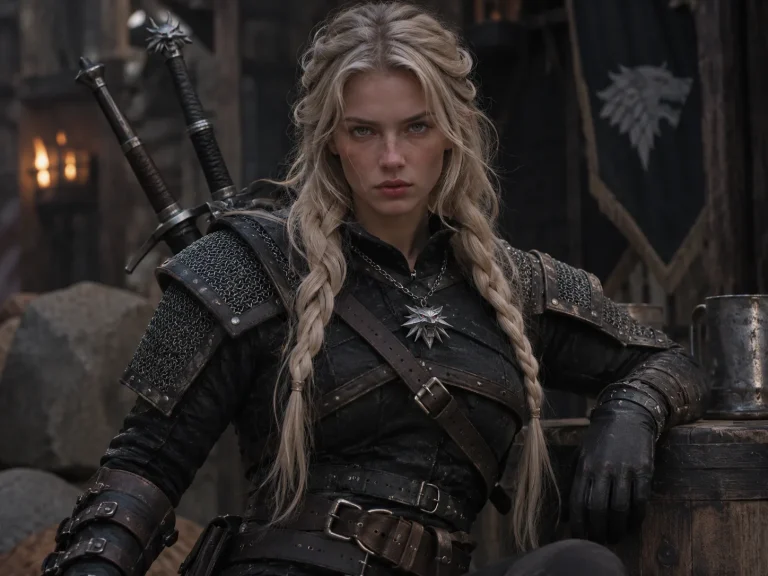 Try Another StyleExplore different presets until the result feels right.
Use a clear photo with one main subject, a visible face and enough space around the clothing or body area that should change. Natural lighting or an evenly lit indoor portrait usually works better than a very dark, blurry or heavily filtered source image.
LIMITATIONS & PRICING
What visitors should know before generating
Check the token price in the editor before you generate.
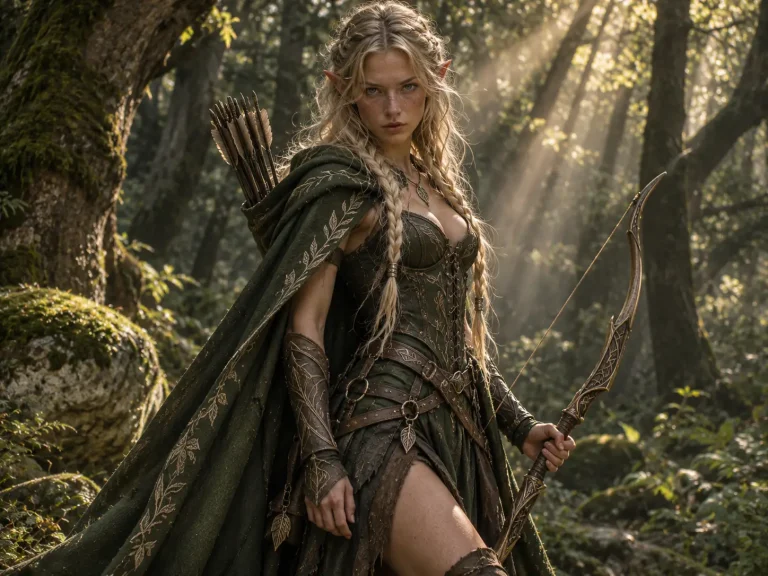
The editor shows the token price before you start. AI results can vary in details such as folds, lighting and framing.
YOUR QUESTIONS
AI Cosplay Photo Generator FAQ
Can I create a cosplay portrait from one selfie?
Yes. One clear source photo can be used as the basis for a costume-themed transformation.
Can I use a photo of my actual costume as a reference?
The Photo Reference option can guide a look when it is enabled for this page. Exact matching is not guaranteed.
Does the tool copy existing fictional characters?
The initial presets focus on original character aesthetics instead of exact copies of specific protected character designs.
Will the result look like a real photograph?
Presets can aim for photographic cosplay, but the level of realism depends on the source and chosen style.
Can I use a selfie for a cosplay portrait?
Yes, for a close portrait. For costume layers, props or footwear, start with a half-body or full-length photo.
CREATE YOUR NEXT LOOK
Ready to Create Your Next Look?
Select a style, upload your photo and see what AI can create.
Get Started