
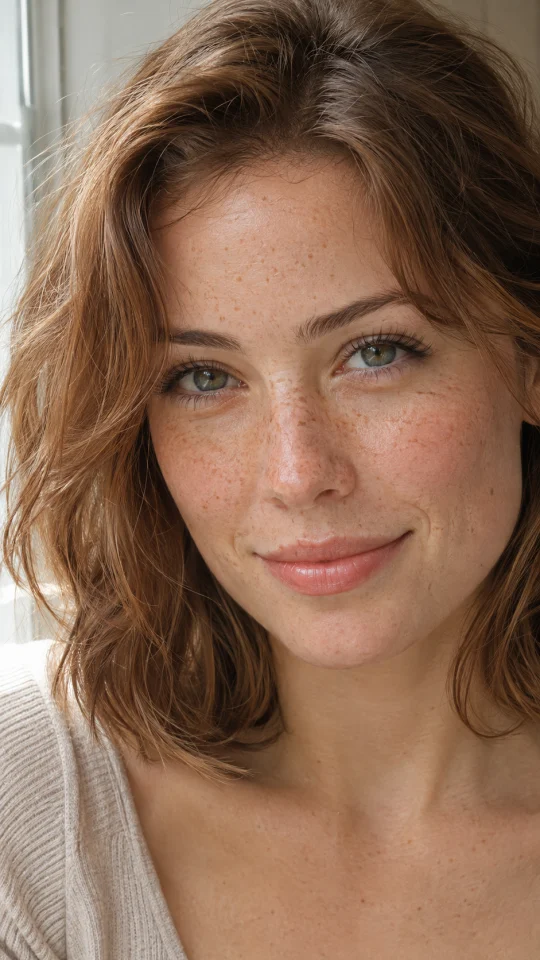
 Peach Veil
AI Glamour Photoshoot
Create polished glamour portraits with elegant outfits, studio light and a recognizable face.
Select a preset, then upload your photo. Enable JavaScript to use the interactive preview.
Peach Veil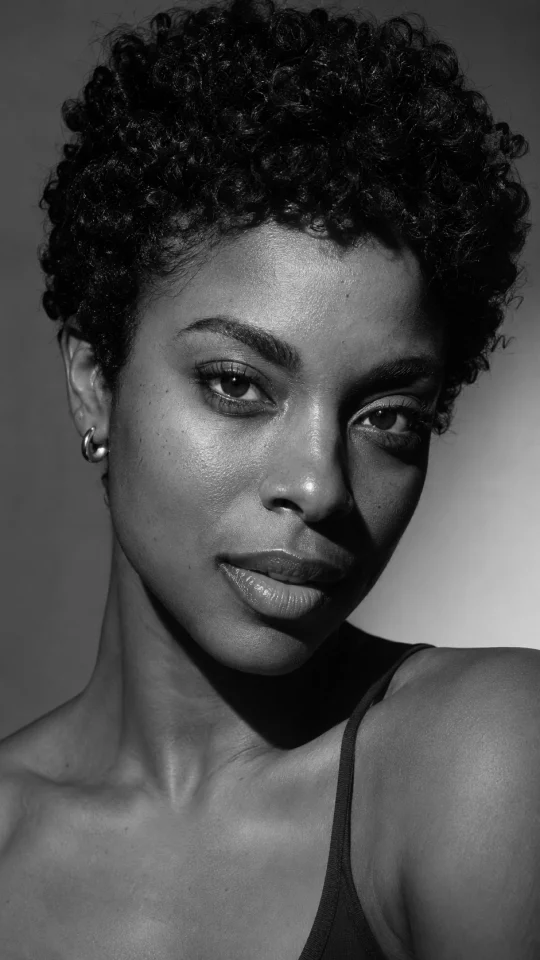 Noir Spotlight
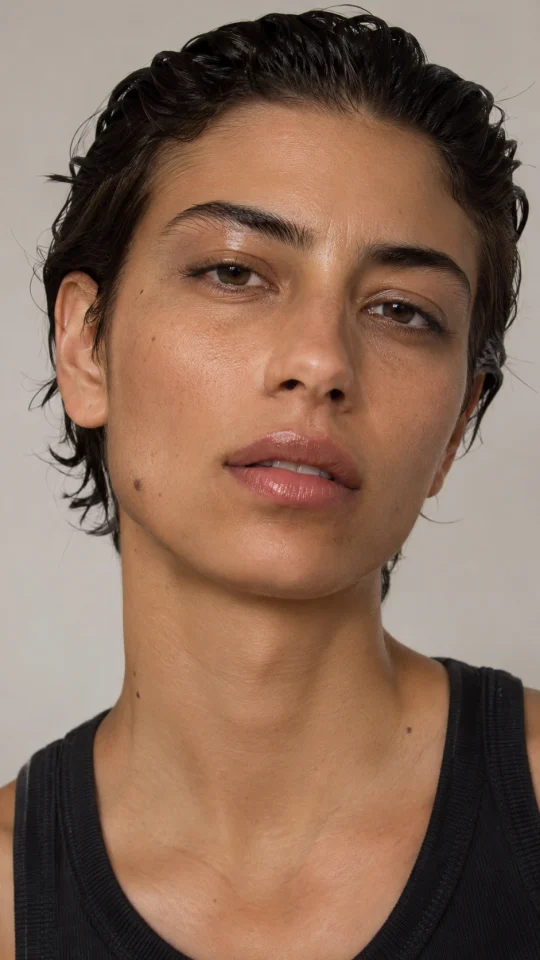 Wet Look Beauty
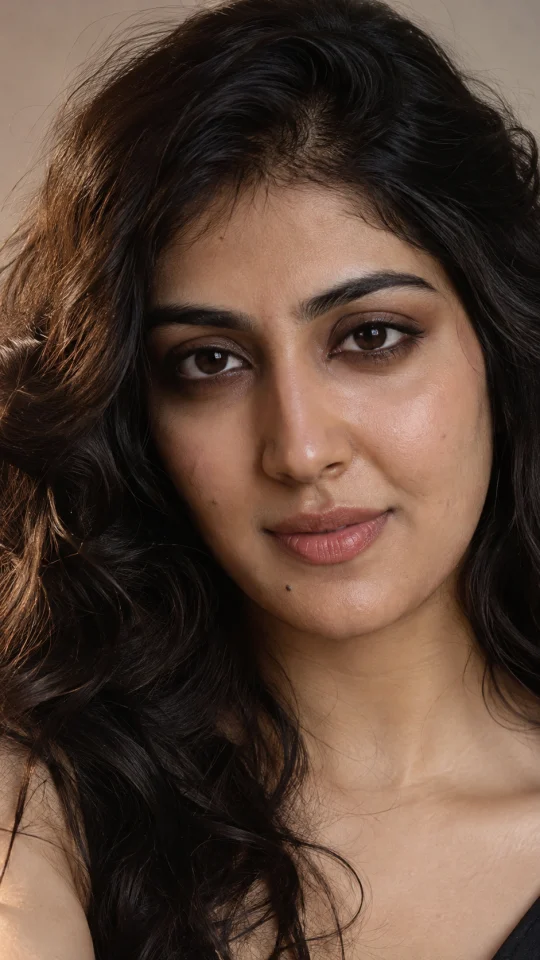 Espresso Smoky
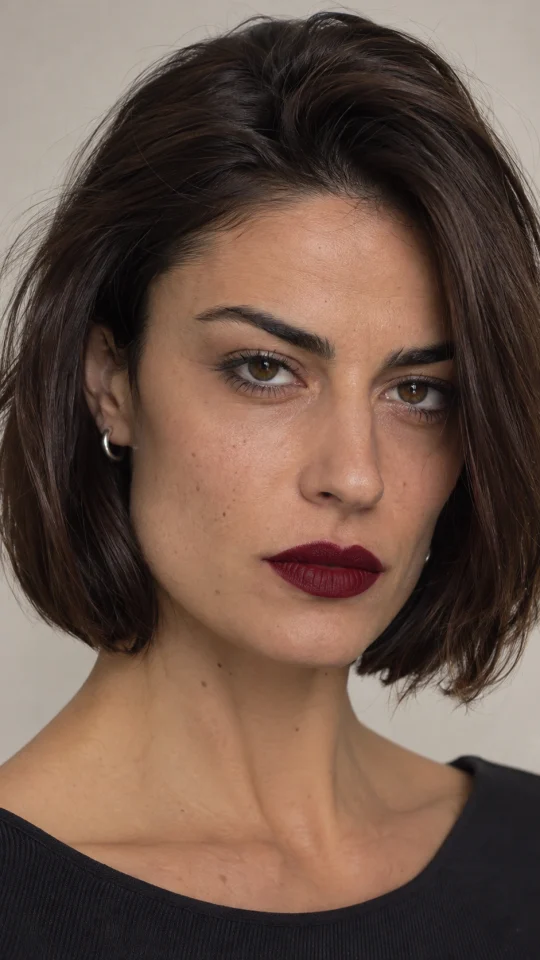 Bordeaux Lip
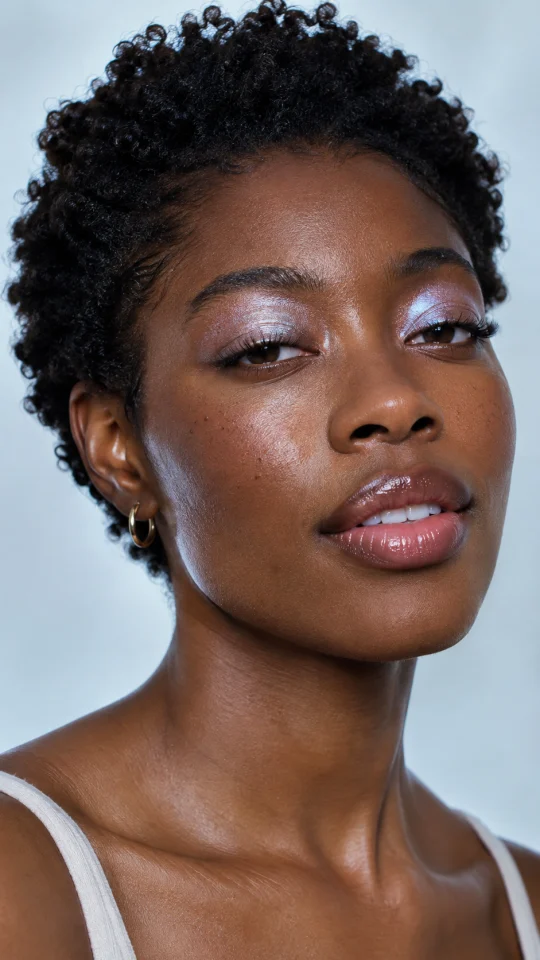 Pearl Glow
Elegant portrait lightingExplore soft beauty light, subtle highlights and cinematic shadows.
Classic and modern glamourCompare polished magazine looks with vintage-inspired styling.
Your portrait, restyledChoose a photo and try different glamour concepts.
Private gallerySave and download your recent AI portraits from your account.
VISUAL IDEAS
Explore AI Glamour Photoshoot Examples
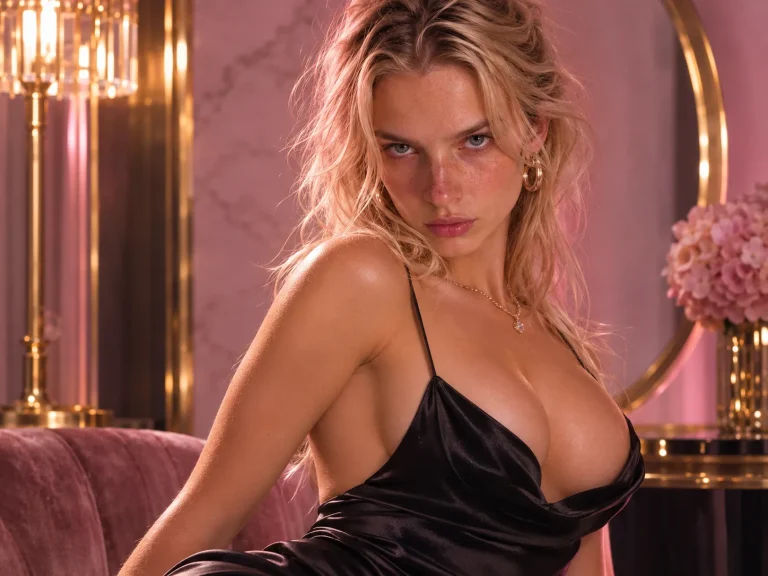
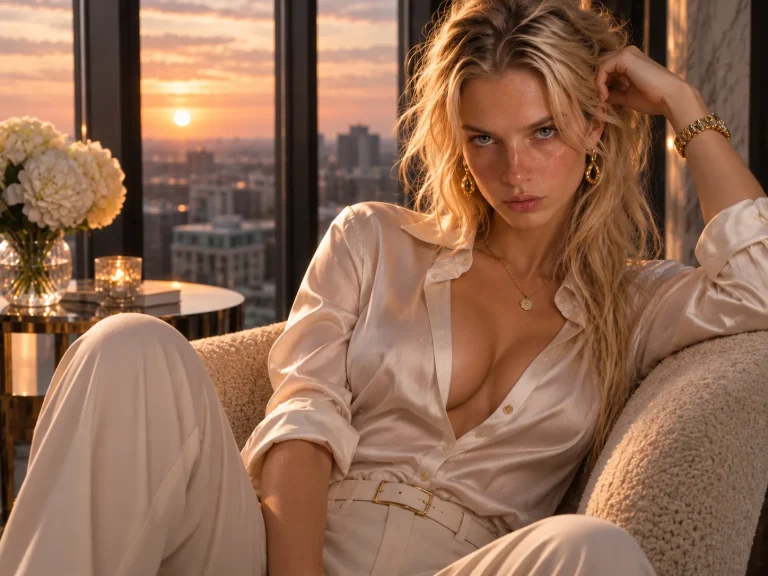
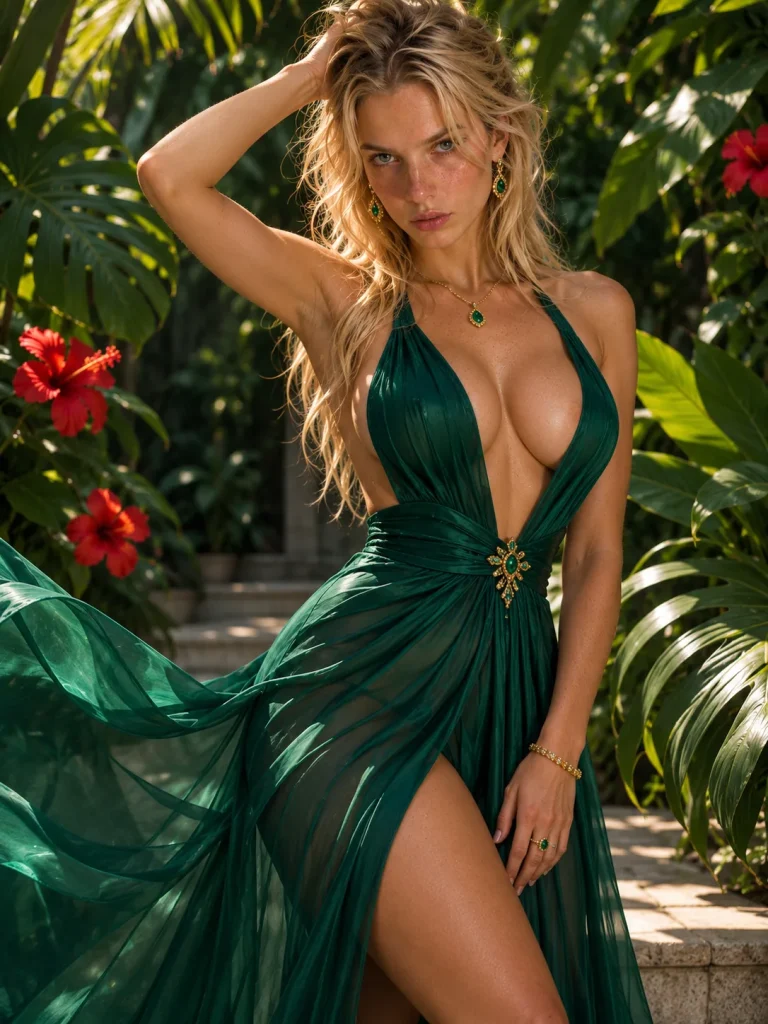
Compare the source photos with the generated results.
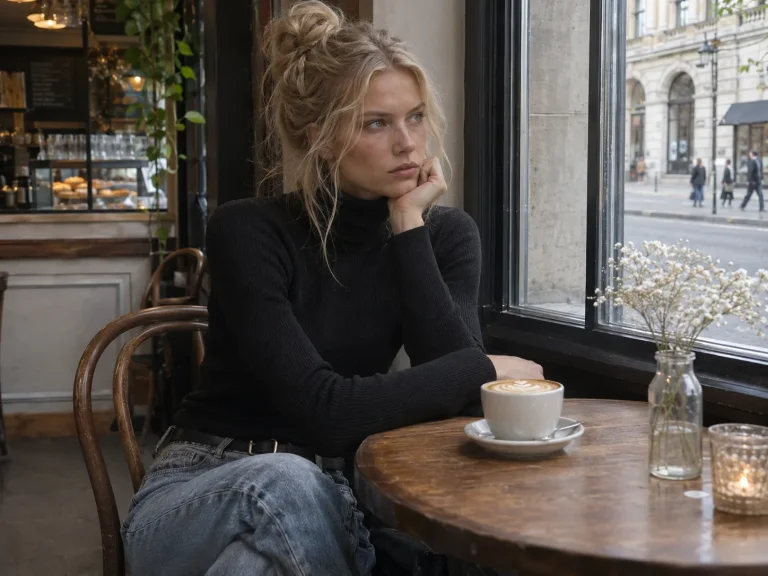
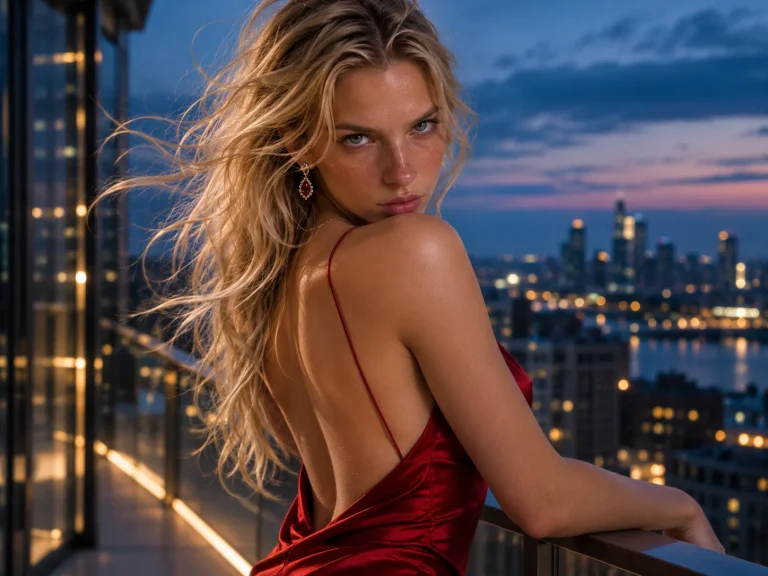
↔
BeforeAfter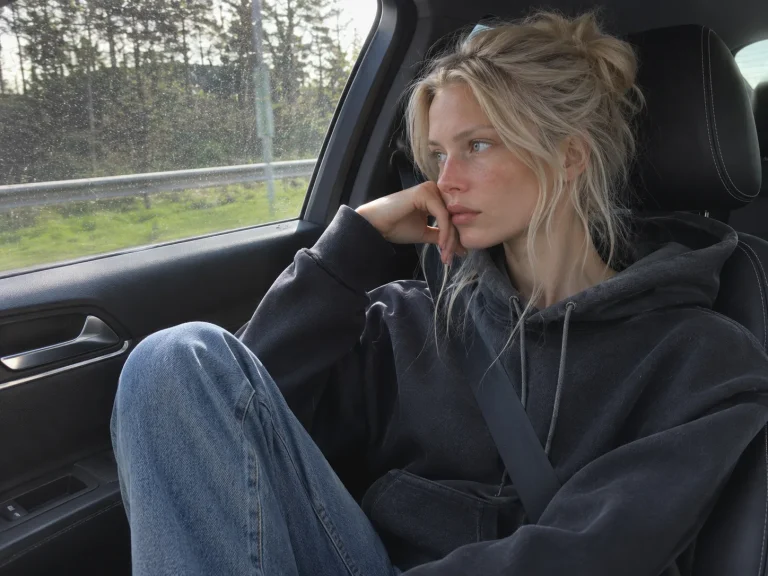
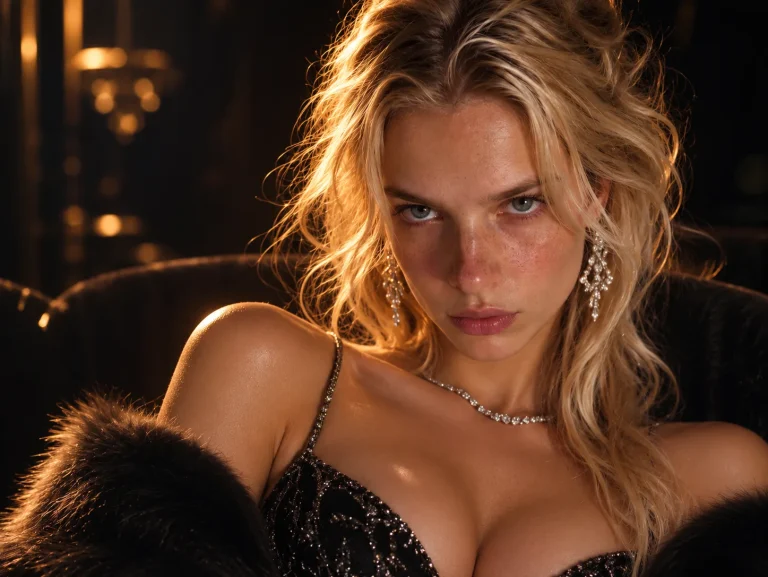
↔
BeforeAfter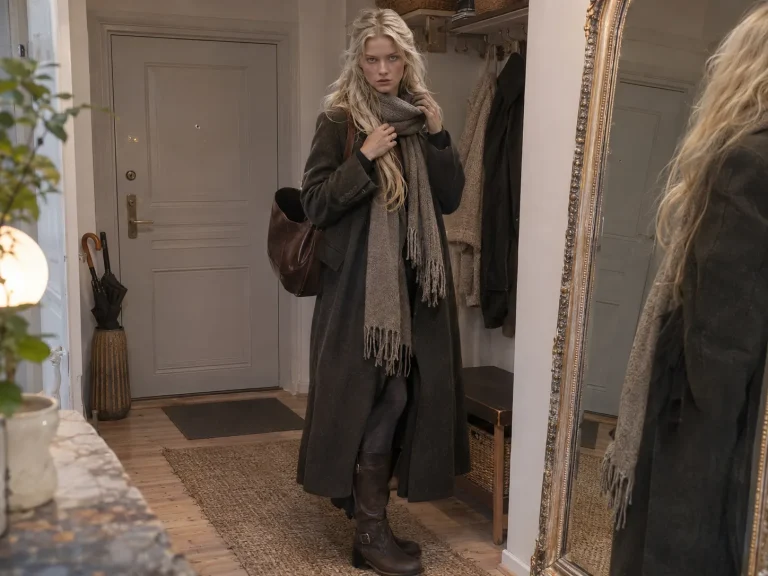
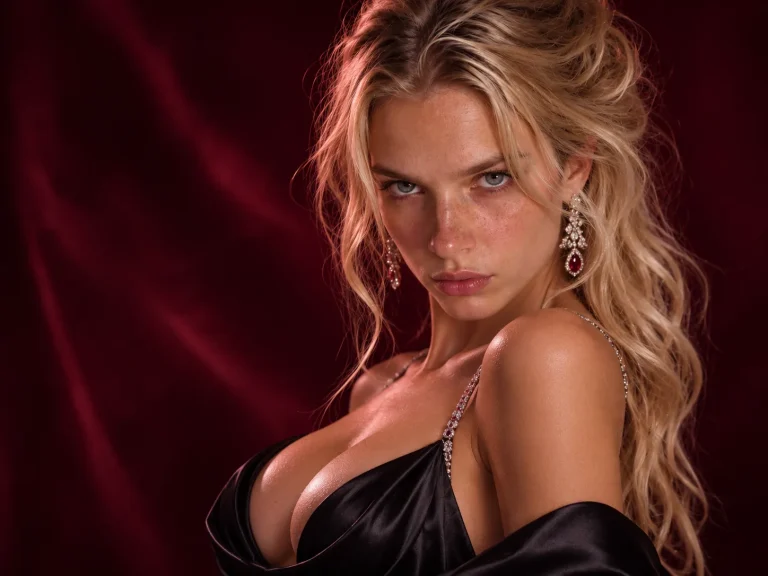
↔
BeforeAfter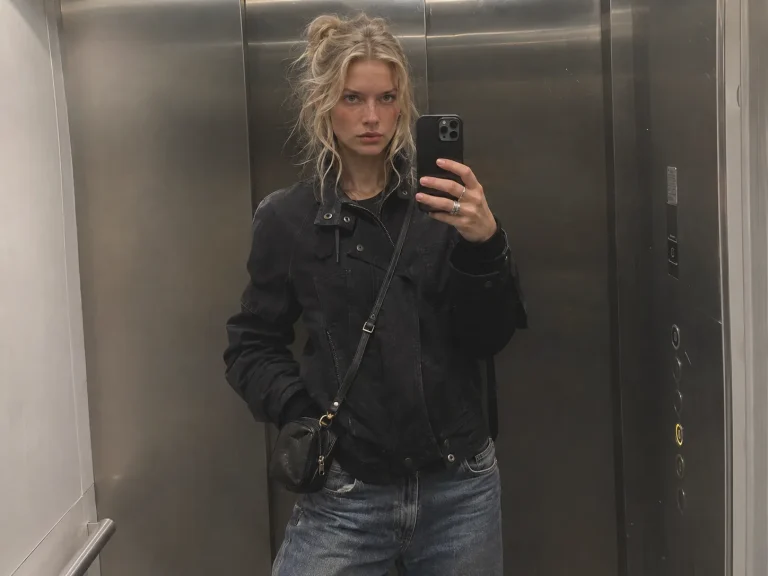
↔
BeforeAfter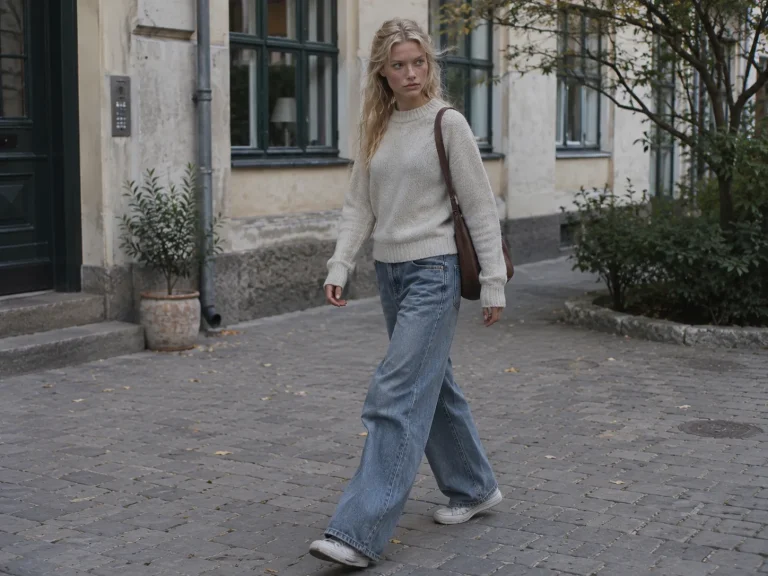
↔
BeforeAfter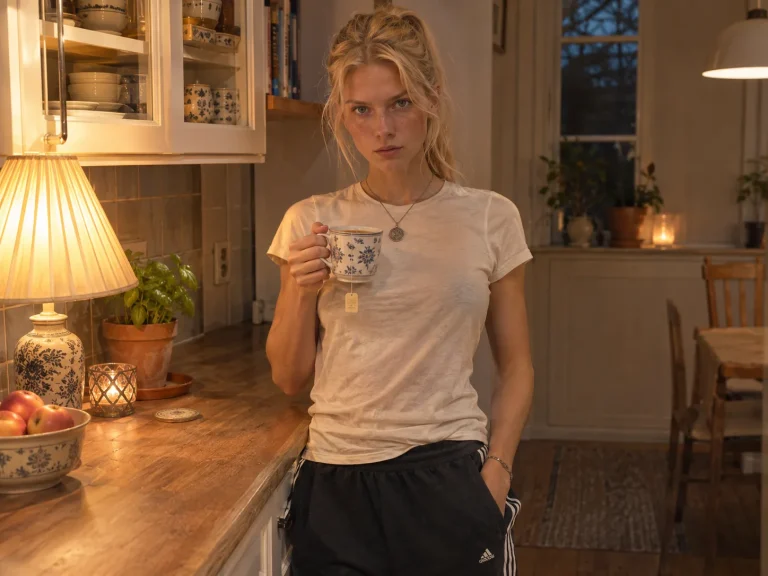
↔
BeforeAfterEXPLORE MORE
What Else Can You Change?
Explore other photo transformation tools and creative looks.
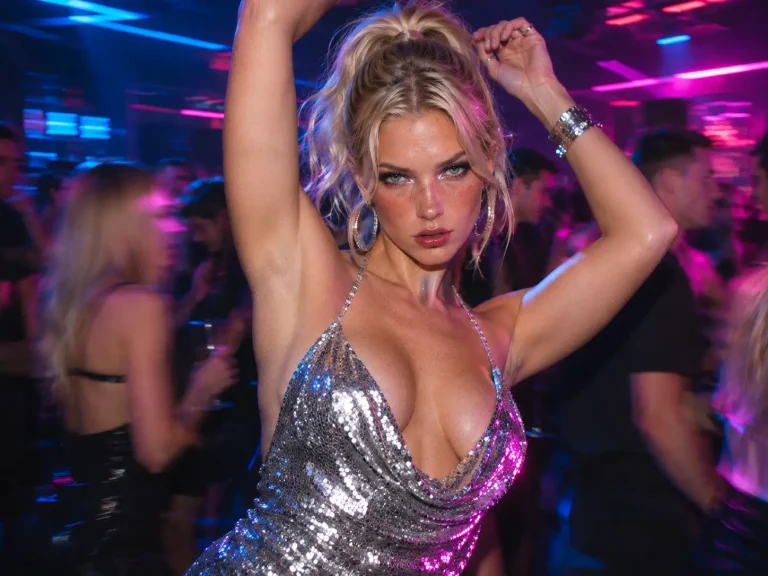 AI Looks GeneratorDiscover a new look in a few steps. Pick a style, upload your photo and generate…
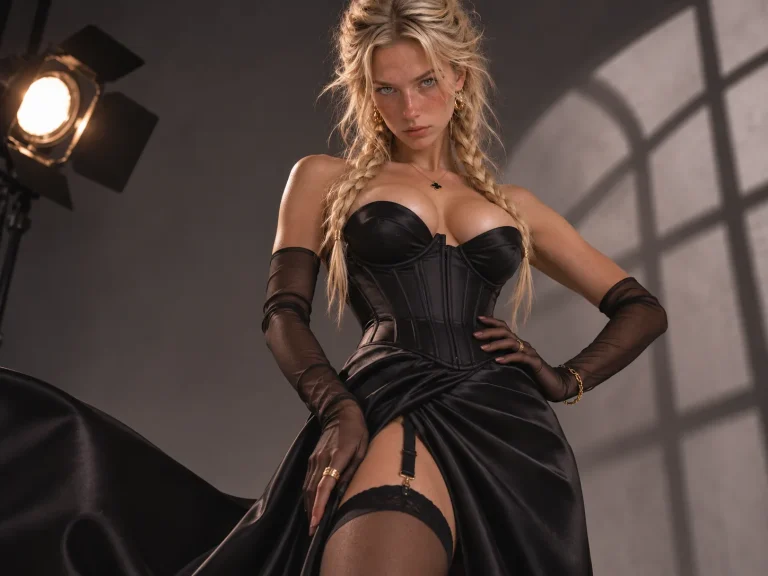 AI Fashion PhotoshootFrom modern tailoring to editorial street style, find a fashion look that fits your photo.
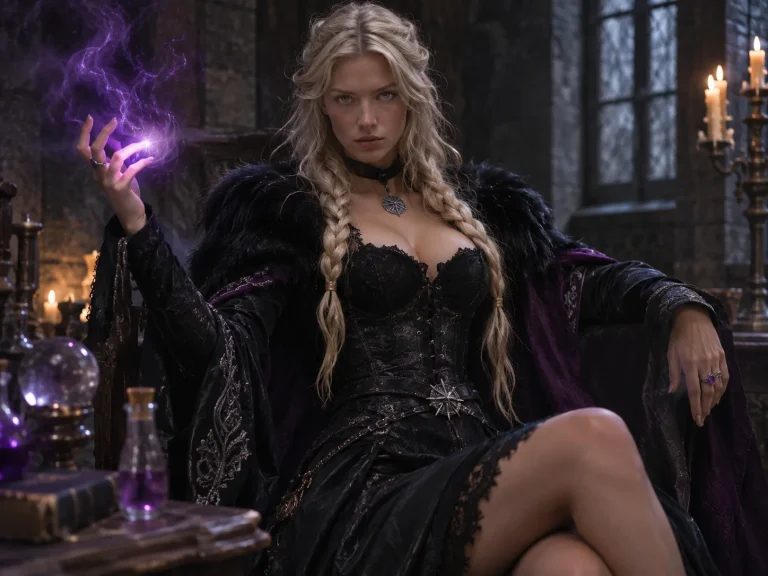 AI Fantasy Portrait GeneratorEnter a fantasy world with magical portraits, cinematic lighting and original character styles.
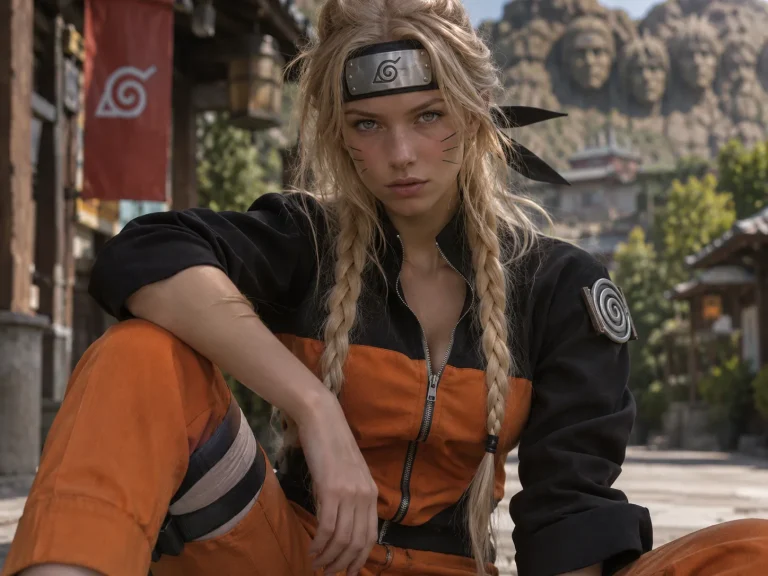 AI Cosplay Photo GeneratorTry original character costumes inspired by fantasy, sci-fi and anime aesthetics.
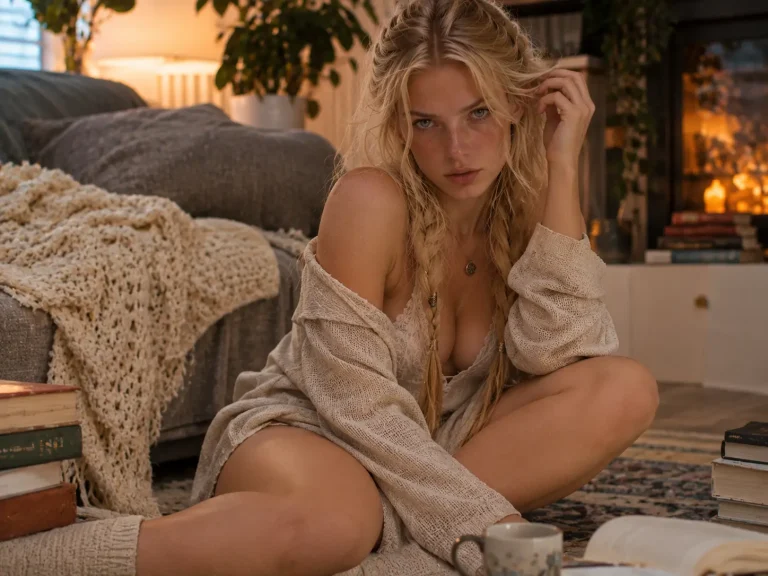 Adult AI Looks GeneratorDiscover adult-themed AI photo looks, choose a preset and transform an authorized adult photo.
 Adult Fantasy AI LooksTransform an authorized adult portrait with fantasy-inspired styling, imaginary settings and cinematic character looks.
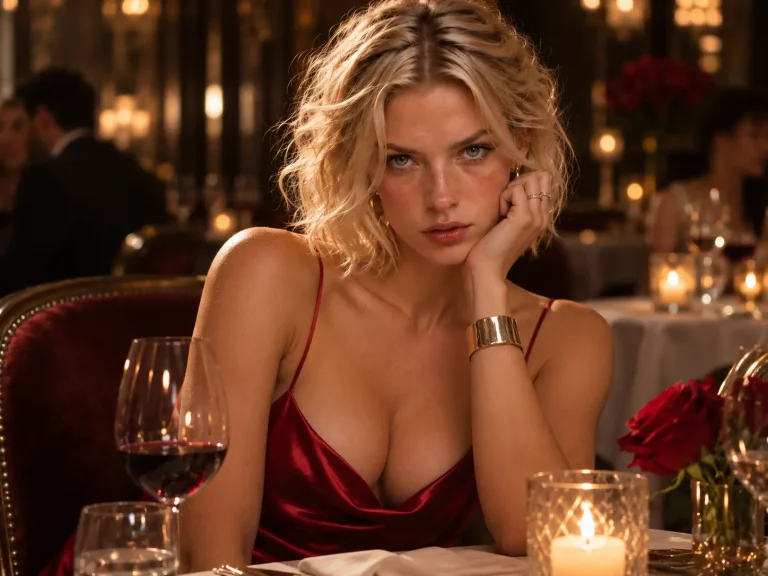 AI Boudoir PhotoshootExplore intimate, tasteful portrait styles with soft window light, silk and cinematic atmosphere.
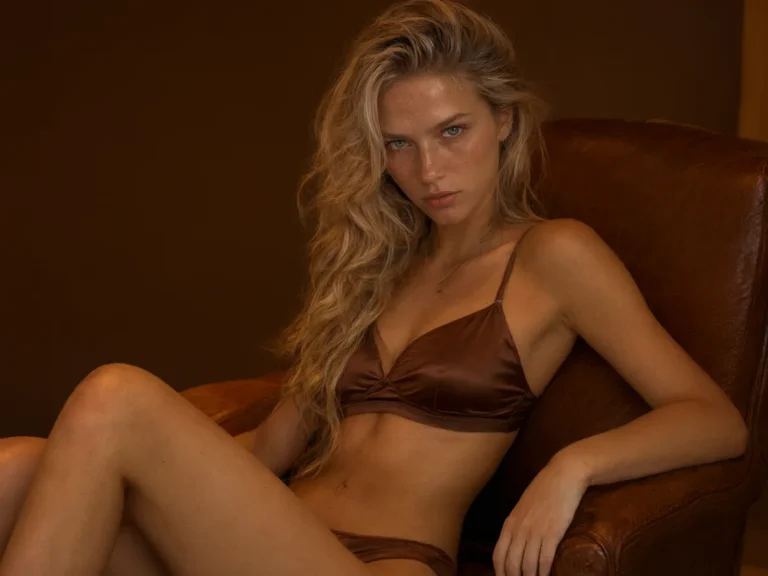 AI Lingerie Photo GeneratorChoose an adult lingerie photoshoot look, upload your photo and create a personalized result.
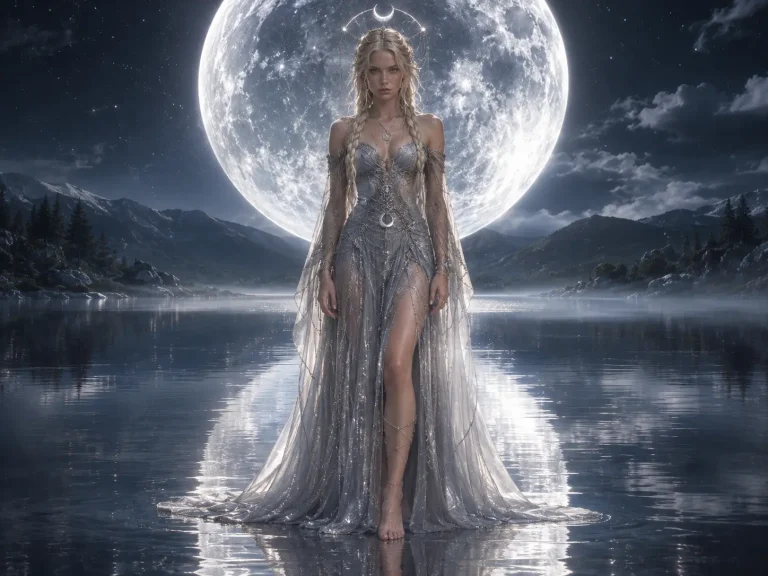 AI Looks StudioChoose a look, upload a photo you have permission to edit, and create a new image…
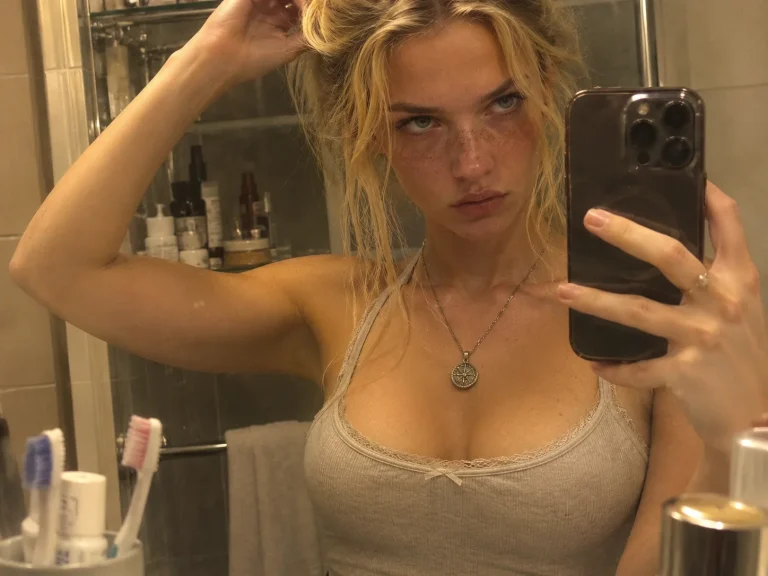 UndressAn 18+ photo editor for authorized images. Choose who to edit and review the result.
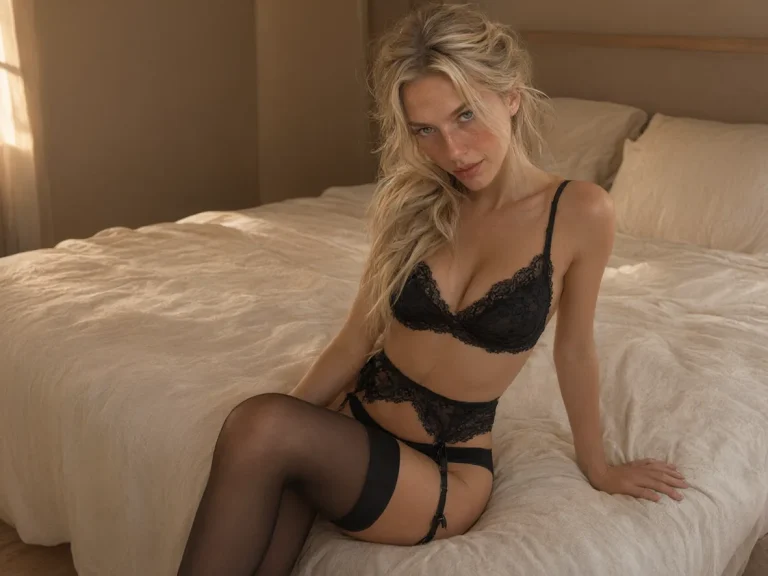 NSFW Image-to-Image AITransform an adult photo with AI. Choose a preset or use a second photo as a…
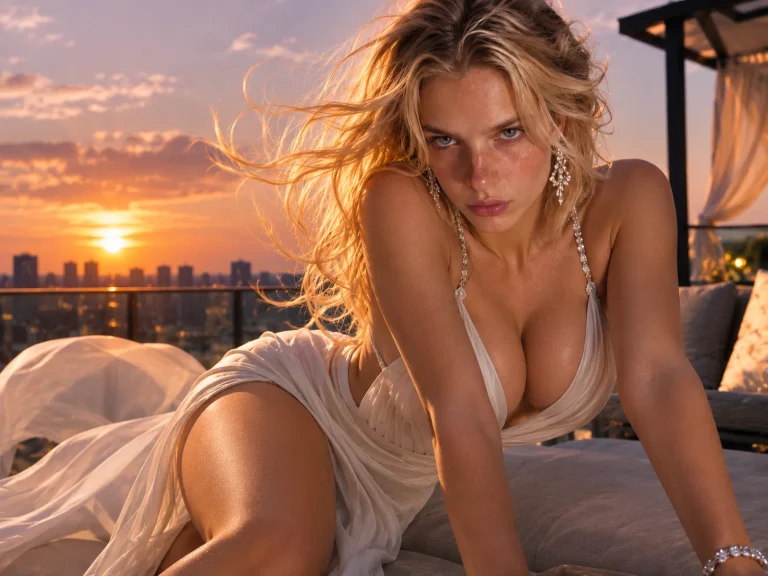 Sexy AI PhotoshootExplore confident adult photoshoot looks, from sophisticated evening portraits to bold editorial styling.
HOW IT WORKS
How to Use the AI Glamour Photoshoot
Choose your glamour direction, provide a portrait and generate a polished photographic look.
Choose a look
Browse this category and select a preset that matches the style you want.
Upload your photo
Choose a clear photograph of an adult you have permission to edit.
Generate and download
Create the image, review the result and save it from the studio or your private gallery.
STYLES & USE CASES
Explore More AI Photo Looks
Browse photo styles and tools for your next edit, from studio portraits to creative transformations.
Adult Fantasy AI LooksTransform an authorized adult portrait with fantasy-inspired styling, imaginary settings and cinematic character looks.AI Boudoir PhotoshootExplore intimate, tasteful portrait styles with soft window light, silk and cinematic atmosphere.AI Cosplay Photo GeneratorTry original character costumes inspired by fantasy, sci-fi and anime aesthetics.AI Fantasy Portrait GeneratorEnter a fantasy world with magical portraits, cinematic lighting and original character styles.AI Fashion PhotoshootFrom modern tailoring to editorial street style, find a fashion look that fits your photo.AI Lingerie Photo GeneratorChoose an adult lingerie photoshoot look, upload your photo and create a personalized result.AI Looks StudioChoose a look, upload a photo you have permission to edit, and create a new image…UndressAn 18+ photo editor for authorized images. Choose who to edit and review the result.NSFW Image-to-Image AITransform an adult photo with AI. Choose a preset or use a second photo as a…Sexy AI PhotoshootExplore confident adult photoshoot looks, from sophisticated evening portraits to bold editorial styling.Adult AI Looks GeneratorDiscover adult-themed AI photo looks, choose a preset and transform an authorized adult photo.ABOUT THE TOOL
Create a Glamour Photoshoot with AI
A glamour photoshoot is built around more than an attractive outfit. Lighting, composition, hair, makeup and the mood of the setting work together to create a polished portrait. The AI Glamour Photoshoot tool packages these visual decisions into approachable looks, helping you explore portrait styles without assembling a traditional studio shoot.
Choose classic or contemporary glamour
Classic glamour draws on elegant evening clothing, carefully shaped light and subtle cinematic contrast. An Old Hollywood-inspired look might use softly styled hair, warm highlights and a restrained background. Modern glamour often feels cleaner: neutral tones, refined makeup, a studio backdrop and a sharp editorial finish. Browse the previews before deciding which mood best fits your photo.
How lighting changes a glamour portrait
Soft frontal light can produce a gentle beauty portrait, while directional side light introduces depth and drama. Golden lighting feels warm and inviting; cooler studio lighting can feel sleek and contemporary. These differences are often more visible than a change of clothing, so pay attention to the light and color balance shown in each preset.
Choose a strong source photograph
Use a portrait with a visible face, natural proportions and enough detail for the AI to interpret. A relaxed expression and simple background can make a good starting point. If the reference image is a close-up portrait, choose a source with comparable framing. An AI generation may adjust hair, styling or background, but exact replication of the preview is not guaranteed.
Studio glamour versus everyday beauty filters
Unlike a filter that simply changes color or skin texture, an AI glamour look may restyle the scene, outfit and photographic lighting. It is intended as a creative portrait transformation rather than an automatic retouching guarantee. Review the final image for facial consistency and fine details before downloading it.
Want the look to focus primarily on clothing and accessories? Explore the separate Fashion Photoshoot page. Looking for a much broader set of transformations? The AI Looks Generator offers additional directions, including fantasy and cosplay.
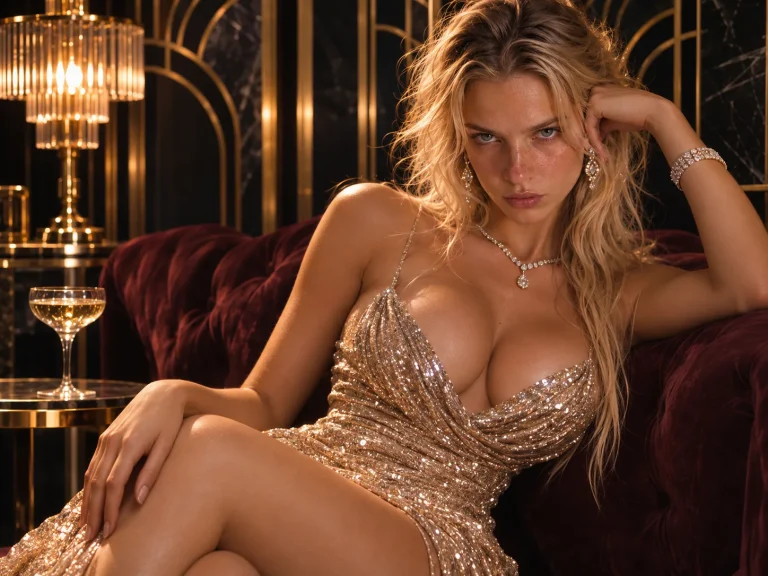
BEST PHOTO TIPS
How to get a better result
Use a clear, evenly lit portrait where the eyes are visible. It gives the studio-light and makeup details room to show.
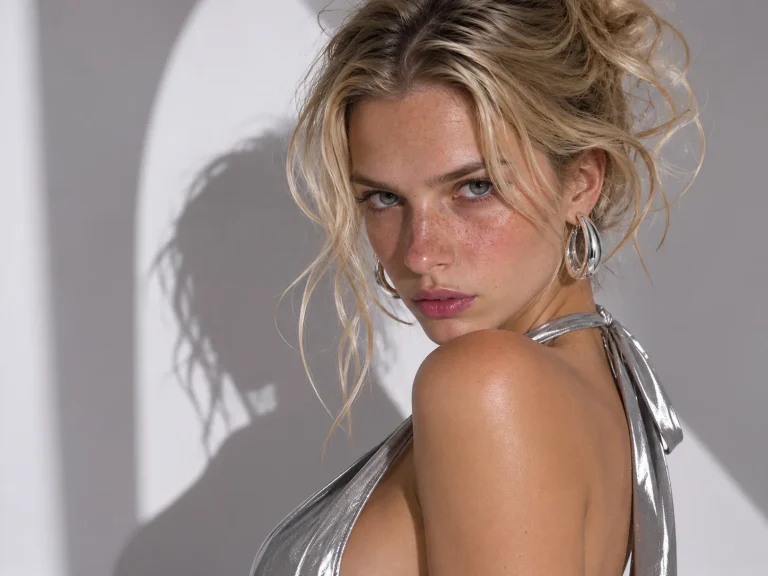 Use a Clear PhotoA sharp, well-lit image helps preserve facial details.
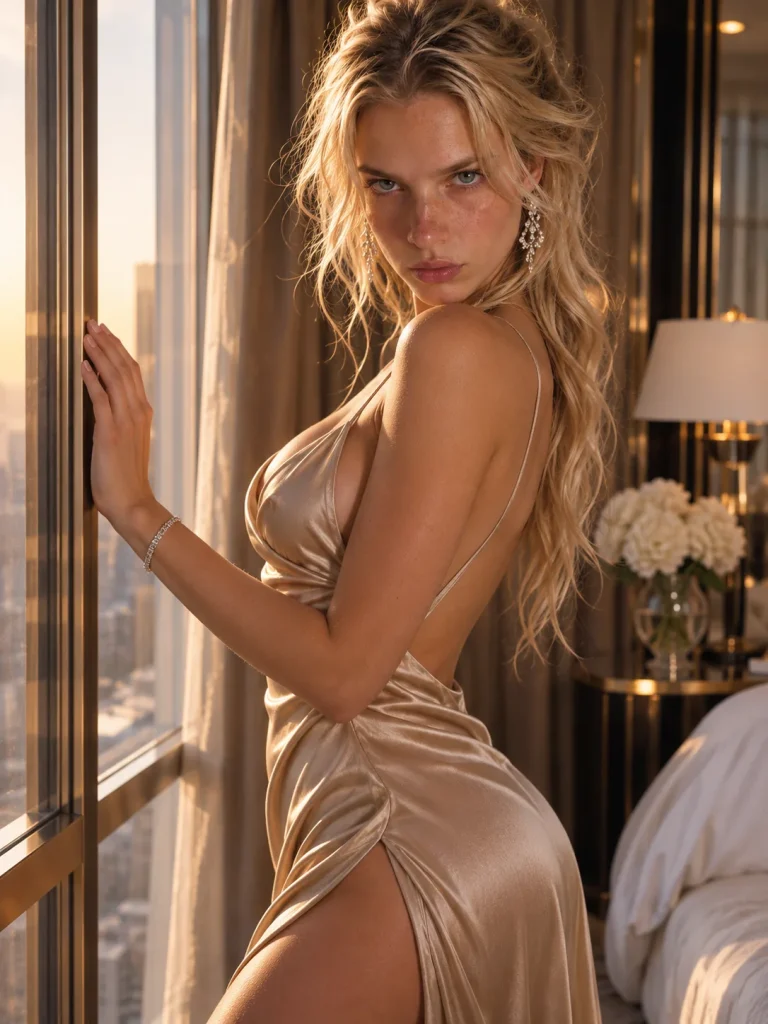 Choose the Right CropSelect a portrait or full-body photo to match your look.
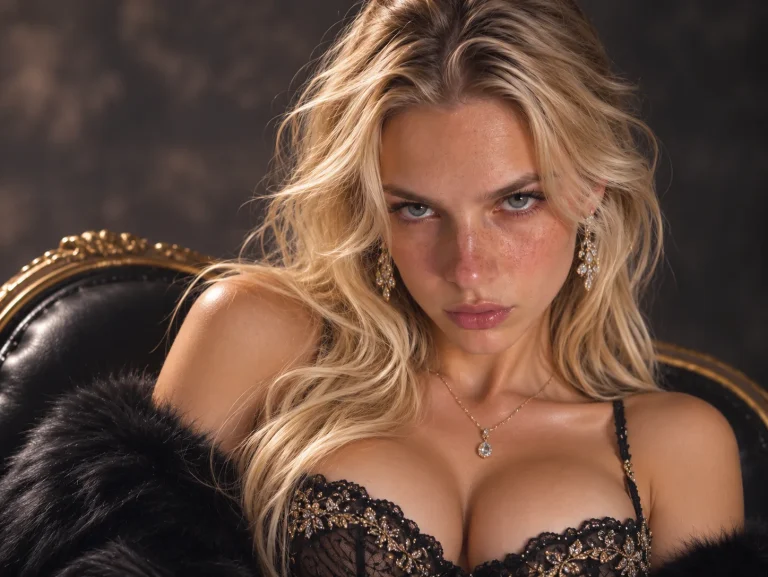 Mind the DetailsKeep important features visible and avoid heavy filters.
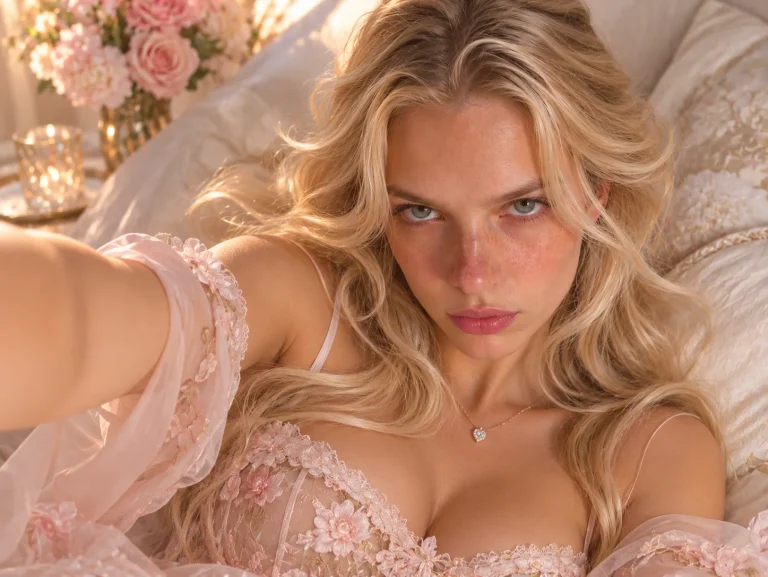 Try Another StyleExplore different presets until the result feels right.
Use a clear photo with one main subject, a visible face and enough space around the clothing or body area that should change. Natural lighting or an evenly lit indoor portrait usually works better than a very dark, blurry or heavily filtered source image.
LIMITATIONS & PRICING
What visitors should know before generating
Check the token price in the editor before you generate.
The editor shows the token price before you start. AI results can vary in details such as folds, lighting and framing.
YOUR QUESTIONS
AI Glamour Photoshoot FAQ
What makes an AI glamour photo different?
Glamour presets focus on polished styling, portrait composition, professional-looking lighting and an editorial finish.
Can I create an Old Hollywood-inspired portrait?
Yes, when a suitable classic glamour preset is available. Check the example image for the intended hair, clothing and lighting.
Does the AI change facial features?
The goal is to keep the subject recognizable, although any generative edit may change some details.
Do I need a professional photo?
No. A clear smartphone portrait with visible facial detail is usually a practical starting point.
Which photo works best for a beauty close-up?
Use a sharp head-and-shoulders portrait with a visible face. Strong filters and heavy shadows make detail harder to preserve.
CREATE YOUR NEXT LOOK
Ready to Create Your Next Look?
Select a style, upload your photo and see what AI can create.
Get Started