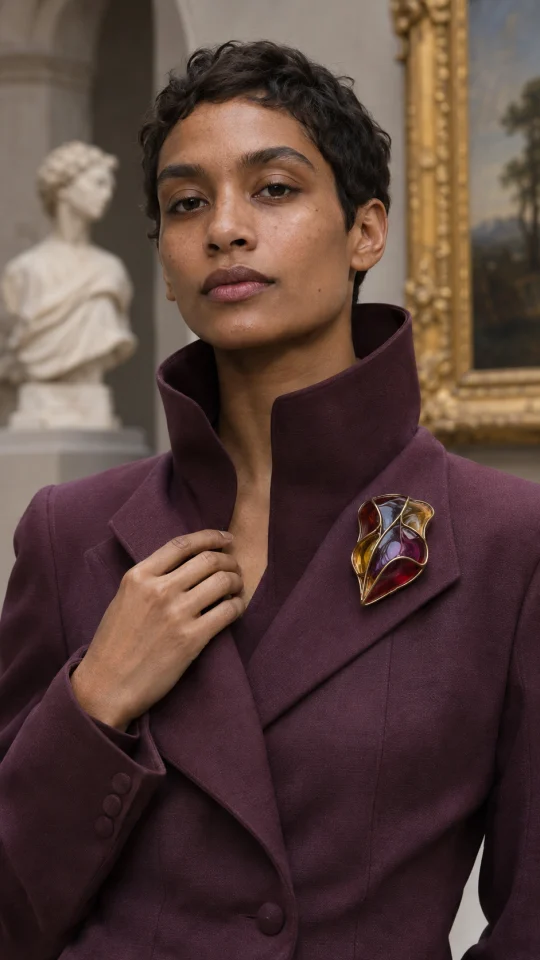
 Museum Opening
AI Fashion Photoshoot
From modern tailoring to editorial street style, find a fashion look that fits your photo.
Select a preset, then upload your photo. Enable JavaScript to use the interactive preview.
Museum Opening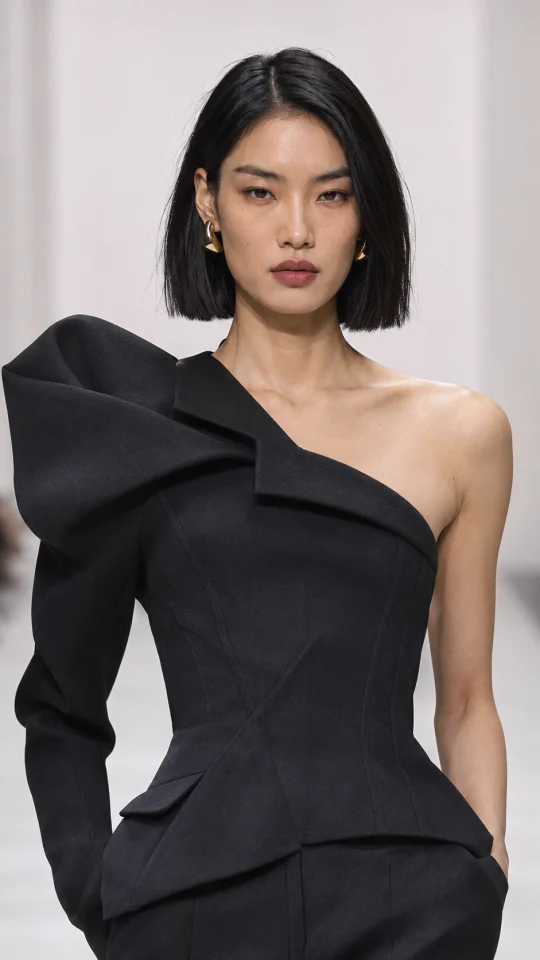 Sculptural Runway
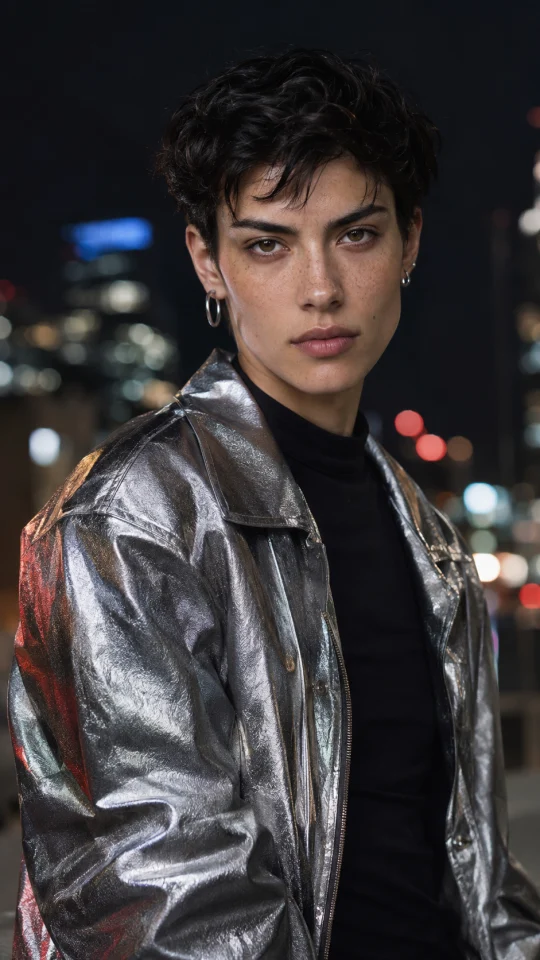 Silver After Dark
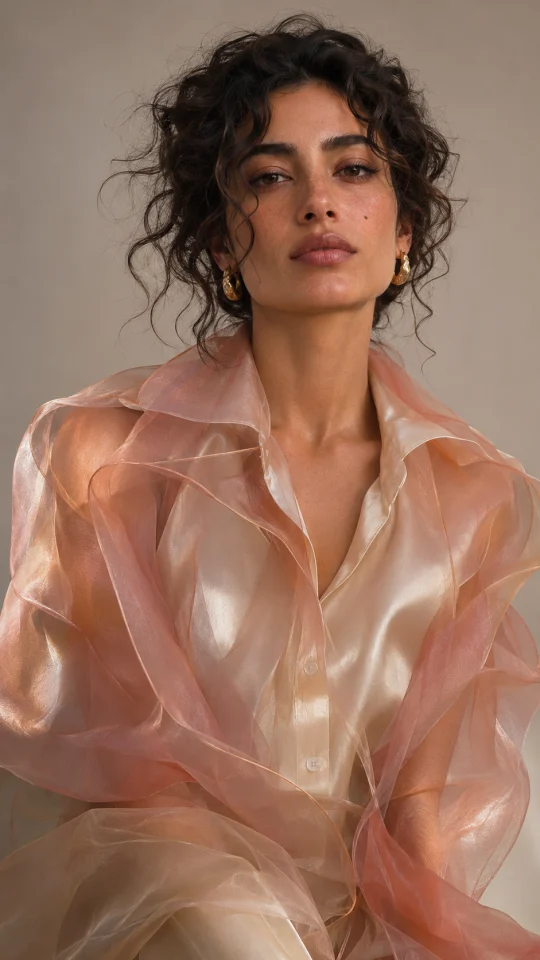 Silk & Sheer Layers
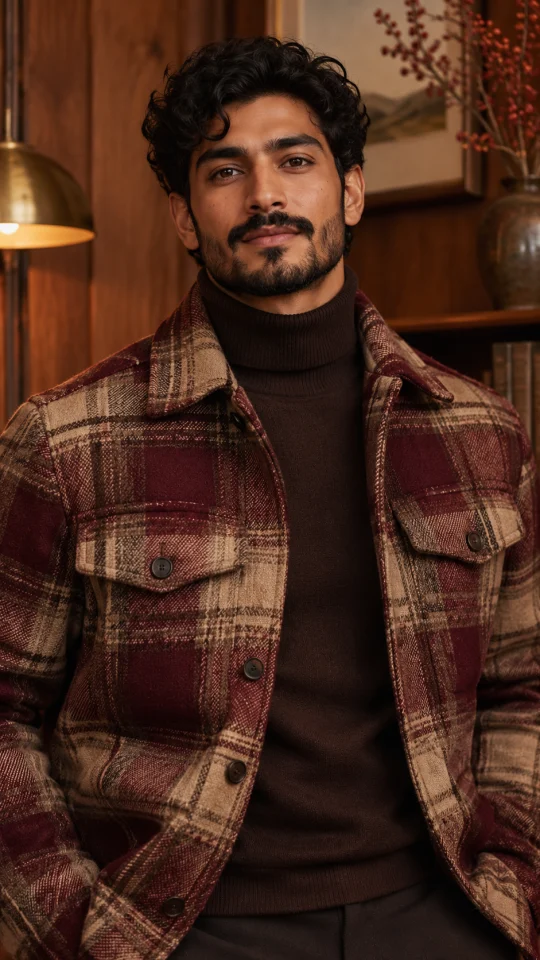 Heritage Plaid
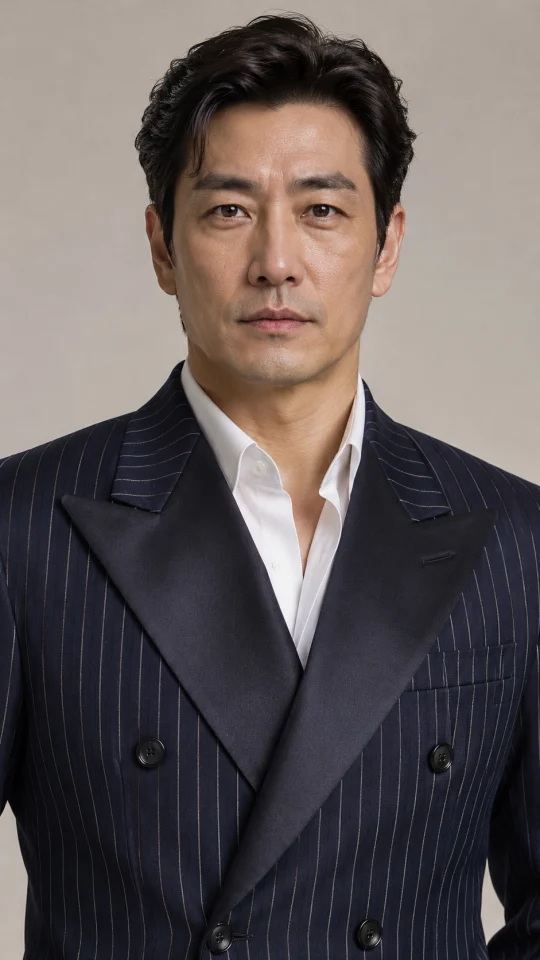 Navy Pinstripe
Editorial clothing conceptsPreview modern tailoring, eveningwear and contemporary fashion moods.
Studio or street stylePick a photographic environment that supports the outfit.
Outfit-focused looksExplore silhouette, layers, accessories and visual texture.
One-step style switchingTry a different fashion direction with the same source photo.
VISUAL IDEAS
Explore AI Fashion Photoshoot Examples
Compare the source photos with the generated results.
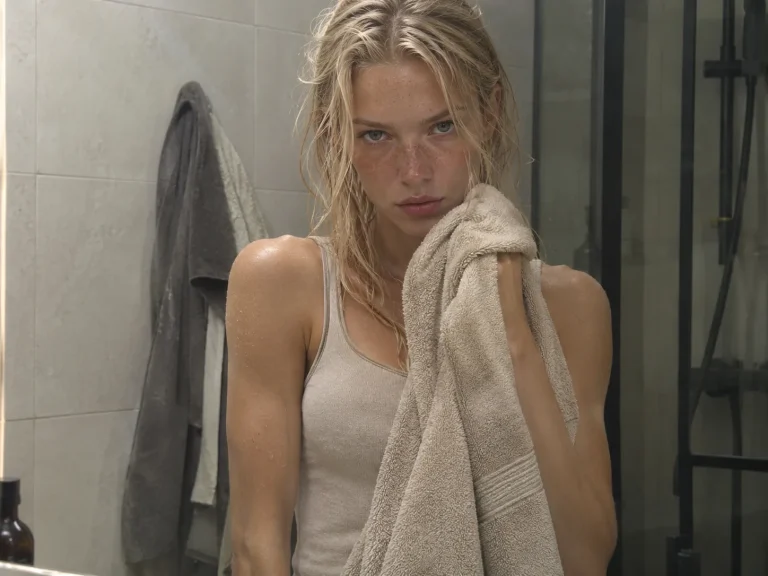
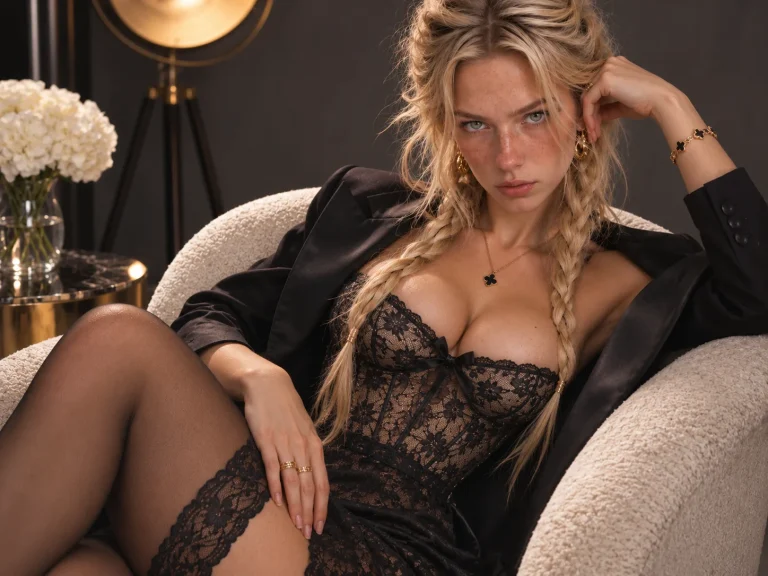
↔
BeforeAfter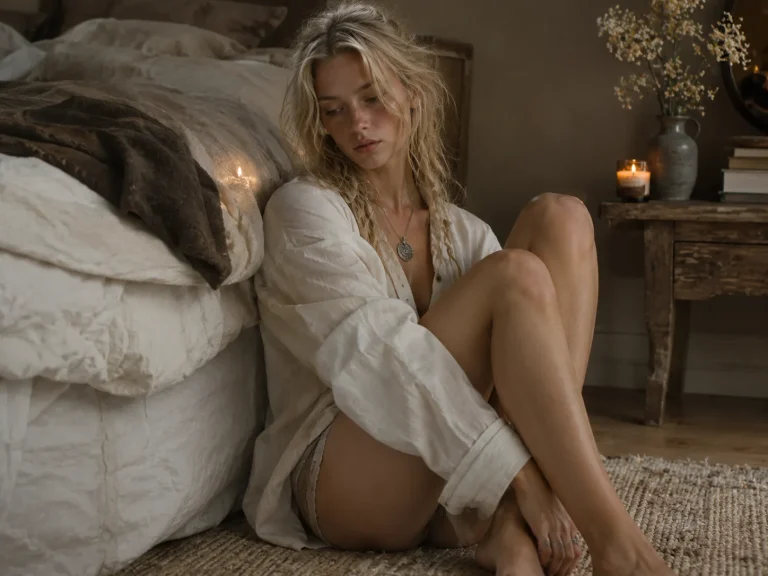
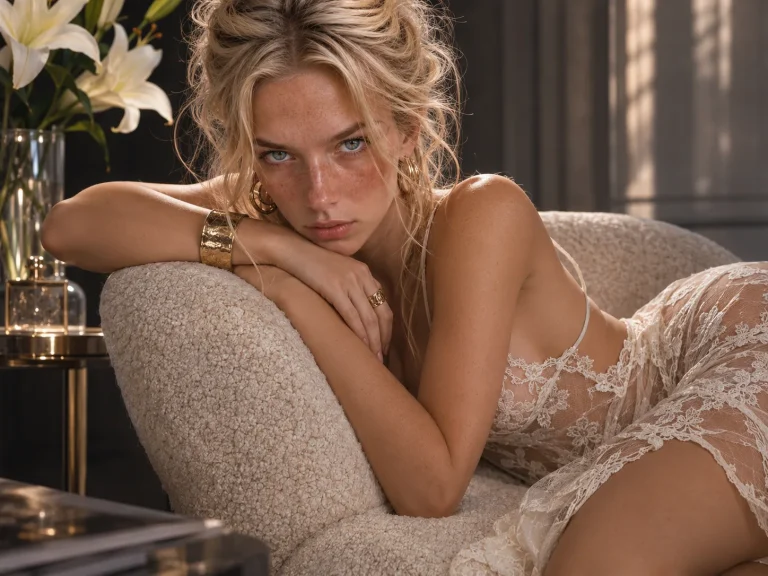
↔
BeforeAfter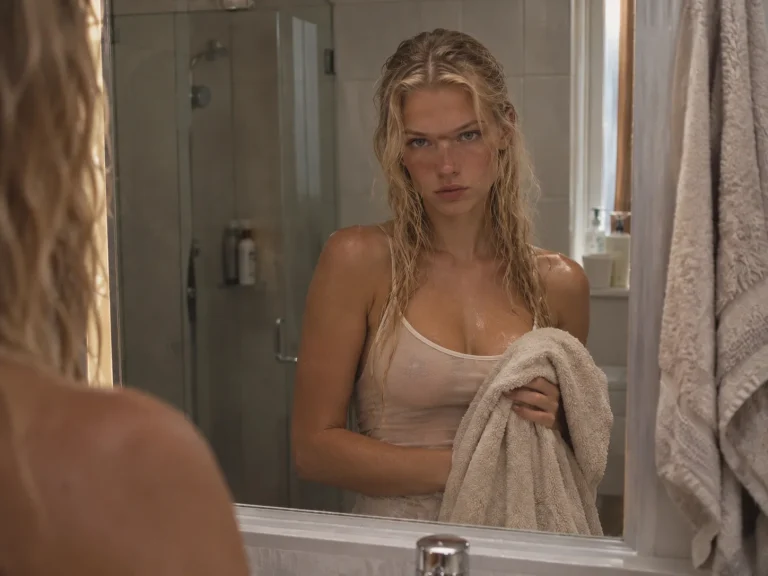
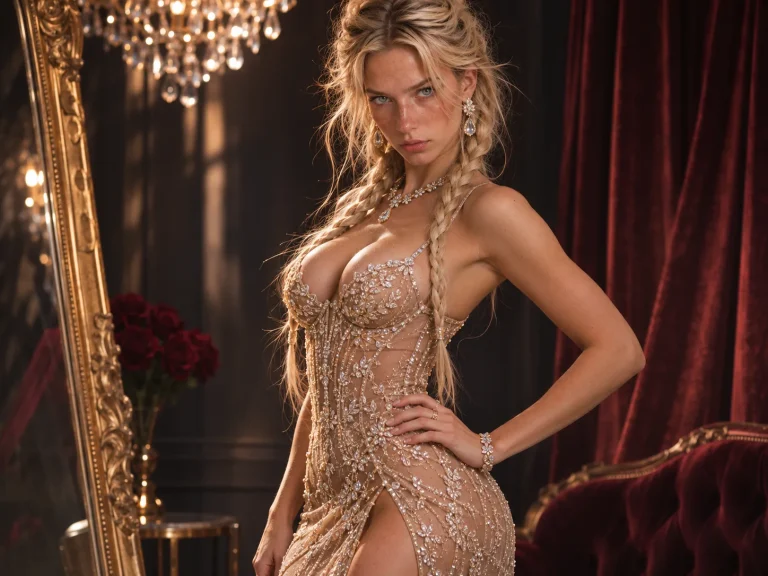
↔
BeforeAfter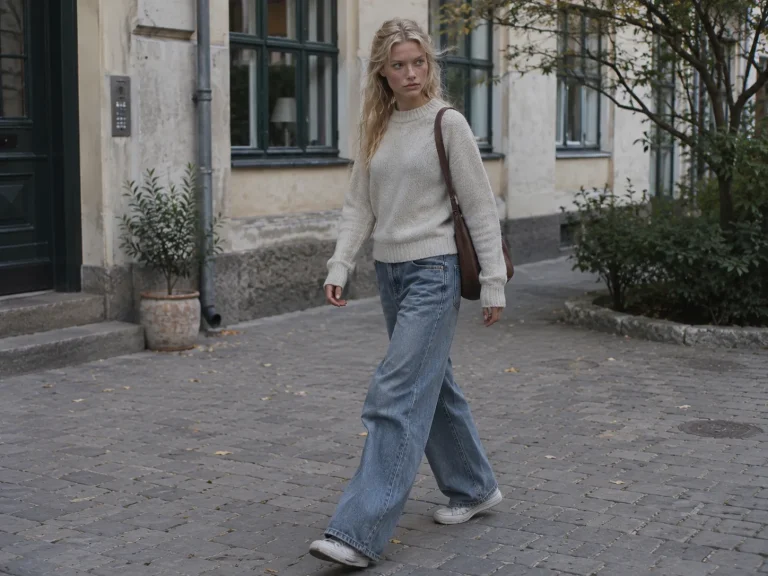
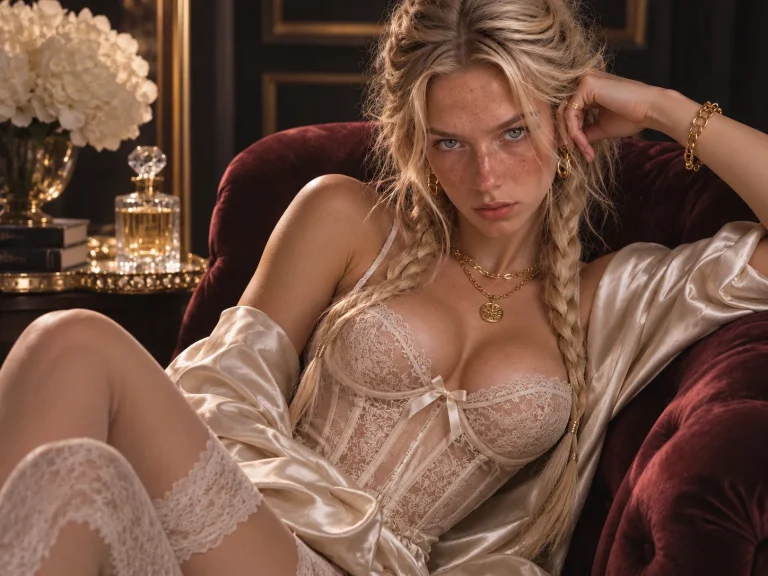
↔
BeforeAfter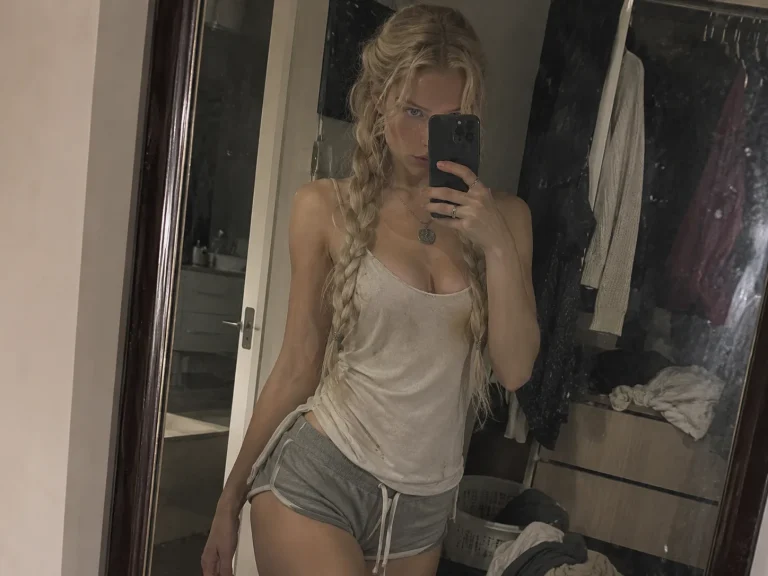
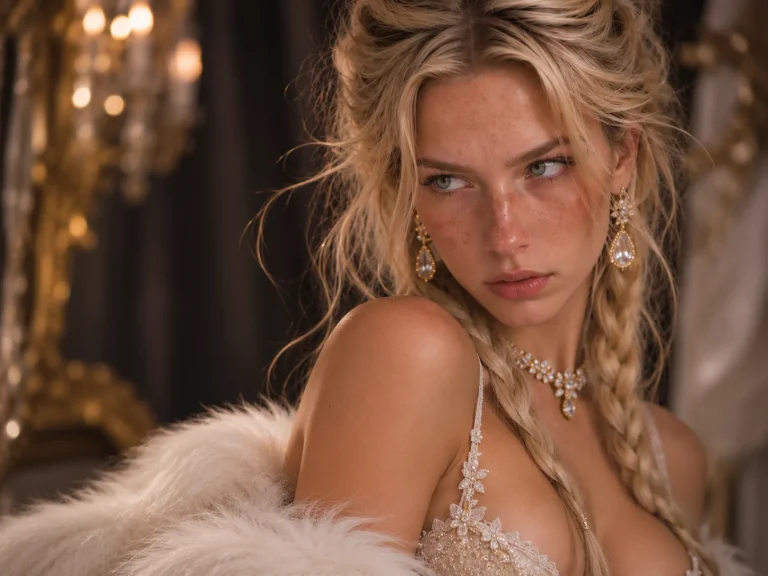
↔
BeforeAfter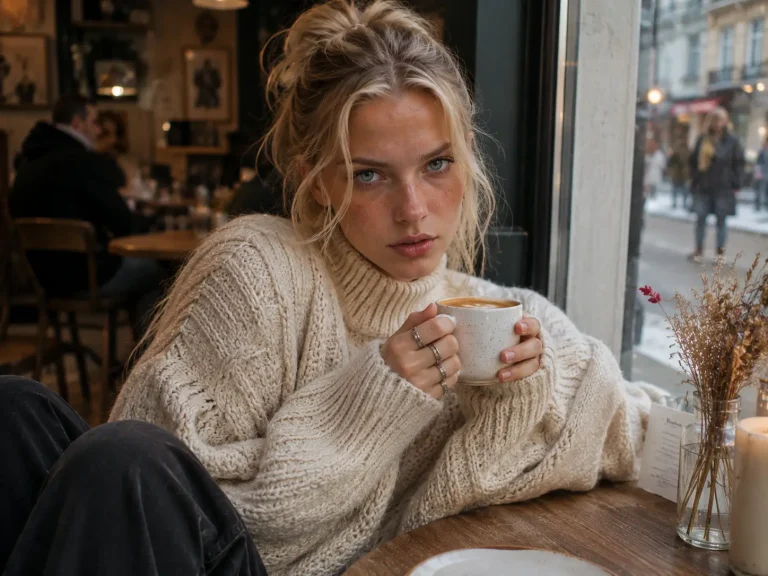
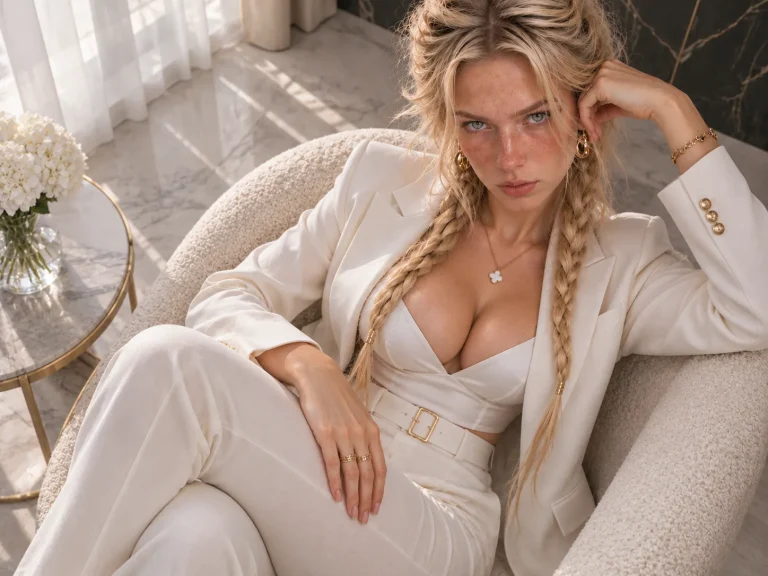
↔
BeforeAfterEXPLORE MORE
What Else Can You Change?
Explore other photo transformation tools and creative looks.
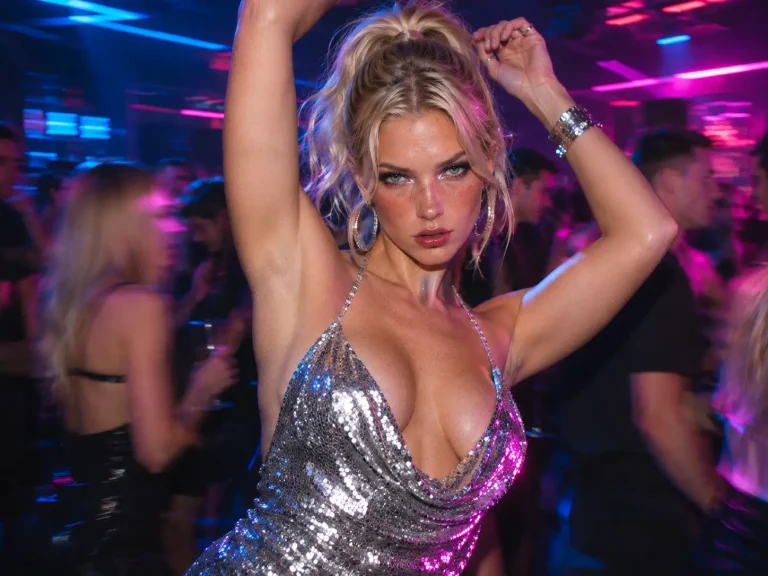 AI Looks GeneratorDiscover a new look in a few steps. Pick a style, upload your photo and generate…AI Glamour PhotoshootCreate polished glamour portraits with elegant outfits, studio light and a recognizable face.
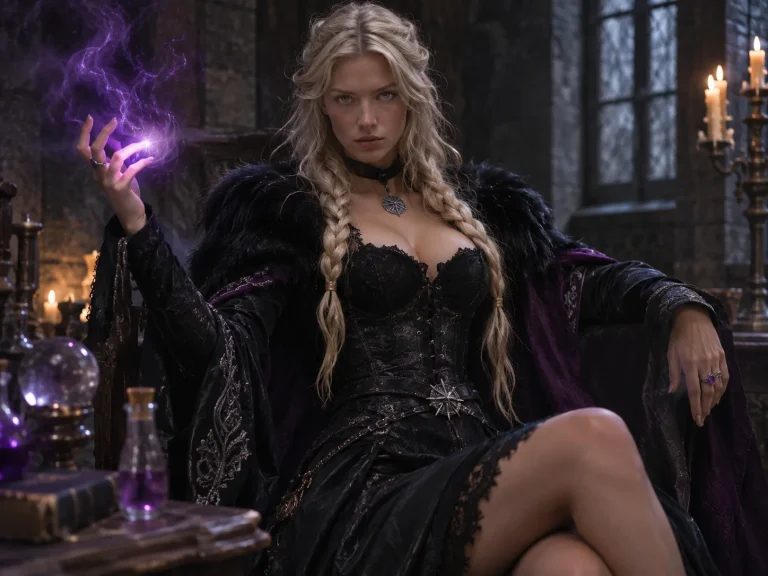 AI Fantasy Portrait GeneratorEnter a fantasy world with magical portraits, cinematic lighting and original character styles.
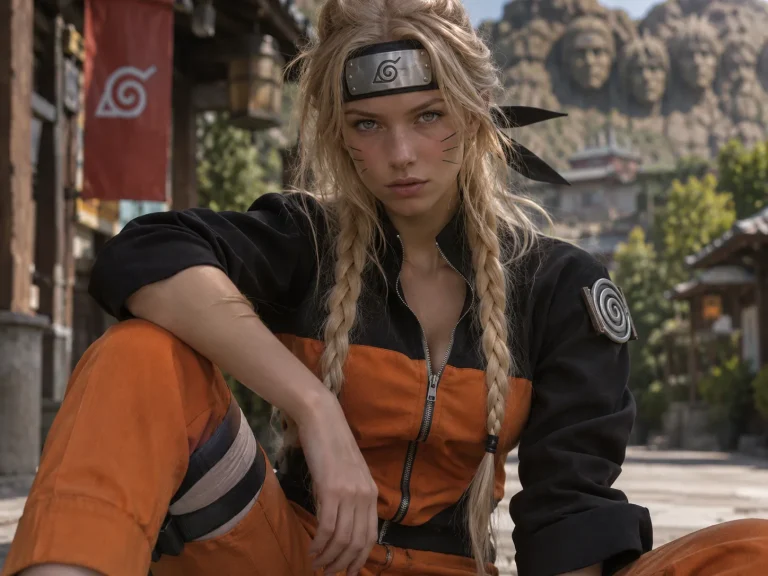 AI Cosplay Photo GeneratorTry original character costumes inspired by fantasy, sci-fi and anime aesthetics.
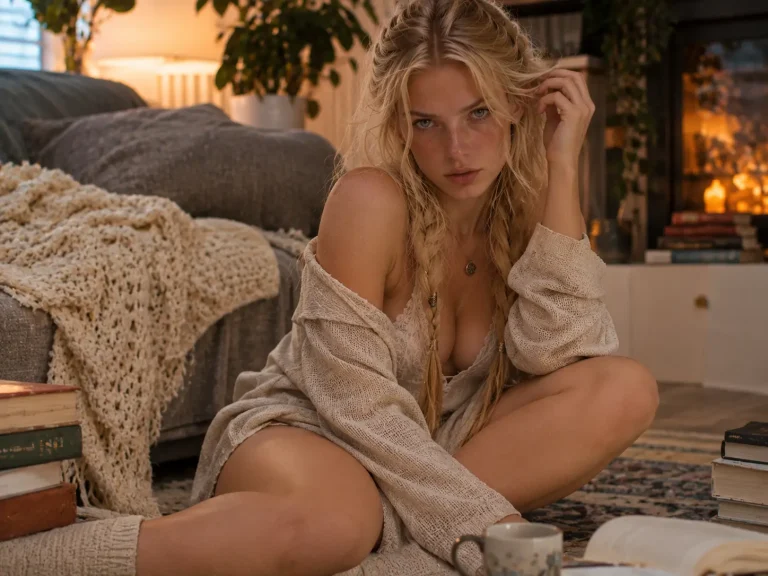 Adult AI Looks GeneratorDiscover adult-themed AI photo looks, choose a preset and transform an authorized adult photo.
 Adult Fantasy AI LooksTransform an authorized adult portrait with fantasy-inspired styling, imaginary settings and cinematic character looks.
 AI Boudoir PhotoshootExplore intimate, tasteful portrait styles with soft window light, silk and cinematic atmosphere.
 AI Lingerie Photo GeneratorChoose an adult lingerie photoshoot look, upload your photo and create a personalized result.
 AI Looks StudioChoose a look, upload a photo you have permission to edit, and create a new image…
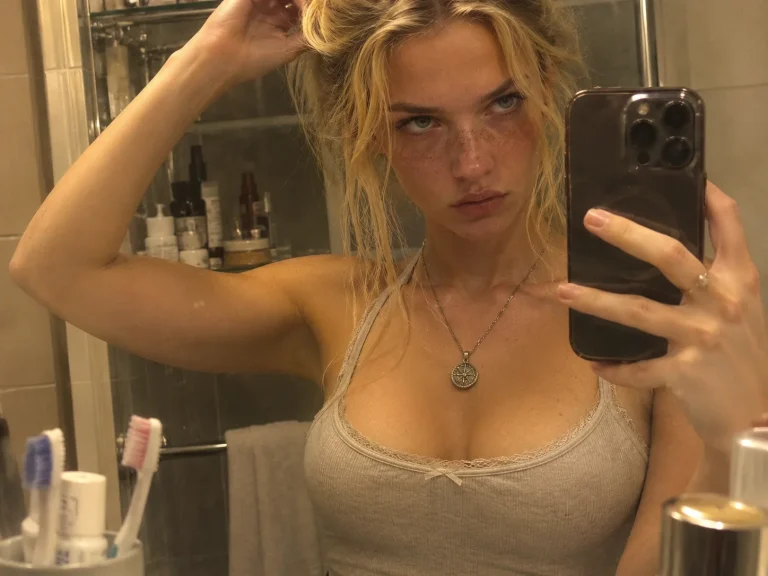 UndressAn 18+ photo editor for authorized images. Choose who to edit and review the result.
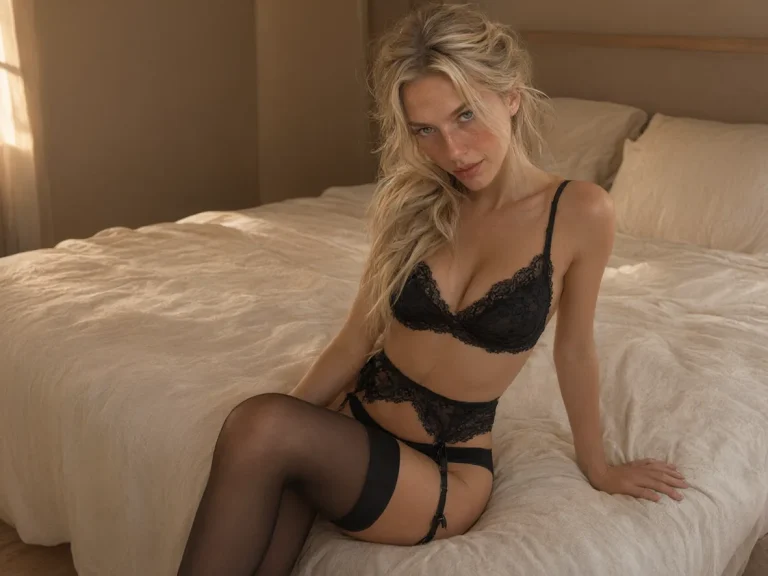 NSFW Image-to-Image AITransform an adult photo with AI. Choose a preset or use a second photo as a…
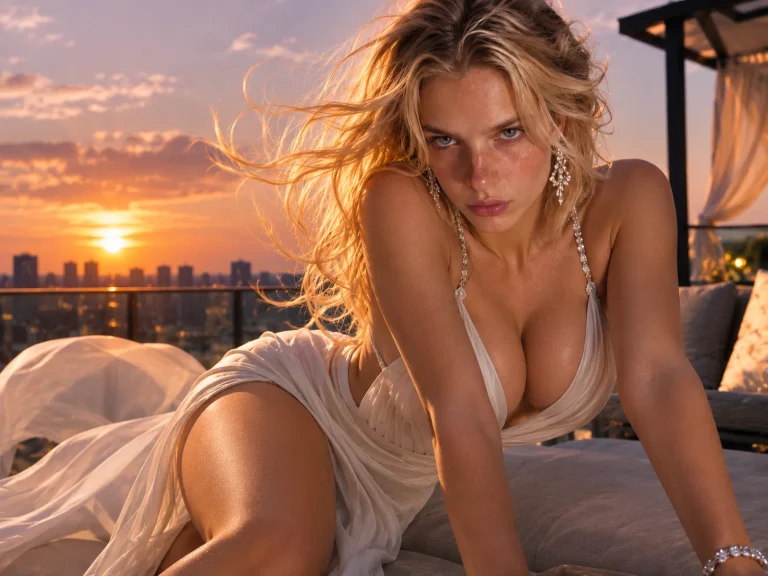 Sexy AI PhotoshootExplore confident adult photoshoot looks, from sophisticated evening portraits to bold editorial styling.
HOW IT WORKS
How to Use the AI Fashion Photoshoot
Select an editorial style, upload a suitable photo and generate a fashion-inspired result.
Choose a look
Browse this category and select a preset that matches the style you want.
Upload your photo
Choose a clear photograph of an adult you have permission to edit.
Generate and download
Create the image, review the result and save it from the studio or your private gallery.
STYLES & USE CASES
Explore More AI Photo Looks
Browse photo styles and tools for your next edit, from studio portraits to creative transformations.
Adult Fantasy AI LooksTransform an authorized adult portrait with fantasy-inspired styling, imaginary settings and cinematic character looks.AI Boudoir PhotoshootExplore intimate, tasteful portrait styles with soft window light, silk and cinematic atmosphere.AI Cosplay Photo GeneratorTry original character costumes inspired by fantasy, sci-fi and anime aesthetics.AI Fantasy Portrait GeneratorEnter a fantasy world with magical portraits, cinematic lighting and original character styles.AI Glamour PhotoshootCreate polished glamour portraits with elegant outfits, studio light and a recognizable face.AI Lingerie Photo GeneratorChoose an adult lingerie photoshoot look, upload your photo and create a personalized result.AI Looks GeneratorDiscover a new look in a few steps. Pick a style, upload your photo and generate…AI Looks StudioChoose a look, upload a photo you have permission to edit, and create a new image…UndressAn 18+ photo editor for authorized images. Choose who to edit and review the result.NSFW Image-to-Image AITransform an adult photo with AI. Choose a preset or use a second photo as a…Sexy AI PhotoshootExplore confident adult photoshoot looks, from sophisticated evening portraits to bold editorial styling.Adult AI Looks GeneratorDiscover adult-themed AI photo looks, choose a preset and transform an authorized adult photo.ABOUT THE TOOL
Make Your Own Fashion Editorial
Fashion photography communicates a complete visual idea through clothing, styling, posture, light and location. An AI Fashion Photoshoot lets you explore these elements as coordinated looks. Instead of selecting every accessory separately, you choose a fashion concept and generate a new editorial-style image based on an authorized photograph.
Fashion looks built around styling
Tailoring creates a structured and sophisticated look. Street style may pair casual silhouettes with urban settings and natural daylight. Eveningwear emphasizes fabrics, refined accessories and controlled lighting. A campaign-inspired portrait often simplifies the background so the outfit becomes the center of attention. Compare the presets by overall silhouette and photography style, not just by garment color.
Studio portraits and location editorials
A minimal studio provides predictable light and an uncluttered presentation, making it suitable for elegant outfits and close-up details. A city street or apartment setting introduces atmosphere and a sense of lifestyle. For a more believable visual narrative, choose a source image whose framing suits the example. Full-body outfit concepts usually benefit from photographs that show more than the face.
Understand what an AI fashion transformation does
This service generates a creative fashion-themed image, which can include new clothing, a different background and editorial lighting. It is not a measurement-based virtual fitting room. The representation of a garment should not be used to judge sizing, fabric quality or how a physical product would fit. Detailed prints, jewelry and hands may also need extra scrutiny in the generated result.
Get better results from your source image
Use a clear portrait or full-body photograph with the subject distinguishable from the surroundings. A simple, evenly lit source often gives the model more useful information than a heavily filtered or blurred image. Preserve enough space in the frame for the desired styling and make sure the image belongs to you or you are authorized to edit it.
If you want a portrait focused primarily on makeup and luminous studio light, visit Glamour Photoshoot. If you want elaborate original costumes instead of contemporary fashion, explore the Cosplay Photo Generator.
BEST PHOTO TIPS
How to get a better result
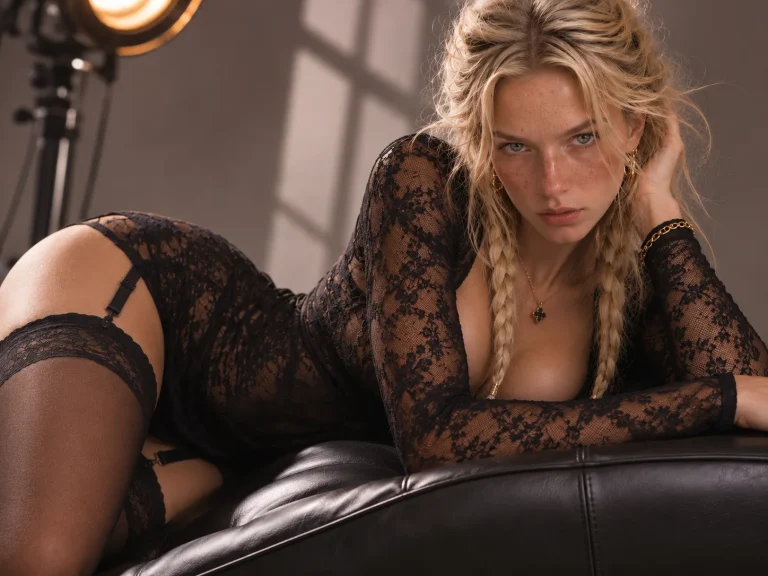
Use a full-length photo when the shoes and silhouette matter. A waist-up photo works for a jacket or a cropped editorial.
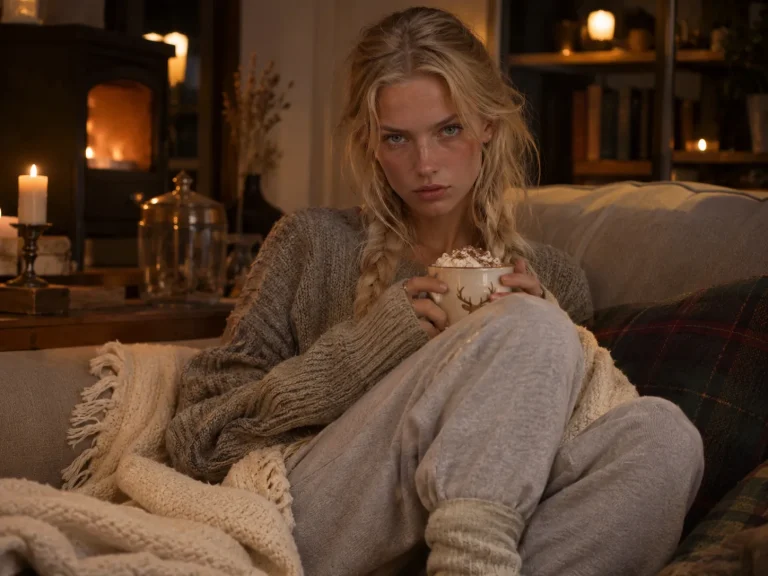 Use a Clear PhotoA sharp, well-lit image helps preserve facial details.
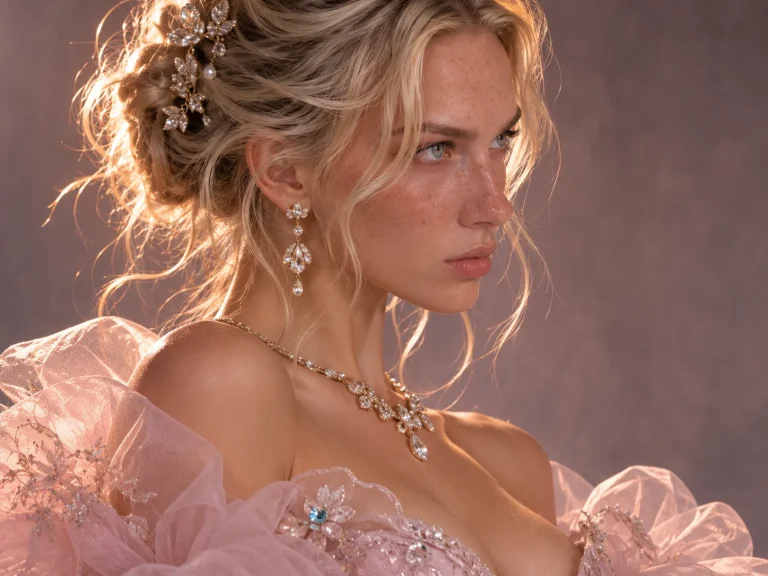 Choose the Right CropSelect a portrait or full-body photo to match your look.
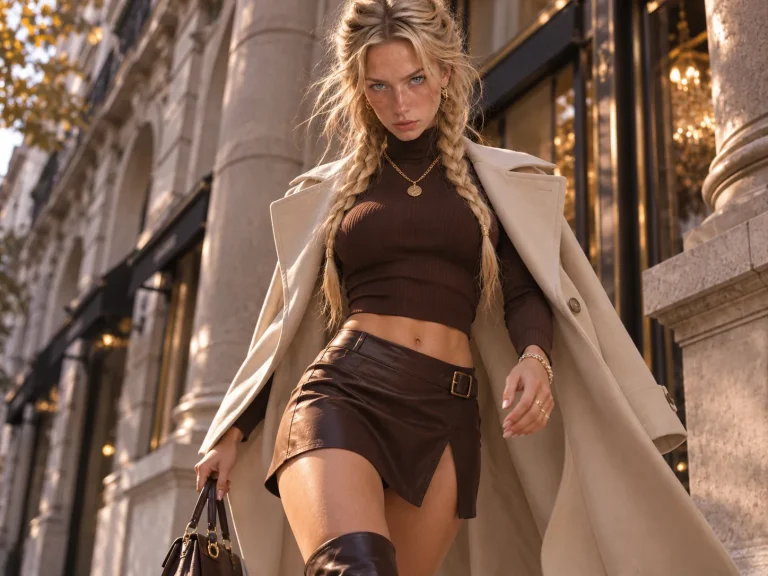 Mind the DetailsKeep important features visible and avoid heavy filters.
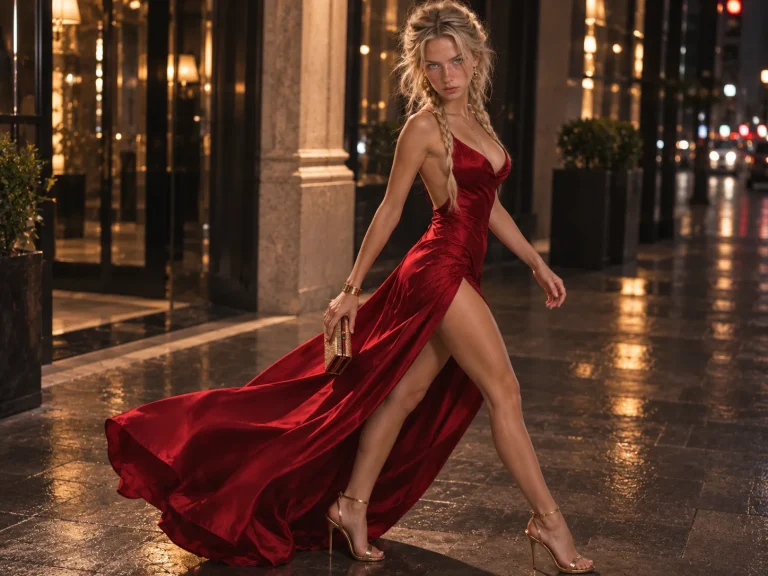 Try Another StyleExplore different presets until the result feels right.
Use a clear photo with one main subject, a visible face and enough space around the clothing or body area that should change. Natural lighting or an evenly lit indoor portrait usually works better than a very dark, blurry or heavily filtered source image.
LIMITATIONS & PRICING
What visitors should know before generating
Check the token price in the editor before you generate.
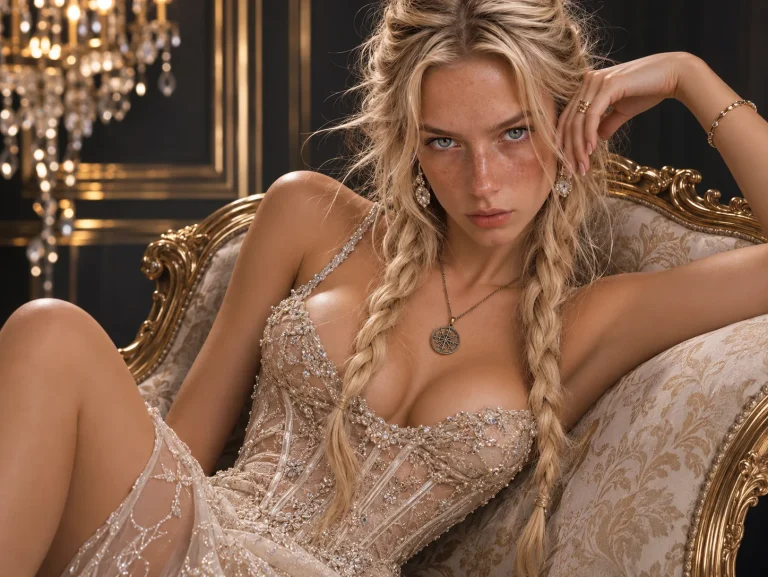
The editor shows the token price before you start. AI results can vary in details such as folds, lighting and framing.
YOUR QUESTIONS
AI Fashion Photoshoot FAQ
Can AI change clothing in my photo?
A fashion preset can generate a new clothing style, but the result is a creative edit rather than an exact product try-on.
What is the difference from virtual try-on?
Virtual try-on aims to represent a specific garment. This tool focuses on editorial fashion concepts and does not guarantee precise garment matching.
Should I upload a full-body photo?
A wider image can help when the chosen look emphasizes a complete outfit. Close-up portraits are better suited to fashion beauty shots.
Can I create street-style and studio looks?
Yes, when those preset styles are included in the fashion gallery.
Should I upload a full-length photo?
A wider image helps with outfits that include trousers, skirts or shoes. For a jacket or a beauty-led editorial, a waist-up photo can be enough.
CREATE YOUR NEXT LOOK
Ready to Create Your Next Look?
Select a style, upload your photo and see what AI can create.
Get Started