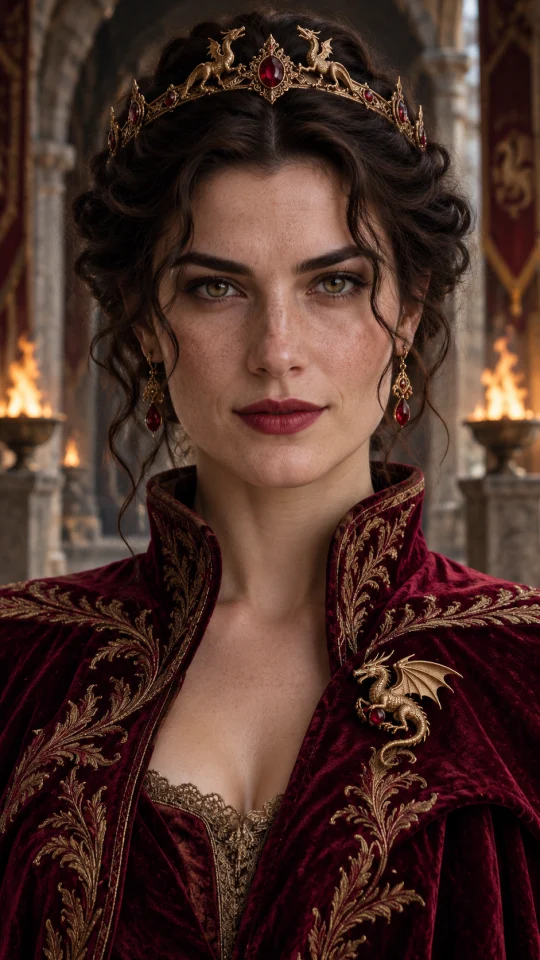
 Dragon Court Noble
AI Fantasy Portrait Generator
Enter a fantasy world with magical portraits, cinematic lighting and original character styles.
Select a preset, then upload your photo. Enable JavaScript to use the interactive preview.
Dragon Court Noble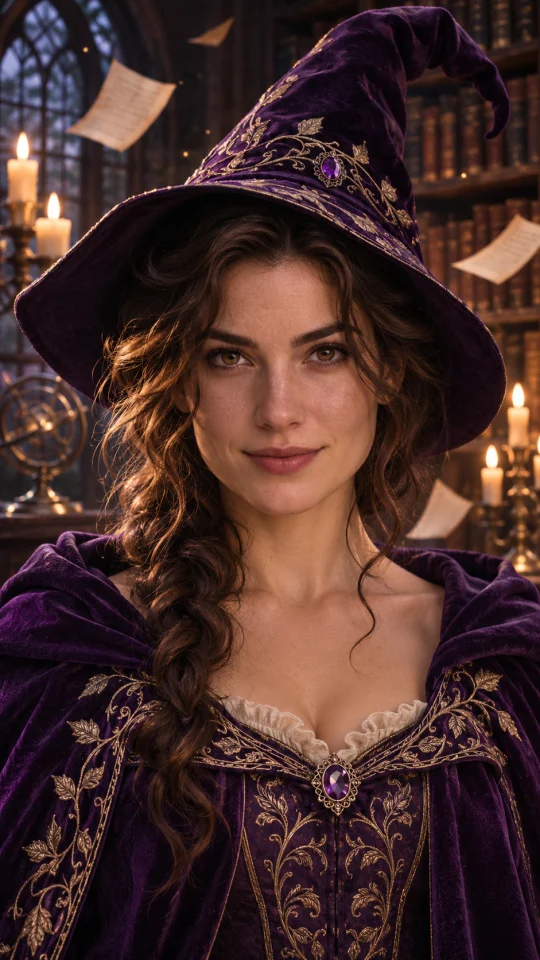 Storybook Witch
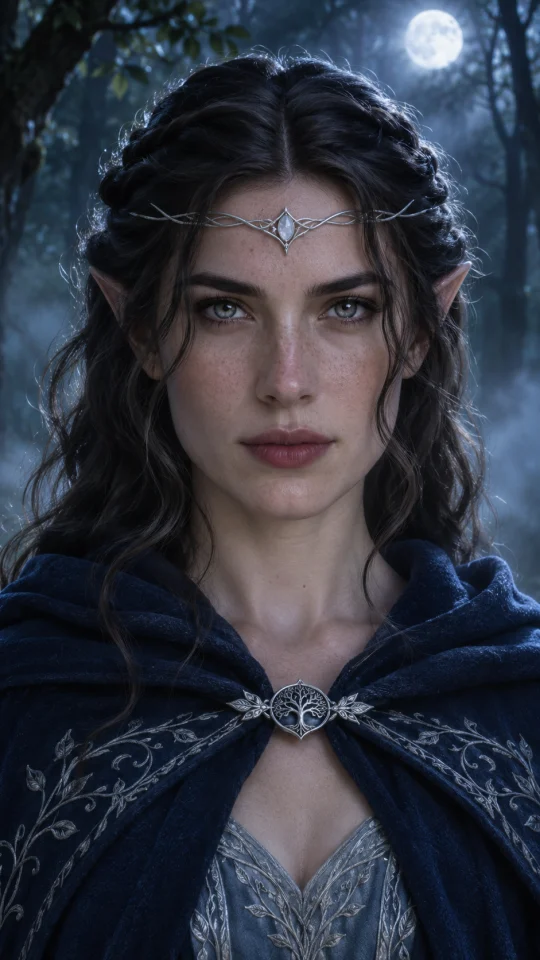 Moonlit Elf
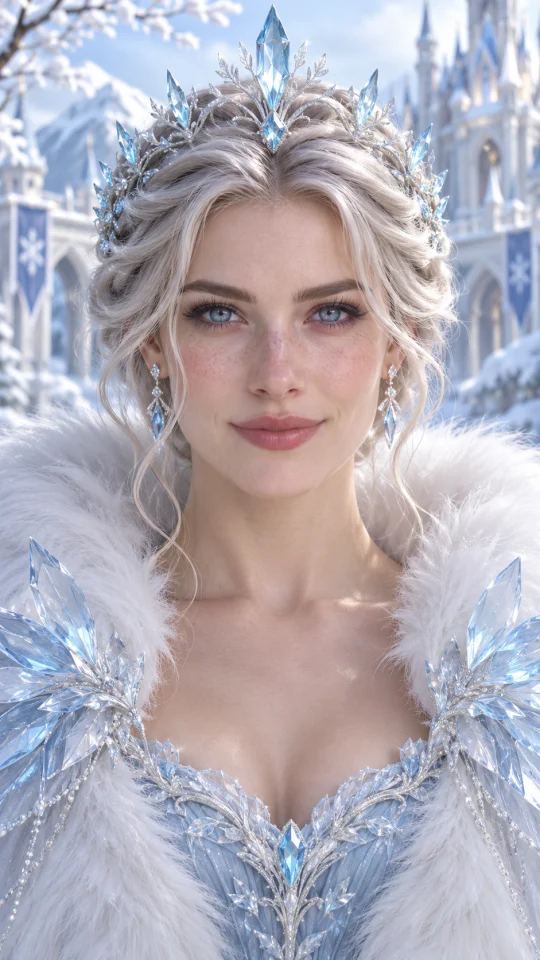 Snow Kingdom Heir
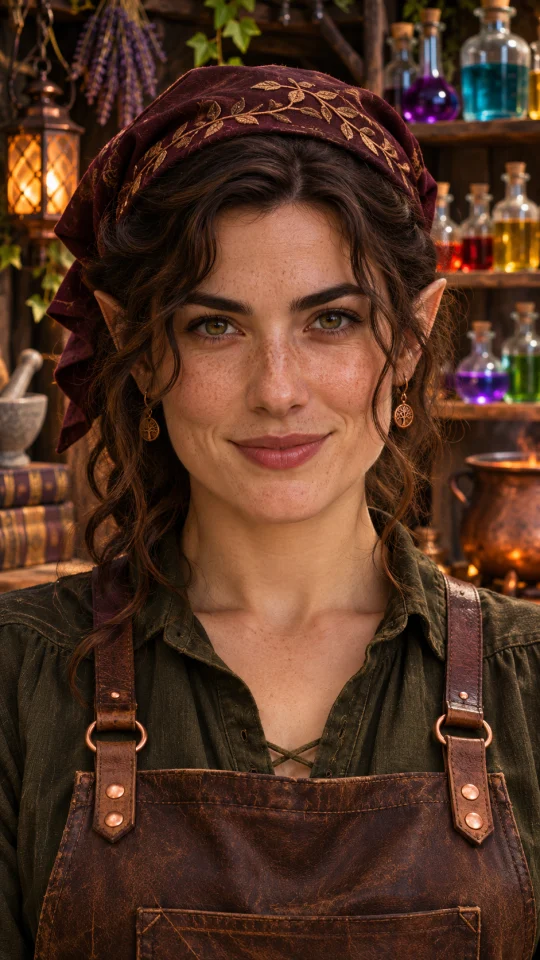 Potion Shop Alchemist
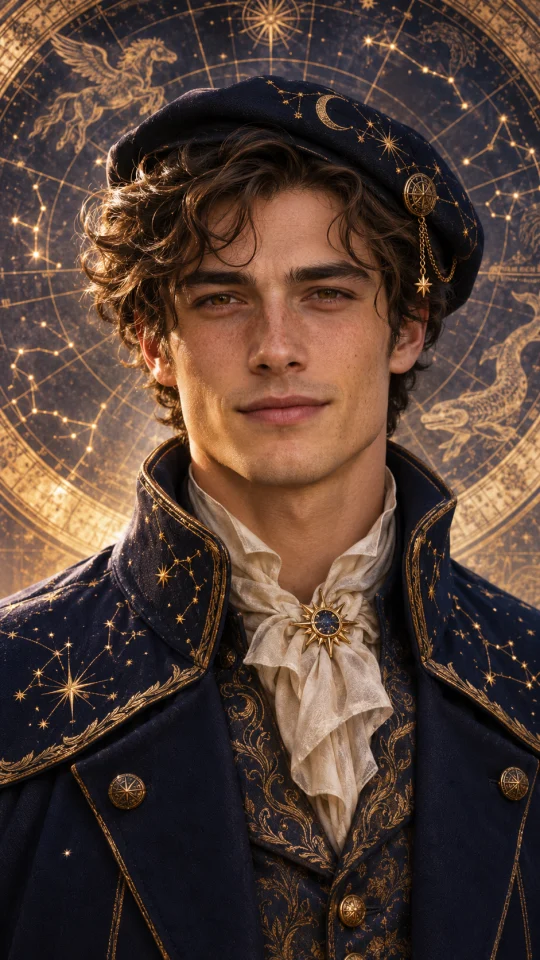 Celestial Cartographer
Original fantasy charactersExplore imaginative roles rather than copies of existing franchises.
Cinematic landscapesCreate enchanting forests, moonlit halls and celestial settings.
Detailed costume designTry embroidered cloaks, elaborate jewelry and magical props.
Your photo as the starting pointGenerate a character-style portrait based on an authorized photograph.
VISUAL IDEAS
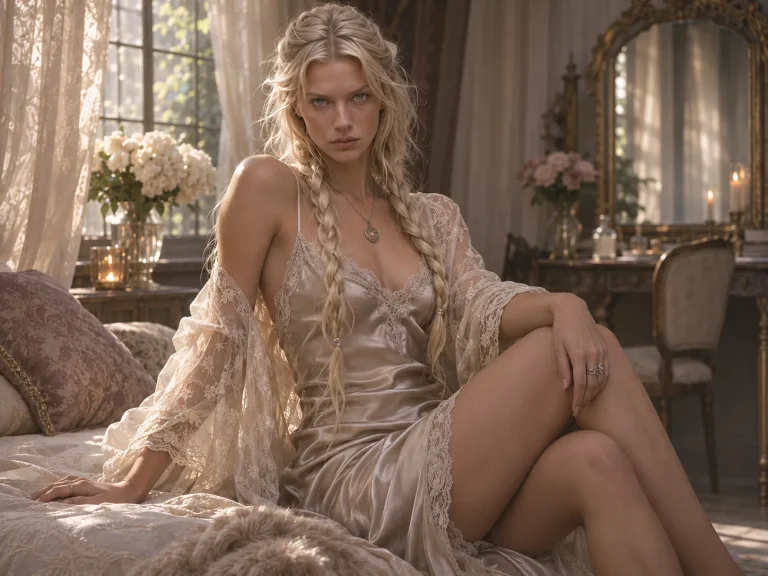
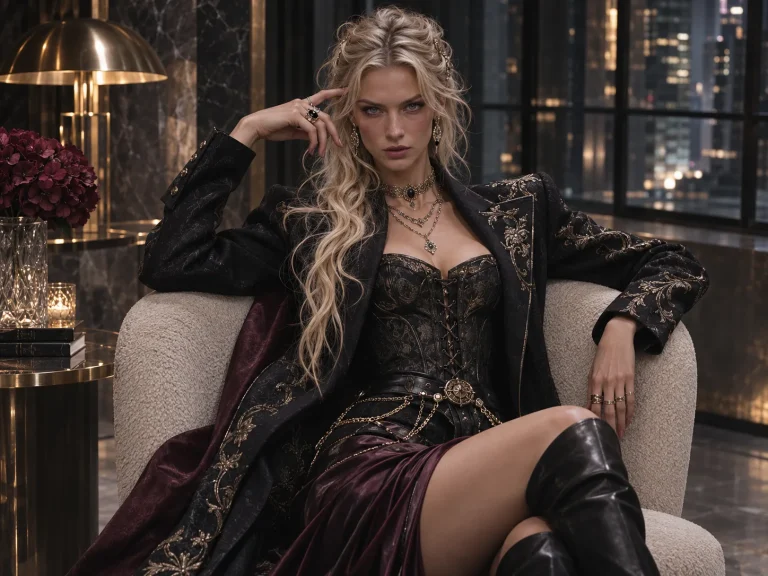
Explore AI Fantasy Portrait Generator Examples
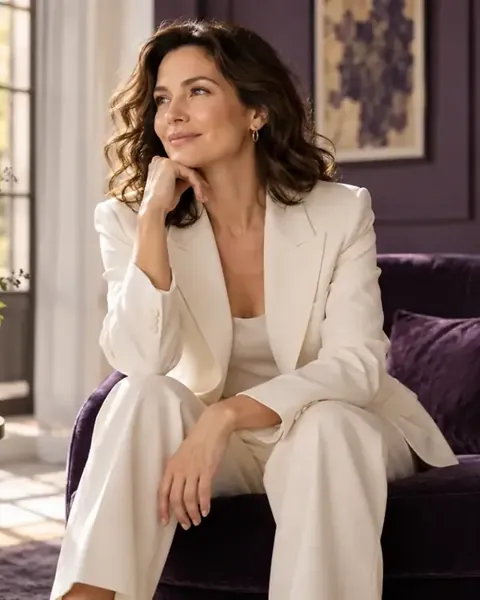
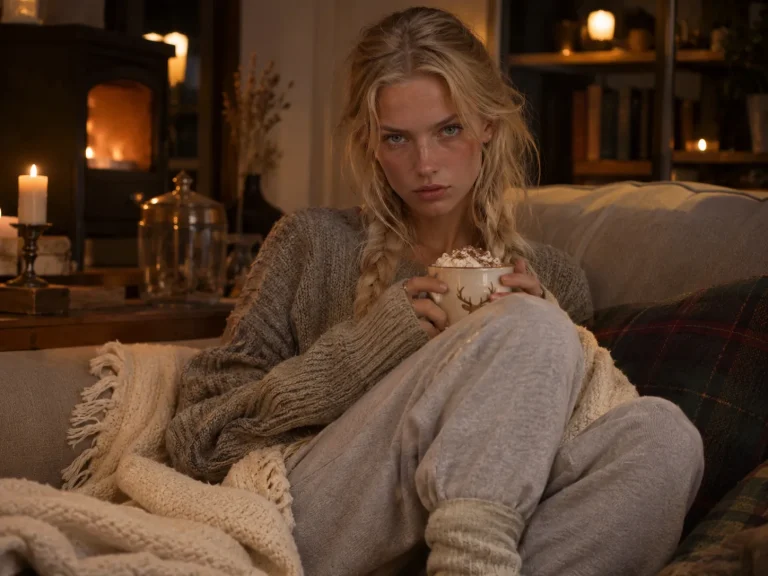
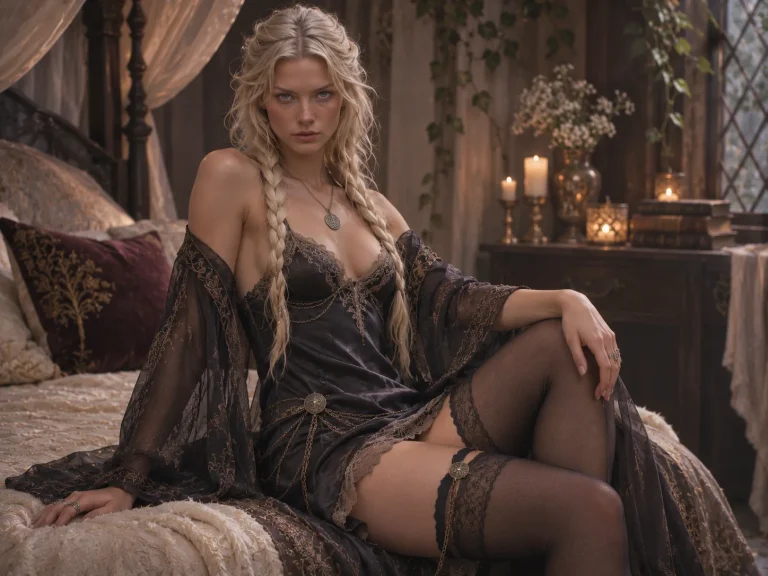
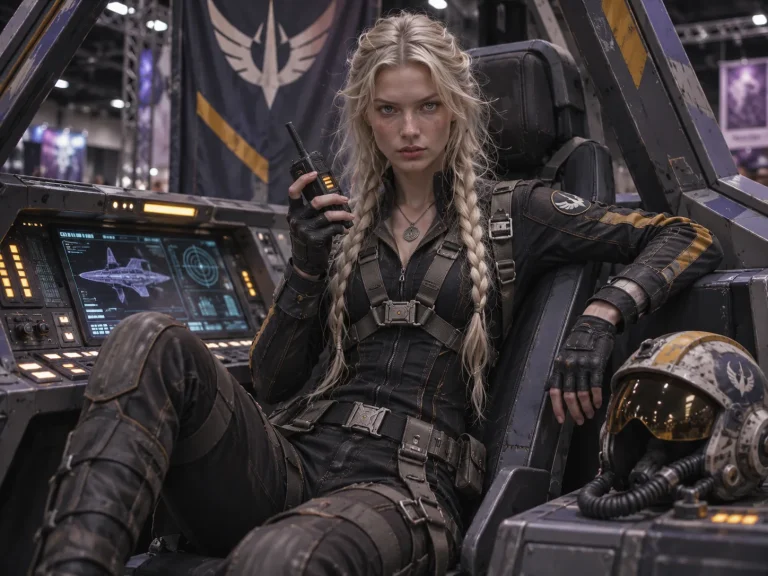
Compare the source photos with the generated results.
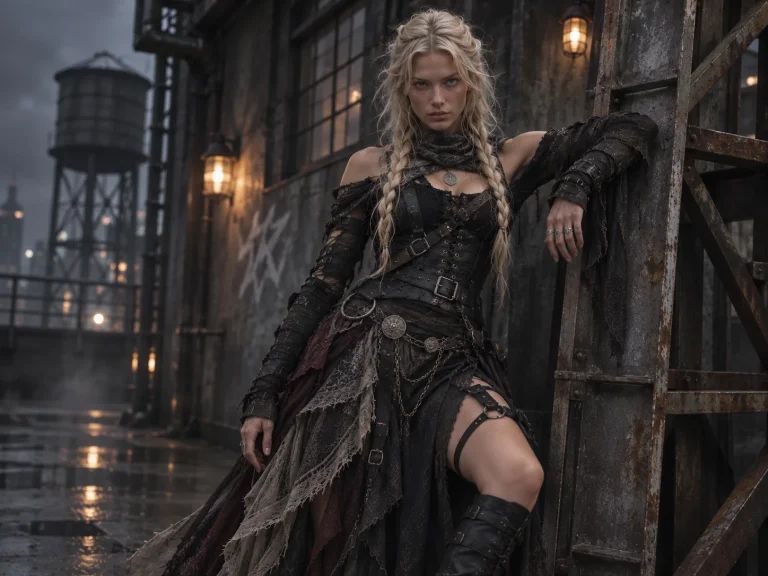
↔
BeforeAfter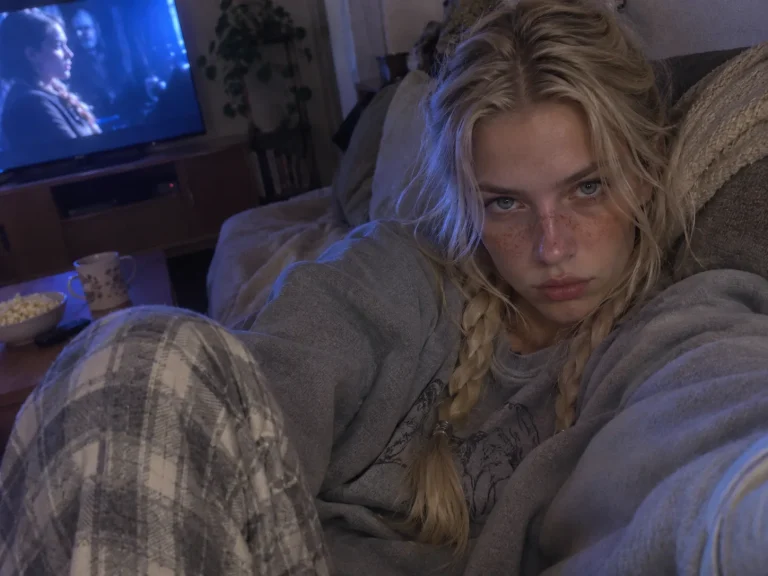
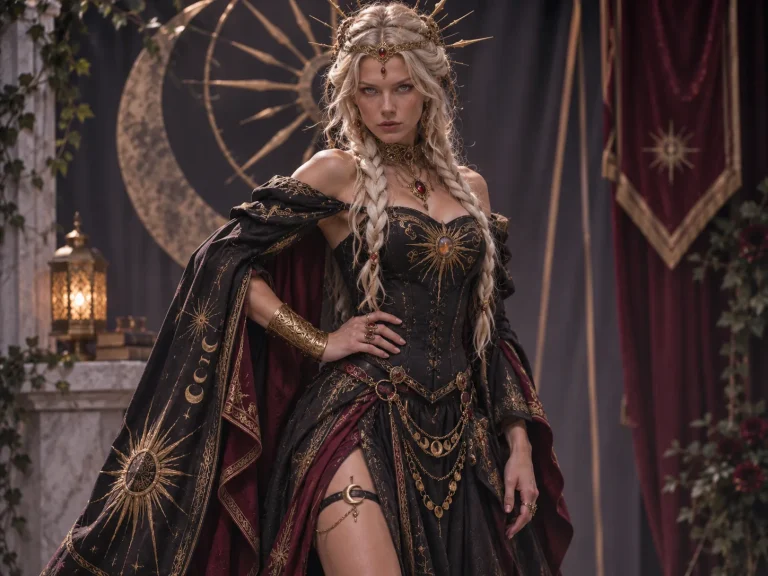
↔
BeforeAfter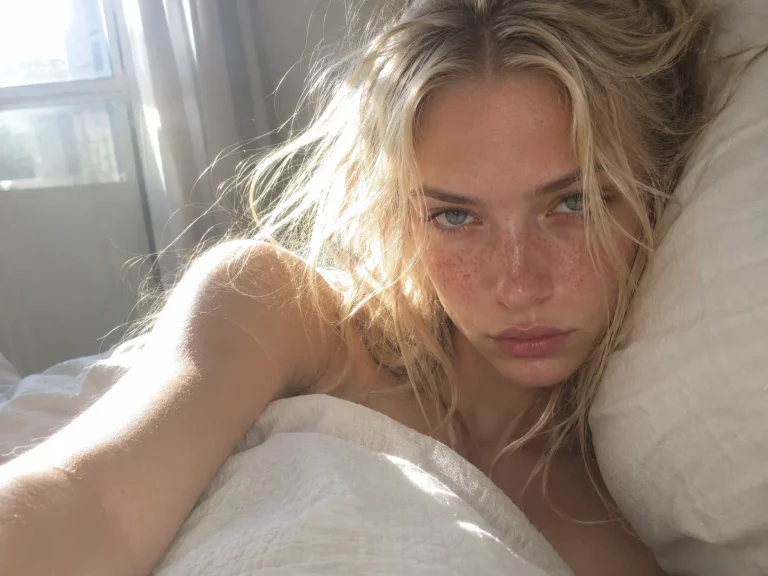
↔
BeforeAfter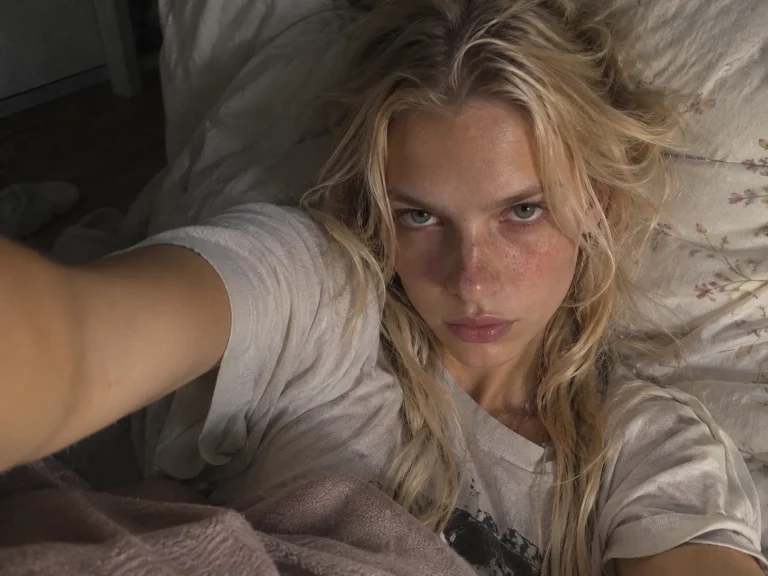
↔
BeforeAfter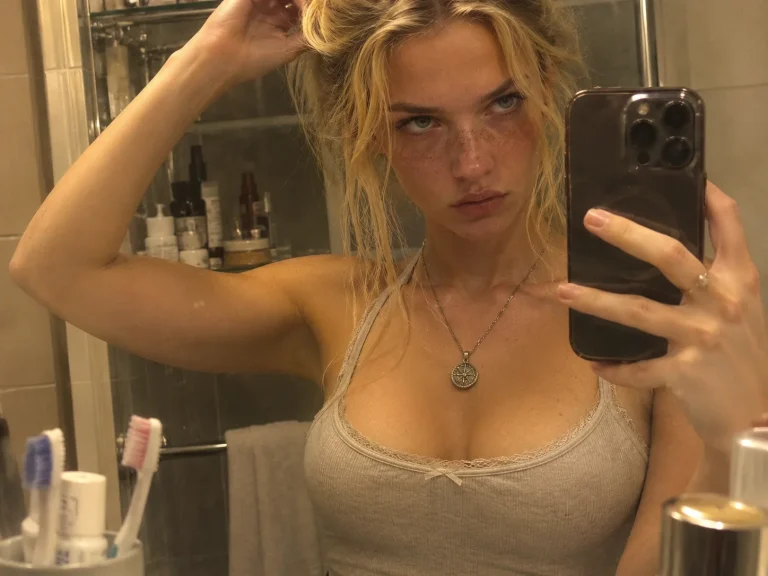
↔
BeforeAfter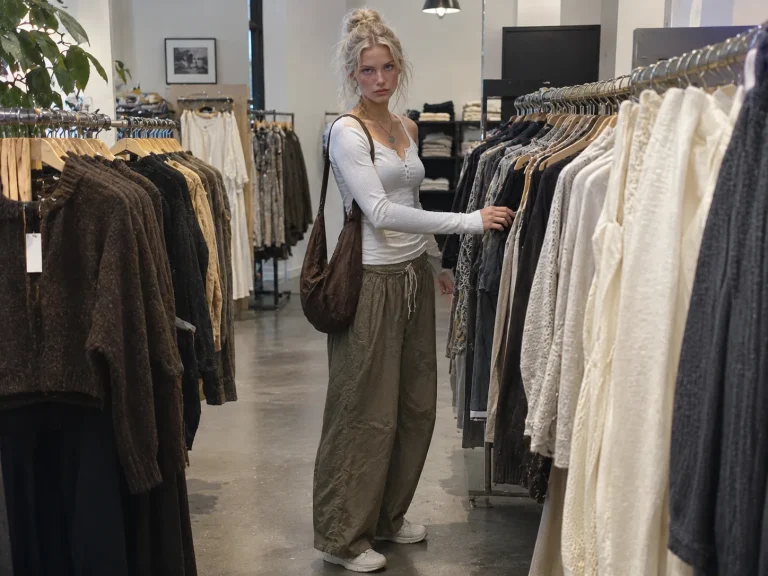
↔
BeforeAfterEXPLORE MORE
What Else Can You Change?
Explore other photo transformation tools and creative looks.
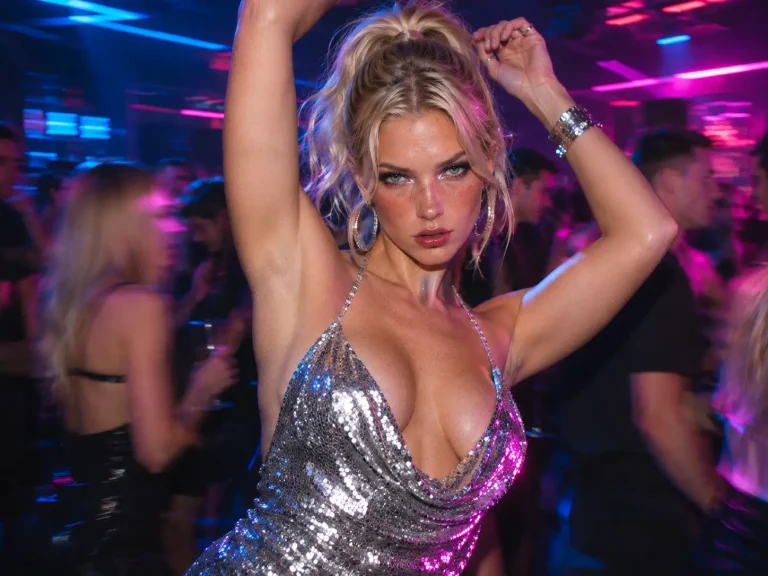 AI Looks GeneratorDiscover a new look in a few steps. Pick a style, upload your photo and generate…
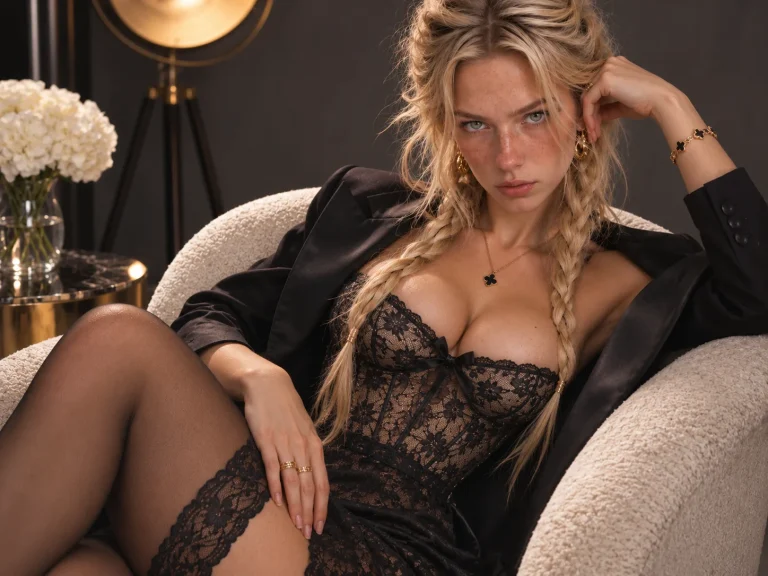 AI Glamour PhotoshootCreate polished glamour portraits with elegant outfits, studio light and a recognizable face.
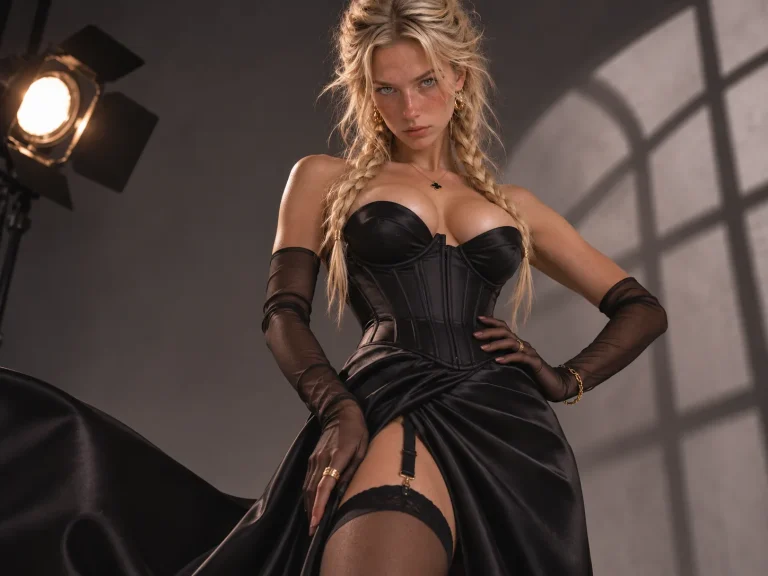 AI Fashion PhotoshootFrom modern tailoring to editorial street style, find a fashion look that fits your photo.
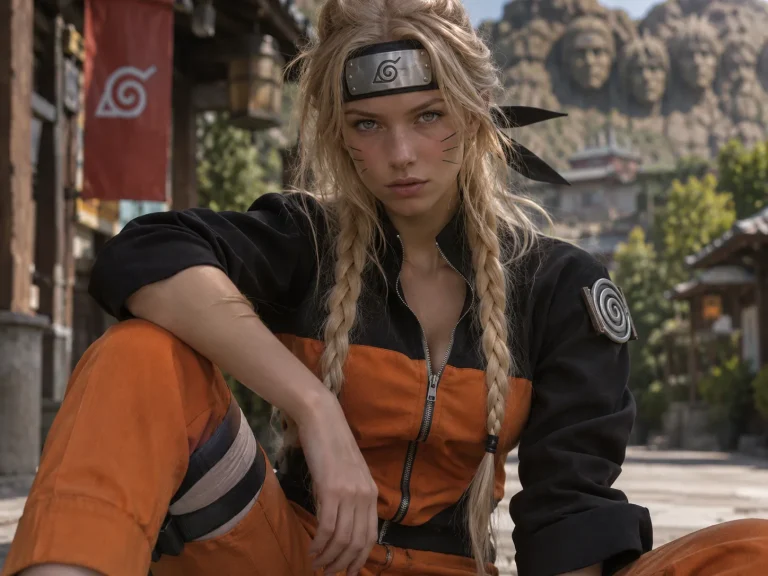 AI Cosplay Photo GeneratorTry original character costumes inspired by fantasy, sci-fi and anime aesthetics.
 Adult Fantasy AI LooksTransform an authorized adult portrait with fantasy-inspired styling, imaginary settings and cinematic character looks.
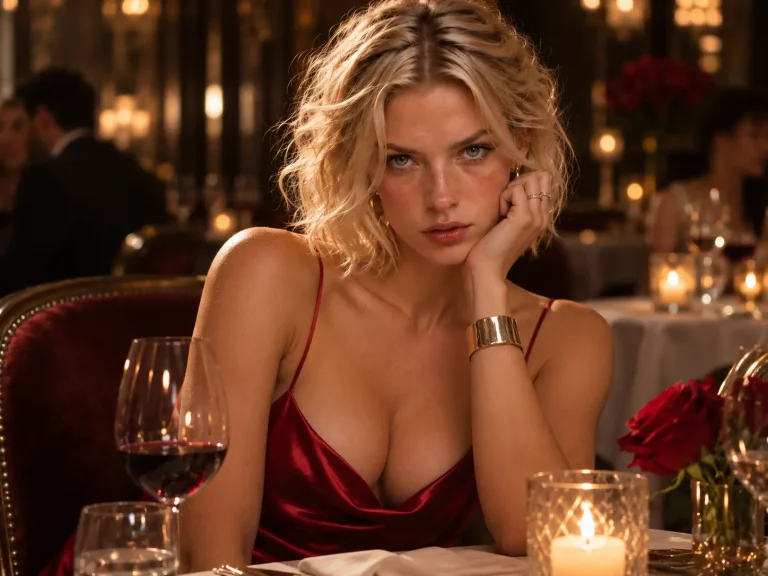 AI Boudoir PhotoshootExplore intimate, tasteful portrait styles with soft window light, silk and cinematic atmosphere.
HOW IT WORKS
How to Use the AI Fantasy Portrait Generator
Choose a fantasy character direction, upload your portrait and generate an imaginative new scene.
Choose a look
Browse this category and select a preset that matches the style you want.
Upload your photo
Choose a clear photograph of an adult you have permission to edit.
Generate and download
Create the image, review the result and save it from the studio or your private gallery.
STYLES & USE CASES
Explore More AI Photo Looks
Browse photo styles and tools for your next edit, from studio portraits to creative transformations.
Adult Fantasy AI LooksTransform an authorized adult portrait with fantasy-inspired styling, imaginary settings and cinematic character looks.AI Boudoir PhotoshootExplore intimate, tasteful portrait styles with soft window light, silk and cinematic atmosphere.AI Cosplay Photo GeneratorTry original character costumes inspired by fantasy, sci-fi and anime aesthetics.AI Fashion PhotoshootFrom modern tailoring to editorial street style, find a fashion look that fits your photo.AI Glamour PhotoshootCreate polished glamour portraits with elegant outfits, studio light and a recognizable face.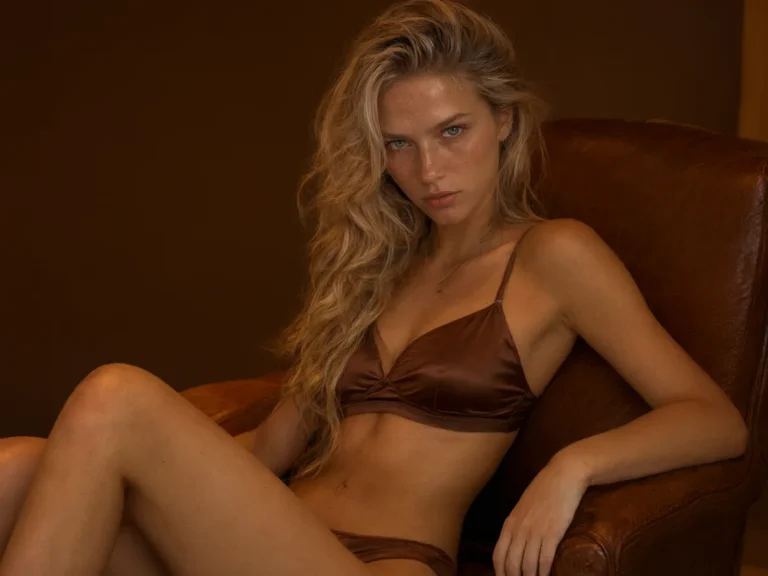 AI Lingerie Photo GeneratorChoose an adult lingerie photoshoot look, upload your photo and create a personalized result.AI Looks GeneratorDiscover a new look in a few steps. Pick a style, upload your photo and generate…
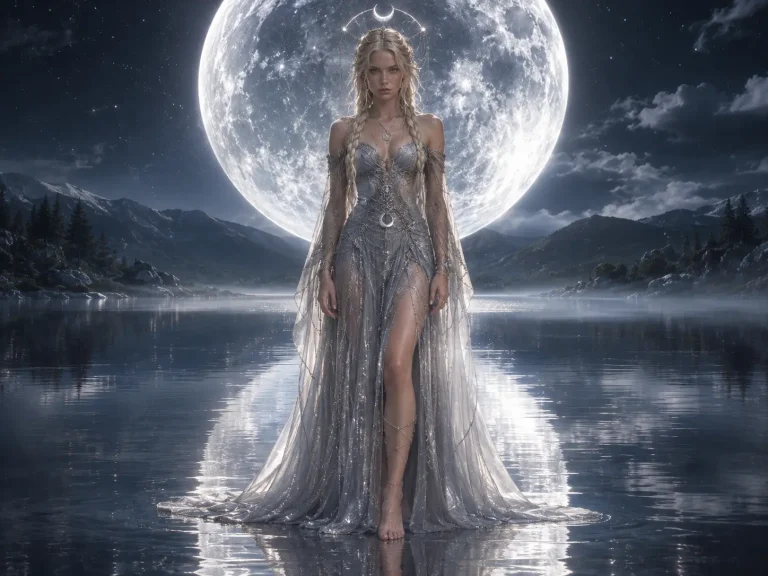 AI Looks StudioChoose a look, upload a photo you have permission to edit, and create a new image…UndressAn 18+ photo editor for authorized images. Choose who to edit and review the result.
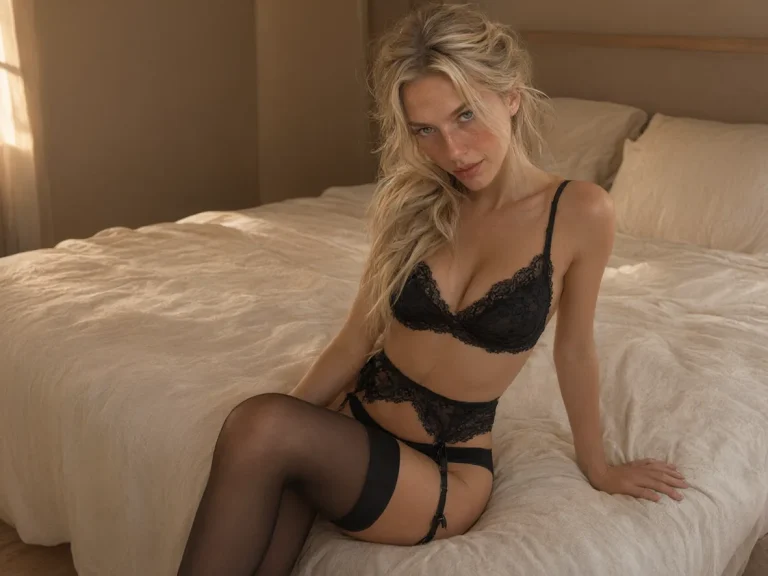 NSFW Image-to-Image AITransform an adult photo with AI. Choose a preset or use a second photo as a…
 Sexy AI PhotoshootExplore confident adult photoshoot looks, from sophisticated evening portraits to bold editorial styling.
 Adult AI Looks GeneratorDiscover adult-themed AI photo looks, choose a preset and transform an authorized adult photo.
ABOUT THE TOOL
Turn Your Photo into a Fantasy Portrait
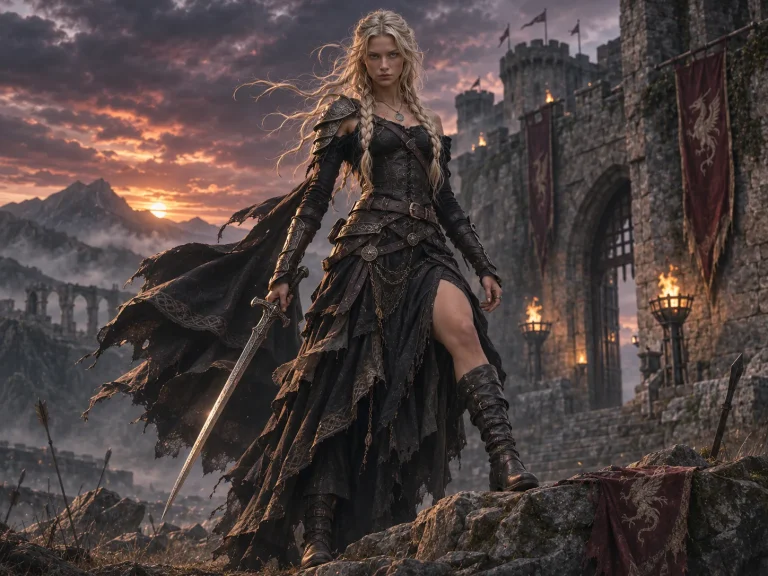
Fantasy portraits invite you to step into a world that does not exist in everyday photography. The setting might be an enchanted forest, a moonlit palace or a dramatic magical city. Clothing, props and cinematic light help define the character, while your photograph gives the generation a personal starting point. An AI Fantasy Portrait Generator brings these elements together through curated visual presets.
Build a character with a distinct visual identity
An elven portrait often relies on delicate shapes, intricate accessories and natural environments. A sorcerer or mage may use layered robes, symbolic details and more dramatic light. A celestial or royal character might feature refined costume design and an elaborate interior. Browse the examples to choose a role whose mood matches the story you want the image to tell.
Environments matter as much as costumes
Soft foliage and glowing sunlight suggest a peaceful fantasy world. Moonlight and cool colors produce mystery. Warm candlelit interiors can make a character feel regal or historical. These combinations of environment and light are important because a generic outfit alone may not communicate a clear fantasy theme. Look for presets that define both the character and the surrounding scene.
Prepare your portrait for transformation
A recognizable face and reasonably clear photo are useful starting points. Choose a portrait with framing compatible with the desired result: a face-and-shoulders photo for close portraits or a wider shot for elaborate costumes. The model may reinterpret accessories, hair and background, so view the generated image as an original creative result rather than a literal photograph of a real event.
Fantasy portrait versus cosplay photography
Fantasy portraits may look like scenes from imaginary worlds and can lean toward stylized cinematic art. Cosplay photography, by contrast, emphasizes the appearance of a real person wearing a costume in a photographed setting. If you want believable costume details and a convention-like photo rather than a magical scene, explore the AI Cosplay Photo Generator.
Use photographs of consenting adults that you have permission to edit. AI results can vary, especially around intricate fabric patterns and character accessories, so examine the output carefully before saving or sharing it.
BEST PHOTO TIPS
How to get a better result
Keep the face unobstructed and leave space around the head for a crown, hood or other costume details.
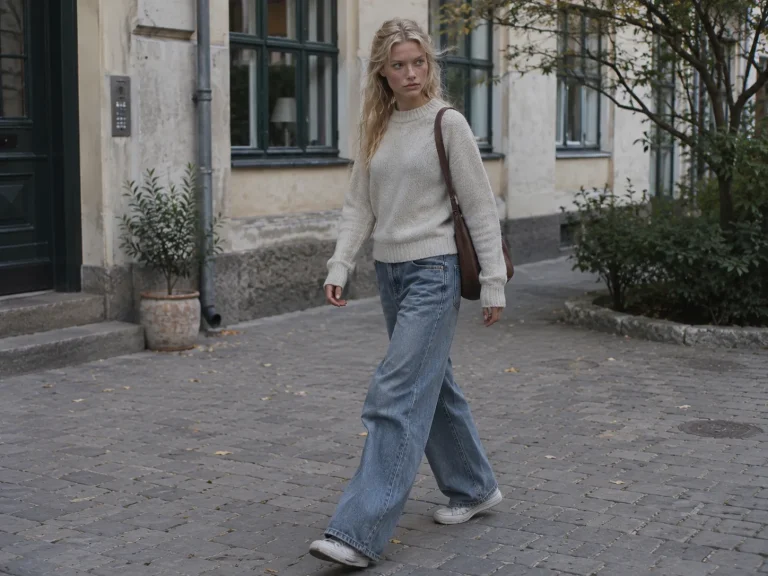 Use a Clear PhotoA sharp, well-lit image helps preserve facial details.
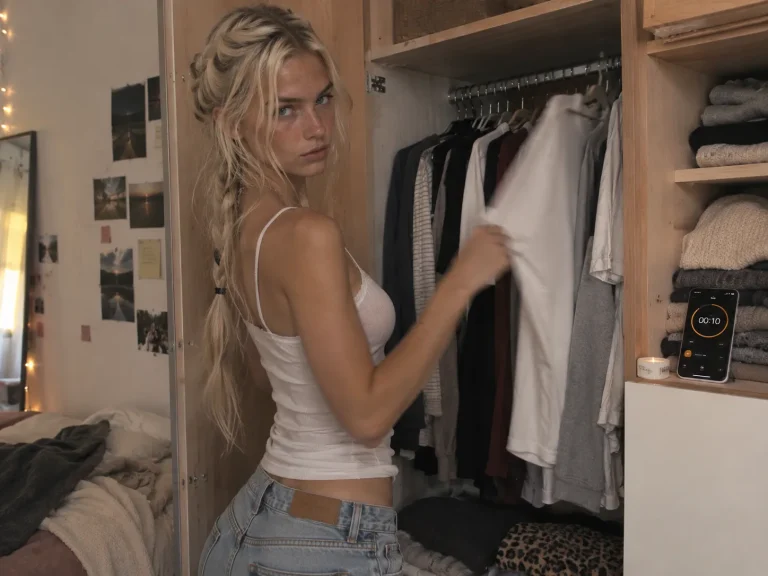 Choose the Right CropSelect a portrait or full-body photo to match your look.
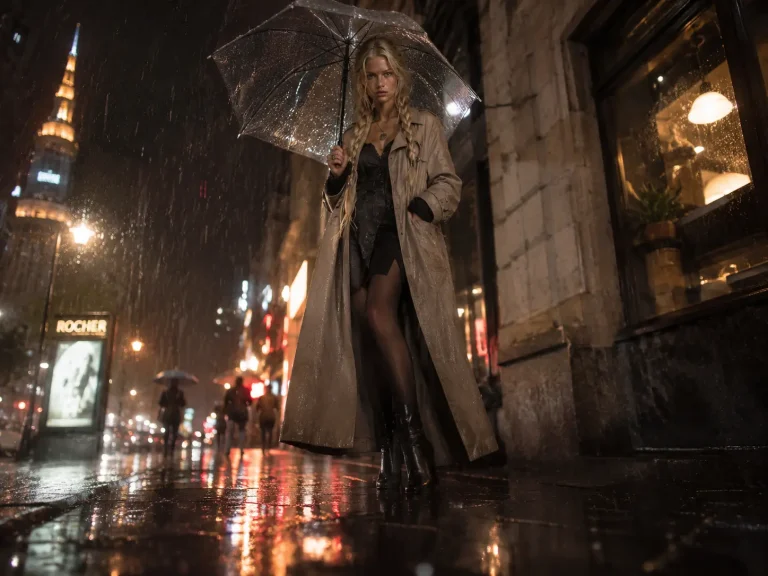 Mind the DetailsKeep important features visible and avoid heavy filters.
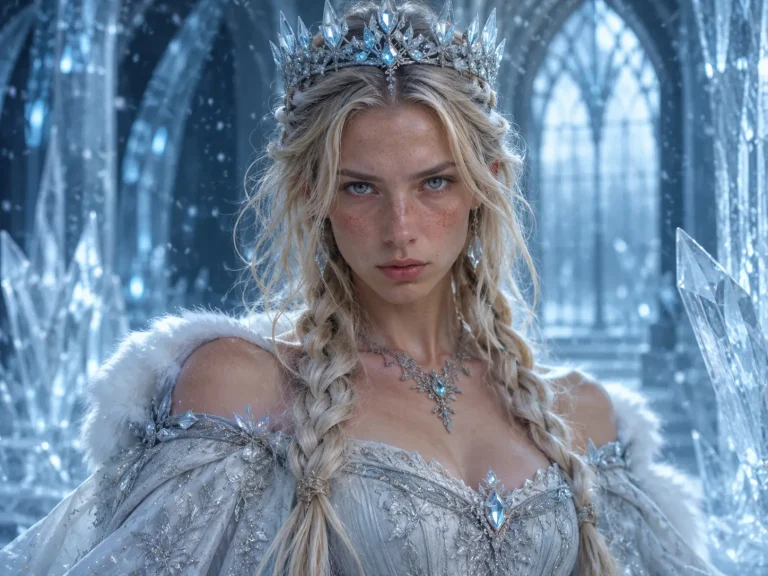 Try Another StyleExplore different presets until the result feels right.
Use a clear photo with one main subject, a visible face and enough space around the clothing or body area that should change. Natural lighting or an evenly lit indoor portrait usually works better than a very dark, blurry or heavily filtered source image.
LIMITATIONS & PRICING
What visitors should know before generating
Check the token price in the editor before you generate.
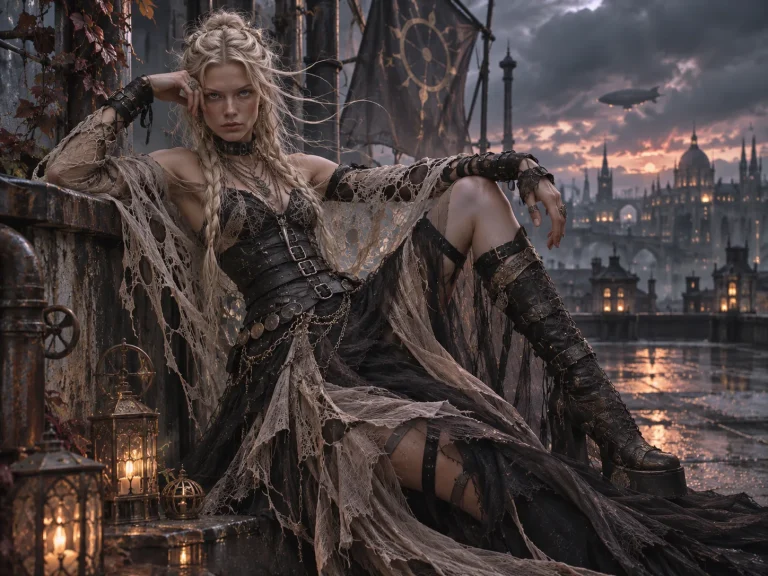
The editor shows the token price before you start. AI results can vary in details such as folds, lighting and framing.
YOUR QUESTIONS
AI Fantasy Portrait Generator FAQ
Can I turn my selfie into an elf portrait?
Yes, choose an elf-style preset and upload a clear photo you have permission to edit.
Will the fantasy character still look like me?
The AI aims to retain recognizable features, but costume, lighting and artistic style may influence the likeness.
What source photo is best for fantasy portraits?
Use a well-lit image with a clear face. Wider photos can be useful for elaborate costumes and scene composition.
Can I choose a magical background?
The selected preset guides the environment, lighting and atmosphere. The exact result may vary.
How do I choose a fantasy preset?
Choose the setting first, such as a moonlit forest or a royal court. Then check the preview for costume details and how tightly the face is framed.
CREATE YOUR NEXT LOOK
Ready to Create Your Next Look?
Select a style, upload your photo and see what AI can create.
Get Started