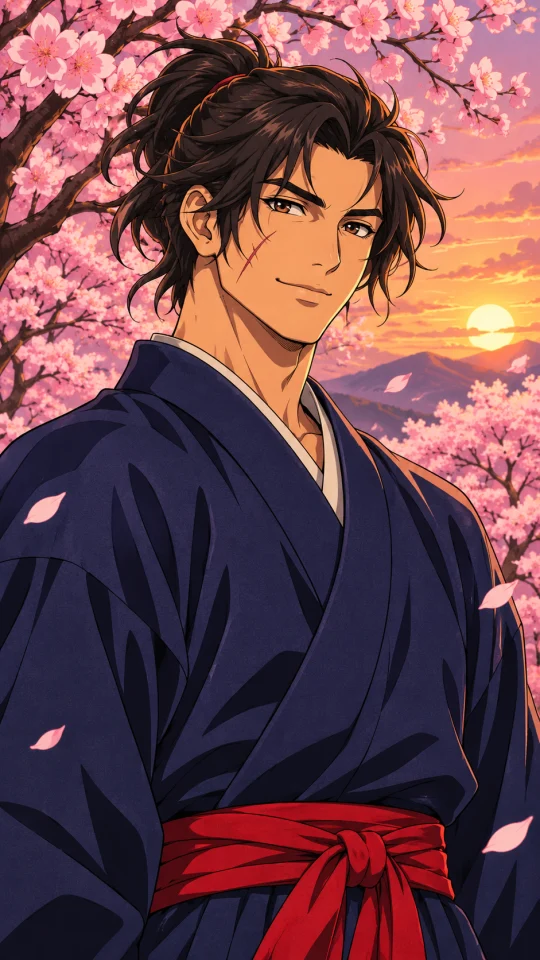
 Samurai Under Sakura
Create your next look
Choose a look, upload a photo you have permission to edit, and create a new image — all on one page.
Select a preset, then upload your photo. Enable JavaScript to use the interactive preview.
Samurai Under Sakura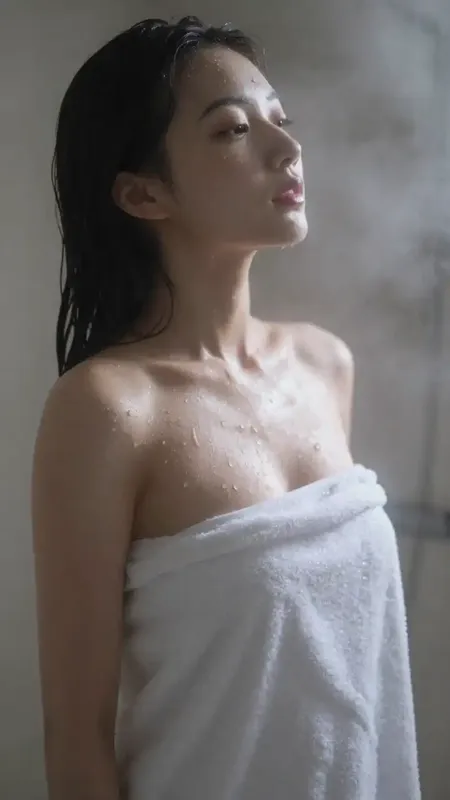 After the Shower
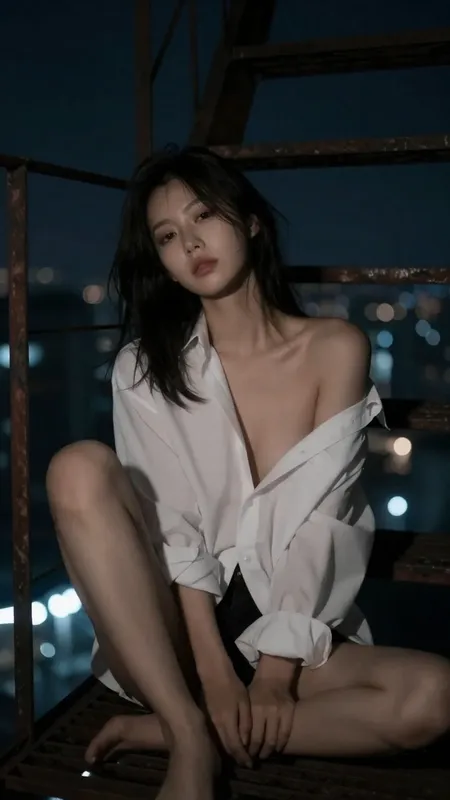 On a Fire Escape at Night
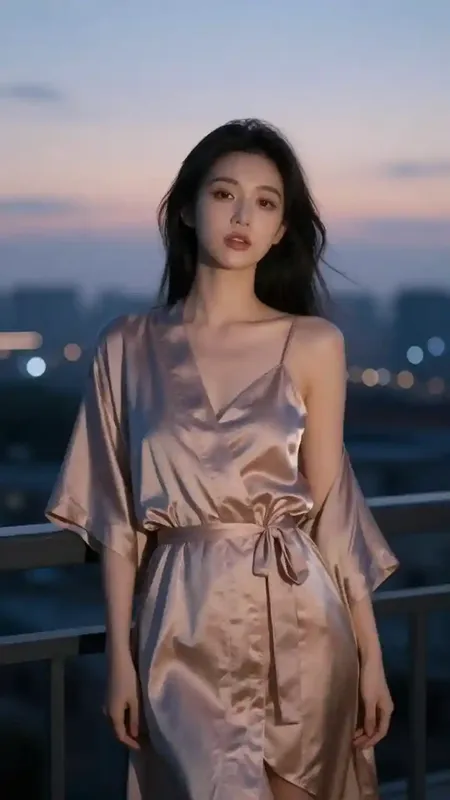 Evening Balcony
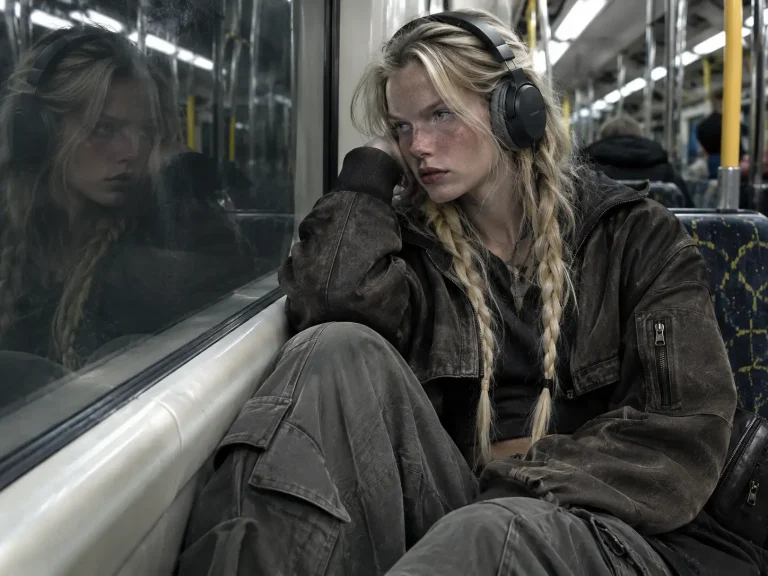
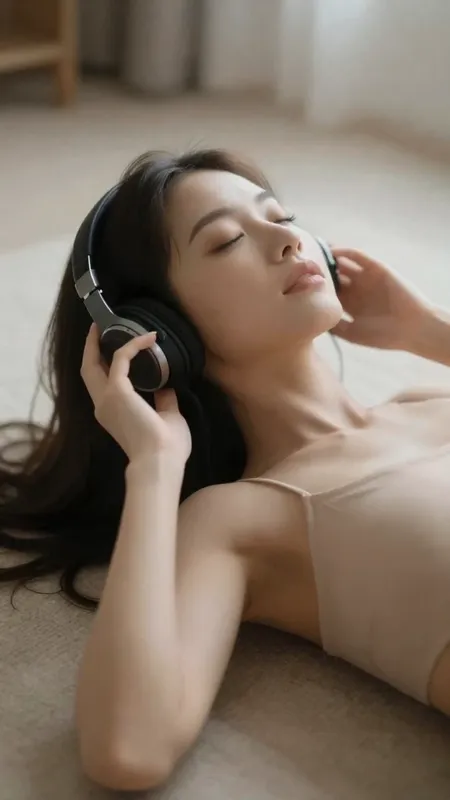 Headphones and Music
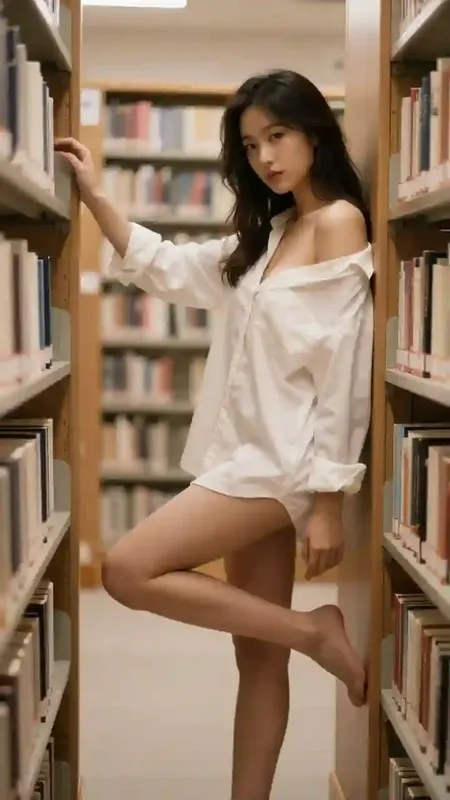 Between Library Shelves
Simple and privateAn easy three-step editing experience.
Your data stays yoursGenerated photos are saved privately in your account for up to 48 hours.
Curated stylesDiscover looks in different creative categories.
Mobile friendlyBrowse and choose on any screen.
GET INSPIRED
Explore creative looks
A few ideas to start with.
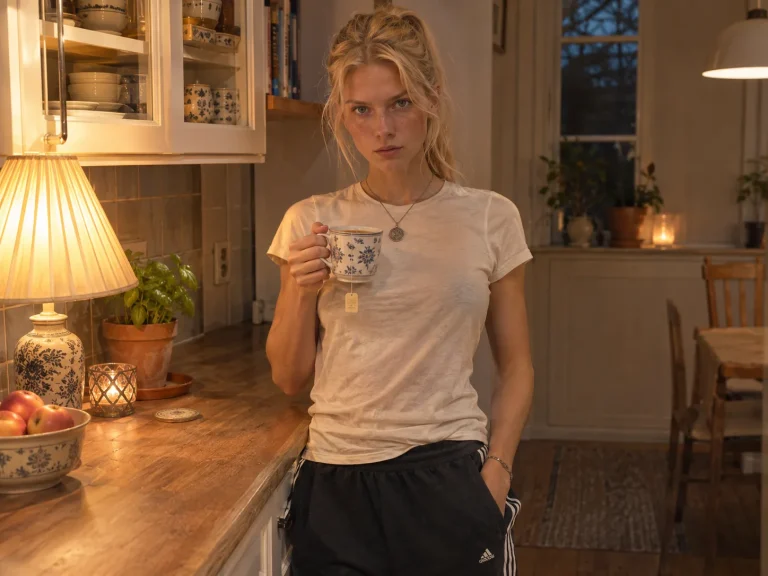
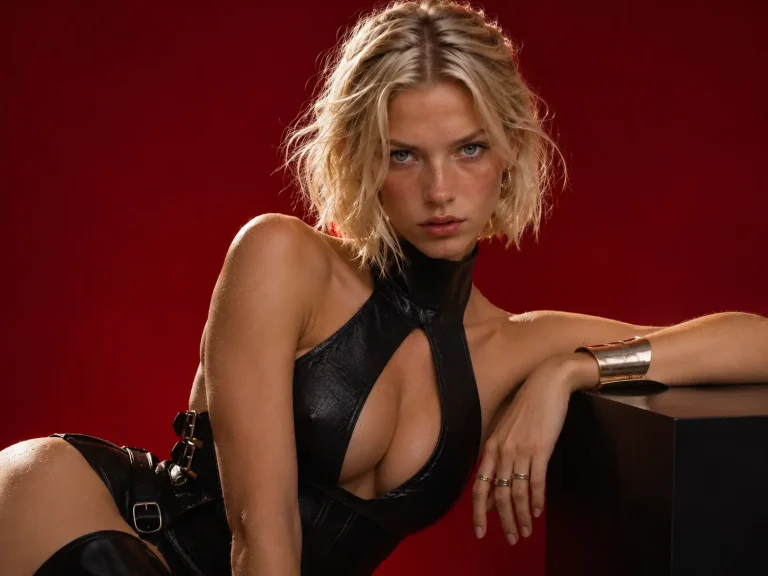
↔
BeforeAfter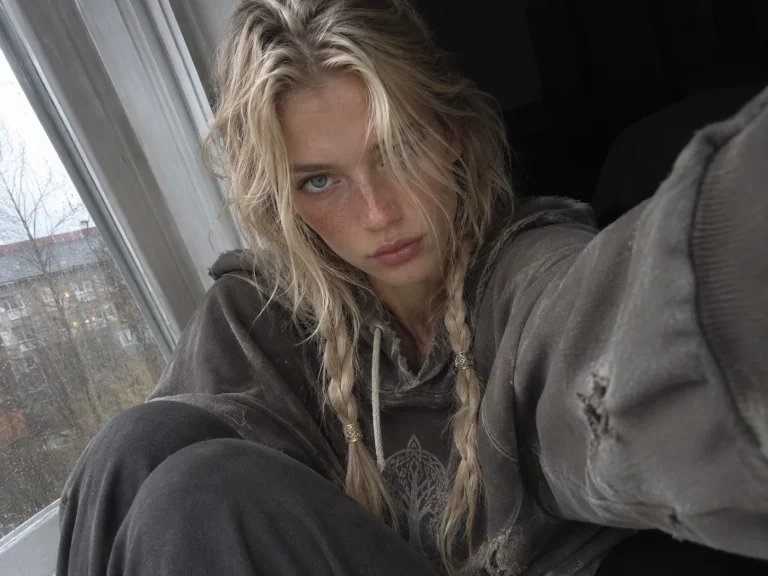
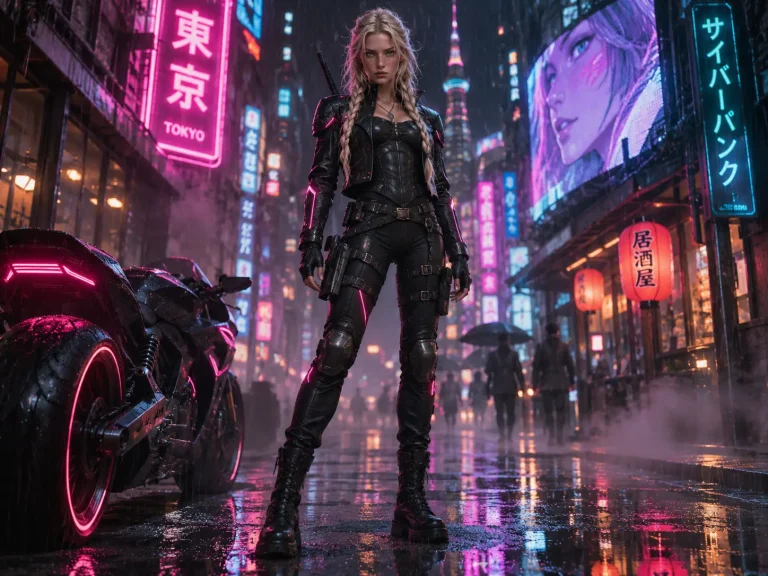
↔
BeforeAfter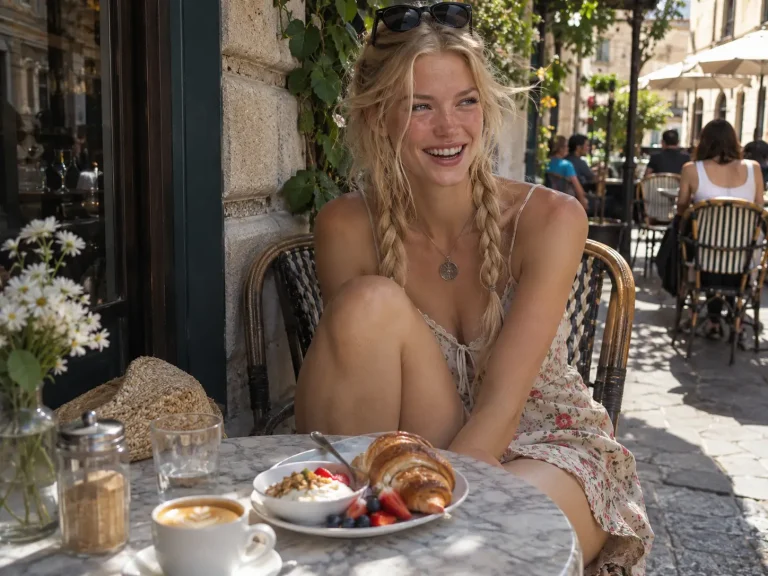
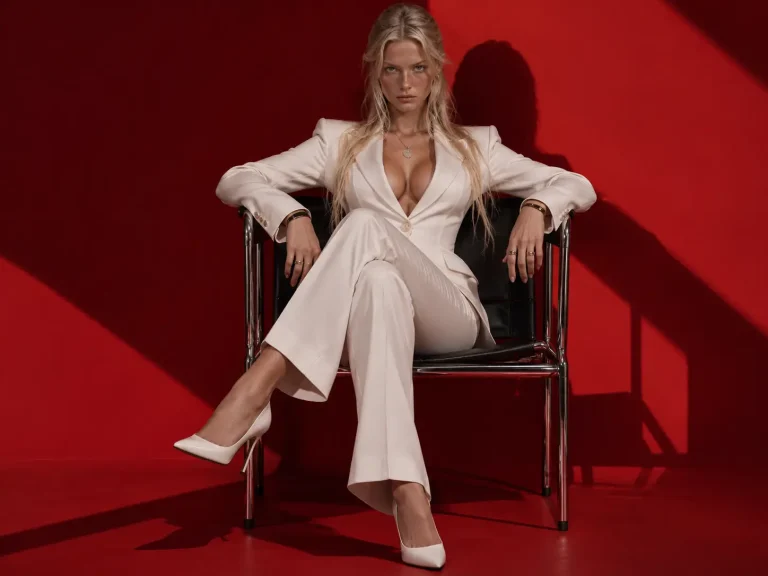
↔
BeforeAfter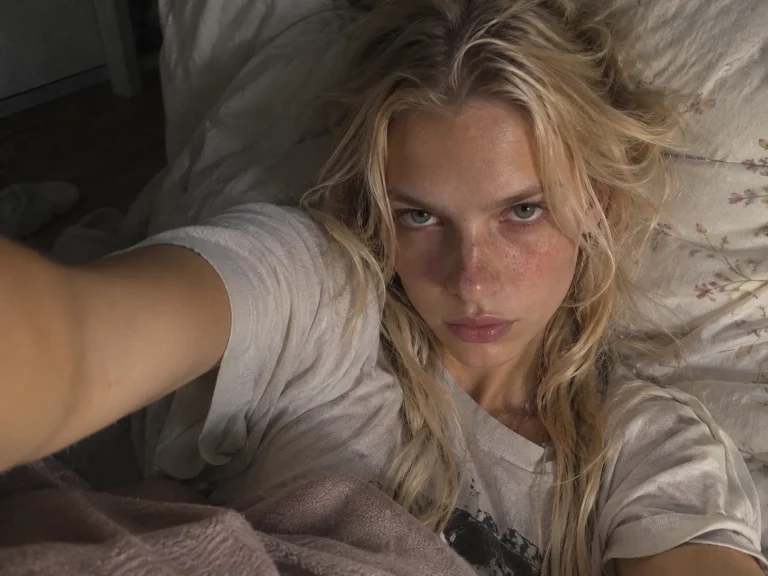
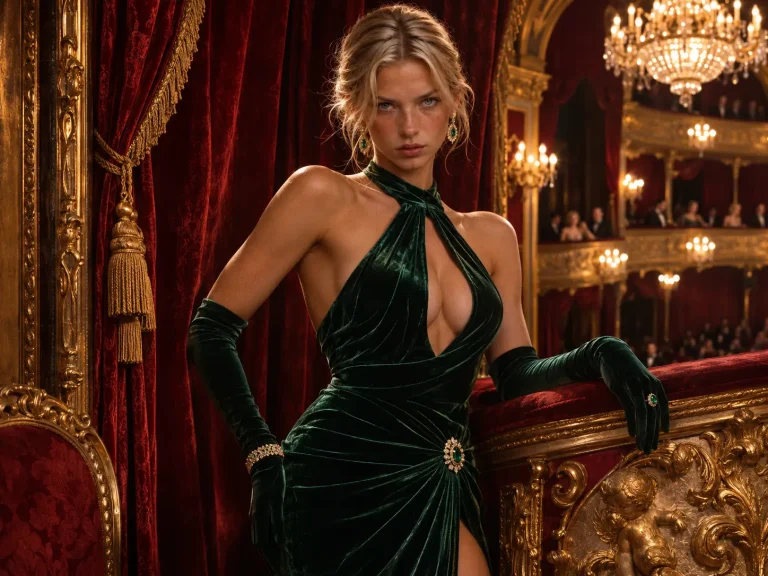
↔
BeforeAfter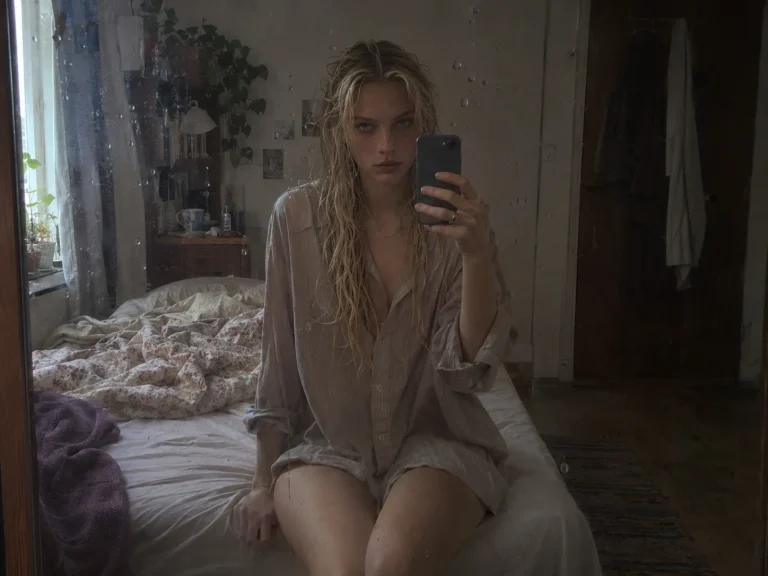
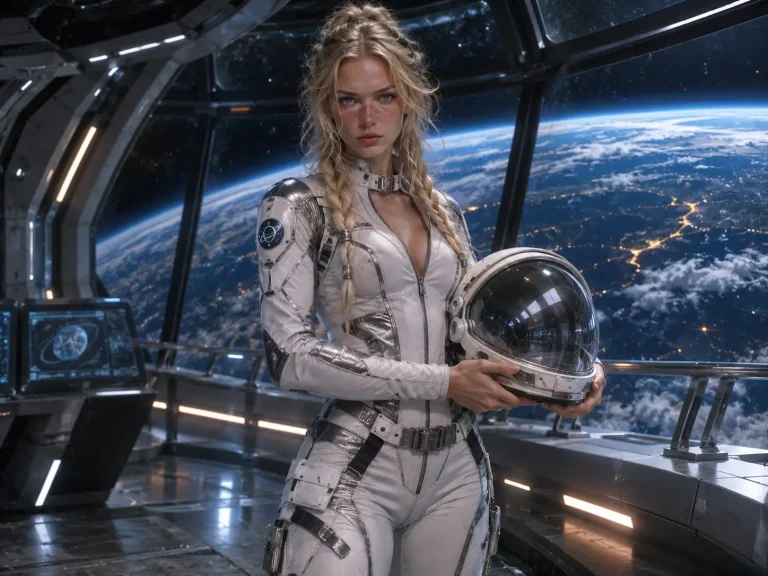
↔
BeforeAfter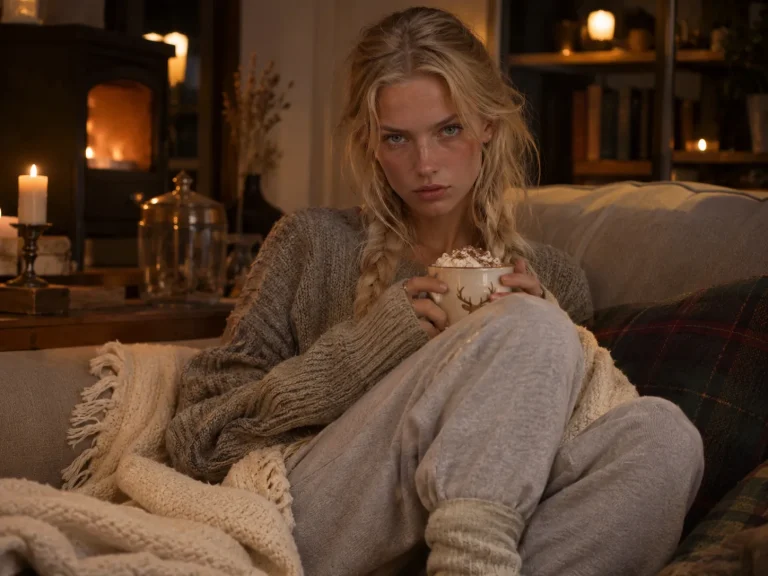
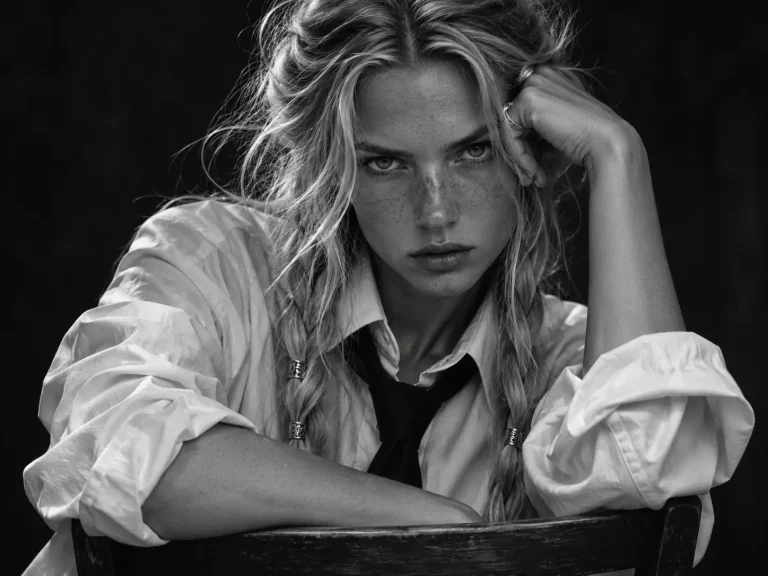
↔
BeforeAfterEXPLORE MORE
What Else Can You Change?
Explore other photo transformation tools and creative looks.
 Adult AI Looks GeneratorDiscover adult-themed AI photo looks, choose a preset and transform an authorized adult photo.
 Adult Fantasy AI LooksTransform an authorized adult portrait with fantasy-inspired styling, imaginary settings and cinematic character looks.
 AI Boudoir PhotoshootExplore intimate, tasteful portrait styles with soft window light, silk and cinematic atmosphere.
 AI Cosplay Photo GeneratorTry original character costumes inspired by fantasy, sci-fi and anime aesthetics.
 AI Fantasy Portrait GeneratorEnter a fantasy world with magical portraits, cinematic lighting and original character styles.
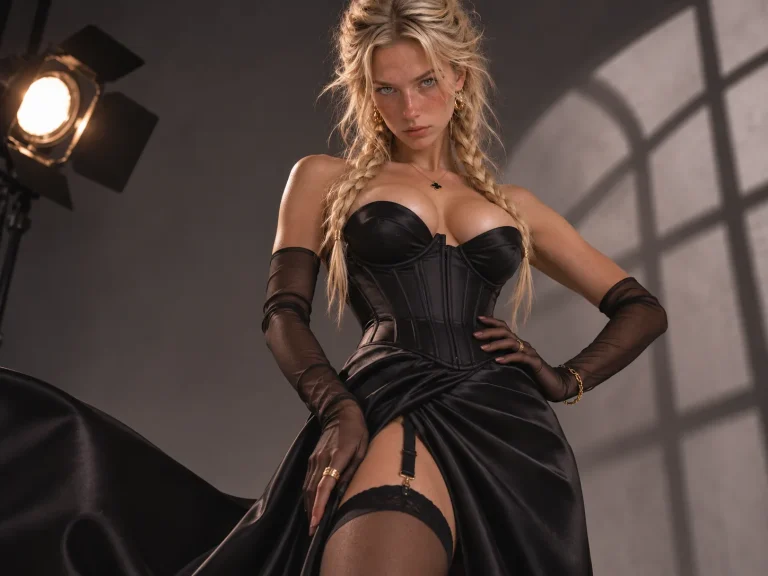 AI Fashion PhotoshootFrom modern tailoring to editorial street style, find a fashion look that fits your photo.
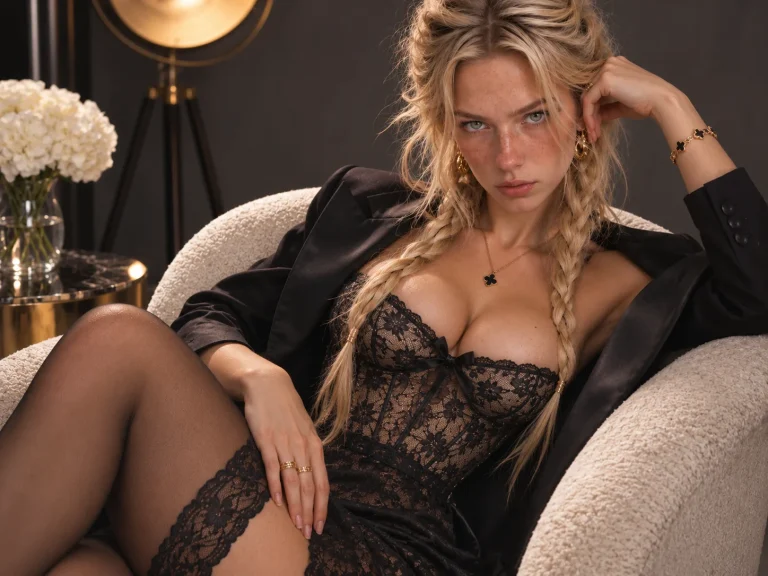 AI Glamour PhotoshootCreate polished glamour portraits with elegant outfits, studio light and a recognizable face.
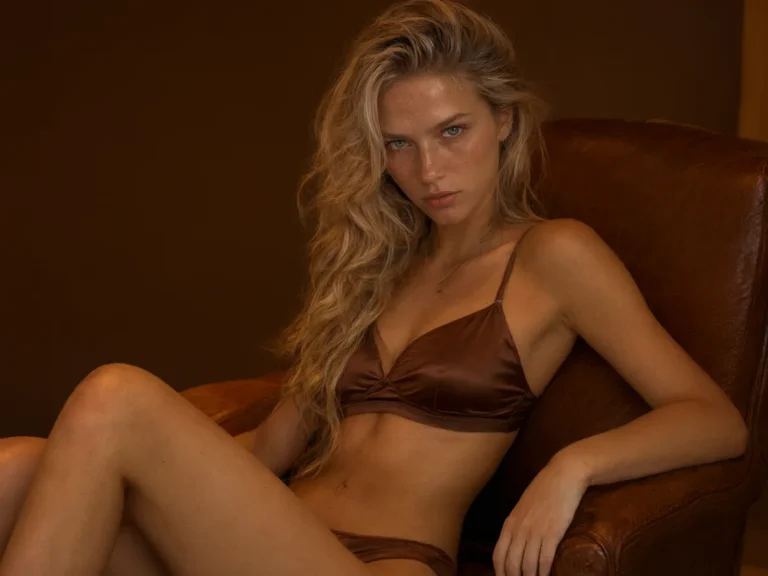 AI Lingerie Photo GeneratorChoose an adult lingerie photoshoot look, upload your photo and create a personalized result.
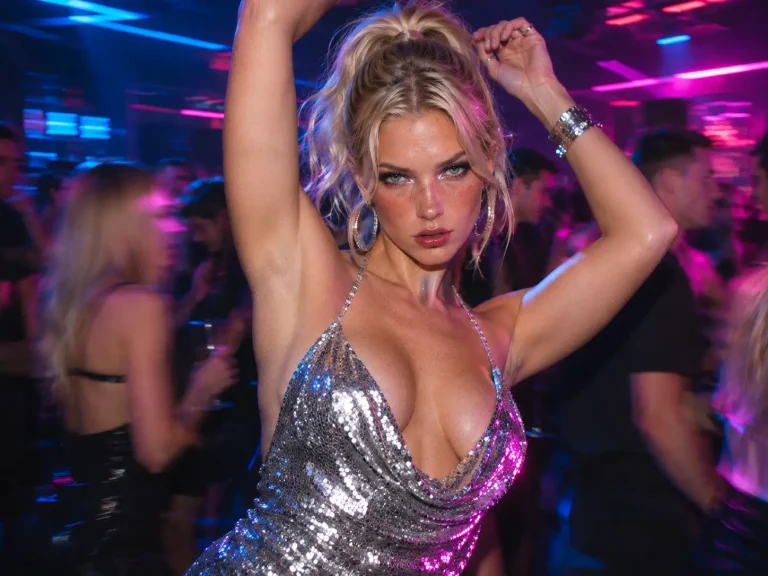 AI Looks GeneratorDiscover a new look in a few steps. Pick a style, upload your photo and generate…
 UndressAn 18+ photo editor for authorized images. Choose who to edit and review the result.
 NSFW Image-to-Image AITransform an adult photo with AI. Choose a preset or use a second photo as a…
SIMPLE BY DESIGN
Your next look in three steps
Explore a look, select your photo, and try the experience.
Choose a look
Browse the presets and pick a style you like.
Upload a photo
Choose an adult portrait you may edit.
Generate
Generate a new image, then download it or find it in your private gallery.
STYLES & USE CASES
Explore More AI Photo Looks
Browse photo styles and tools for your next edit, from studio portraits to creative transformations.
Adult AI Looks GeneratorDiscover adult-themed AI photo looks, choose a preset and transform an authorized adult photo.AI Boudoir PhotoshootExplore intimate, tasteful portrait styles with soft window light, silk and cinematic atmosphere.Adult Fantasy AI LooksTransform an authorized adult portrait with fantasy-inspired styling, imaginary settings and cinematic character looks.AI Cosplay Photo GeneratorTry original character costumes inspired by fantasy, sci-fi and anime aesthetics.AI Fantasy Portrait GeneratorEnter a fantasy world with magical portraits, cinematic lighting and original character styles.AI Fashion PhotoshootFrom modern tailoring to editorial street style, find a fashion look that fits your photo.ABOUT AI LOOKS
How to edit a photo with AI
Leaduma brings portrait, fashion and fantasy tools into one online photo editor. Choose a look, upload an image you have permission to edit, and see the result in the same editor.
Choose the right tool for the edit
Browse AI Looks to compare ready-made styles. For a portrait focused on lighting or makeup, try Glamour. For a new composition and wardrobe, pick a Fashion preset. If only the outfit should change, use AI Clothes Changer.
Use a reference photo
In an image-to-image editor, your original photo supplies the person and the reference guides the new look. The Clothes from photo mode has a narrower purpose: it uses the second image for the garment.
Save your result
Download your result from the editor or the private gallery. Gallery results remain available for up to 48 hours. The editor shows the token price before generation.
BEST PHOTO TIPS
How to get a better result
Start with a sharp original. A close portrait works for face-focused edits. Use a wider crop for a new outfit or pose.
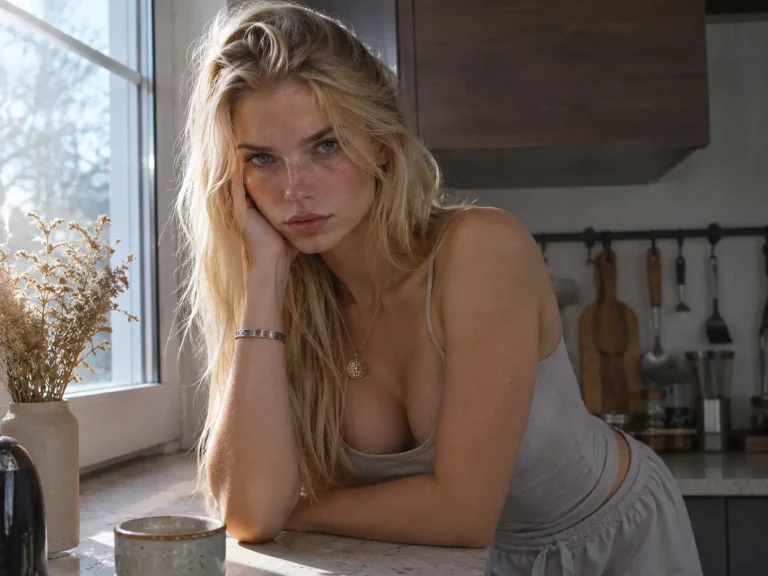 Use a Clear PhotoA sharp, well-lit image helps preserve facial details.
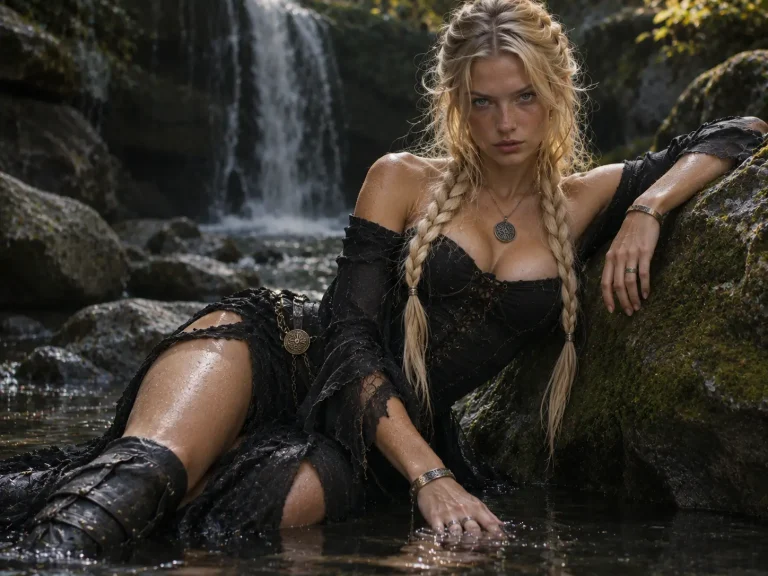 Choose the Right CropSelect a portrait or full-body photo to match your look.Mind the DetailsKeep important features visible and avoid heavy filters.
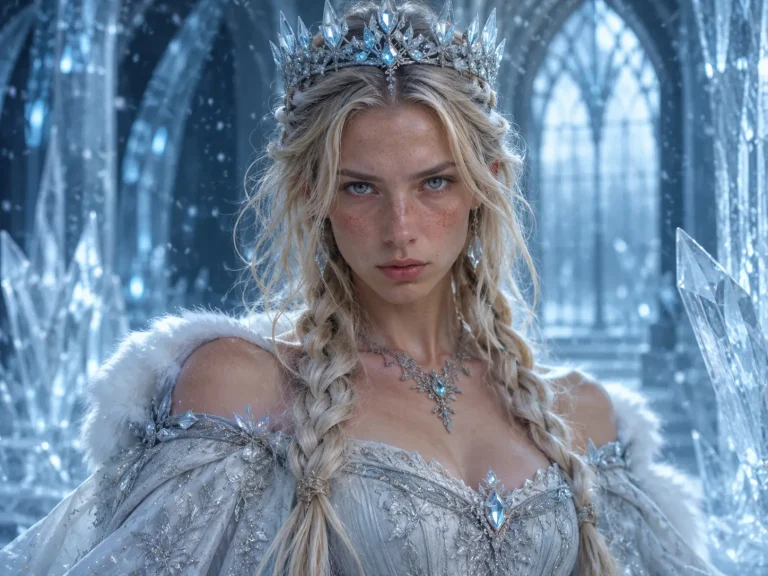 Try Another StyleExplore different presets until the result feels right.
Use a clear photo with one main subject, a visible face and enough space around the clothing or body area that should change. Natural lighting or an evenly lit indoor portrait usually works better than a very dark, blurry or heavily filtered source image.
LIMITATIONS & PRICING
What visitors should know before generating
Check the token price in the editor before you generate.
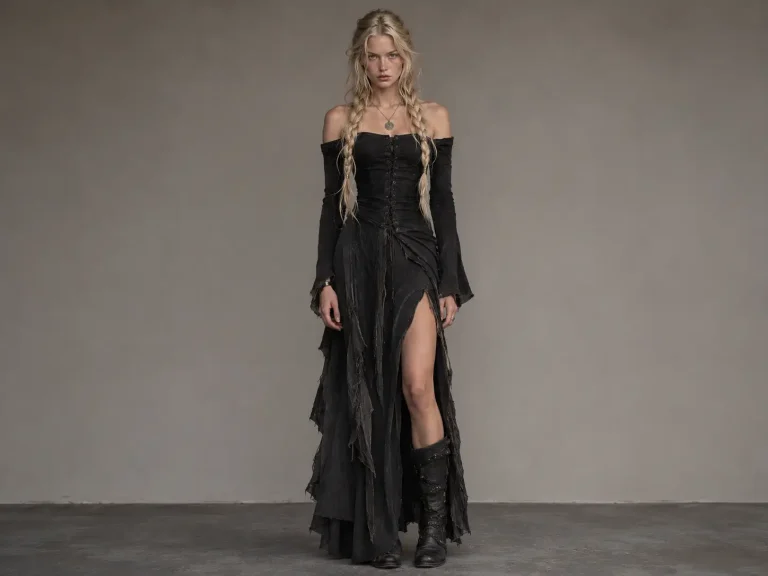
The editor shows the token price before you start. AI results can vary in details such as folds, lighting and framing.
FREQUENTLY ASKED QUESTIONS
A few things worth knowing
How do I generate an image?
Sign in, choose a look and upload a photo to generate an image.
Which tool should I start with?
Use the looks gallery to browse ready-made styles. For a change limited to clothing, open AI Clothes Changer. To use another photo as an overall style reference, open the image-to-image editor.
Which photo types can I use?
Upload a JPG, PNG or WebP photo up to 12 MB. Each side must be at least 384 pixels.
Do I need an account?
You can explore styles without an account. Sign in to generate and verify your email to get one free generation.
CREATE YOUR NEXT LOOK
Ready to Create Your Next Look?
Select a style, upload your photo and see what AI can create.
Get Started