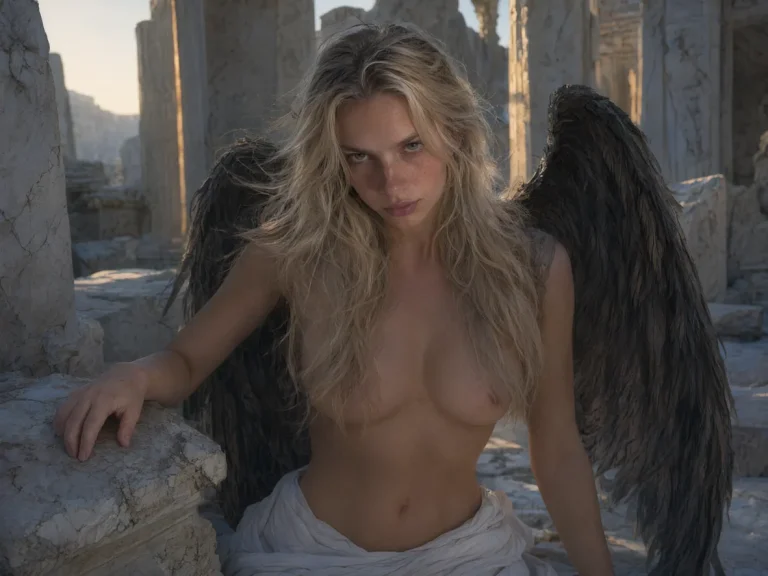
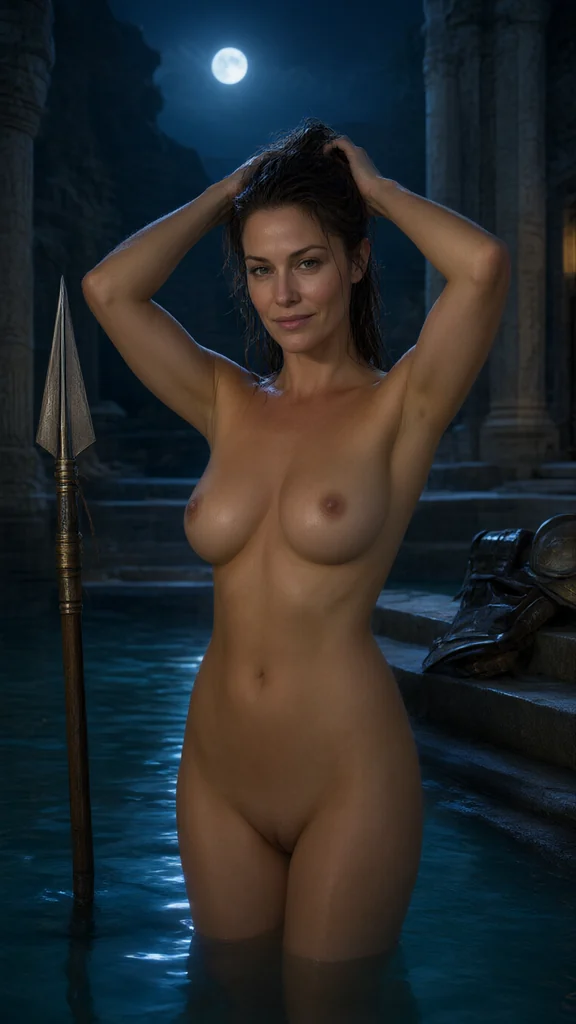
 Temple Guardian
NSFW Image-to-Image AI
Transform an adult photo with AI. Choose a preset or use a second photo as a visual reference for the look you want.
Select a preset, then upload your photo. Enable JavaScript to use the interactive preview.
Temple Guardian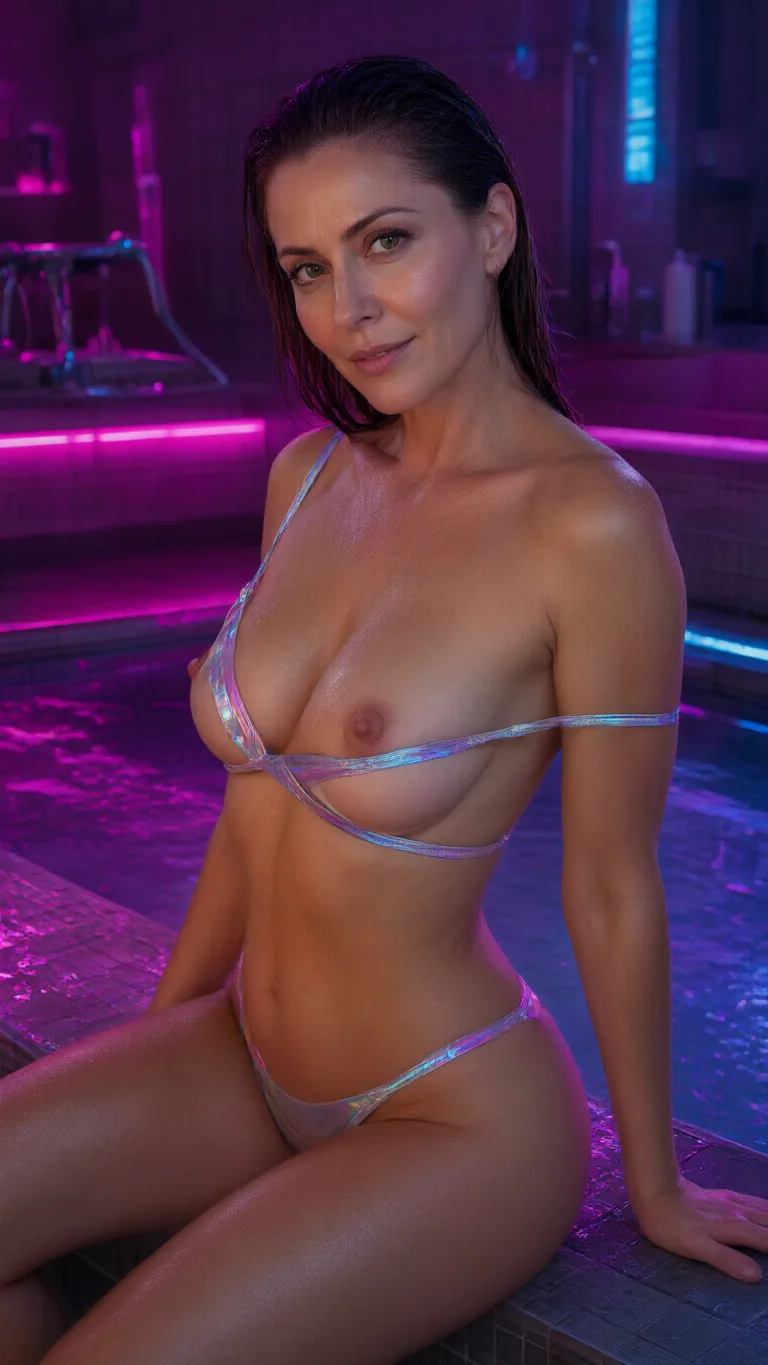 Neon Bathhouse
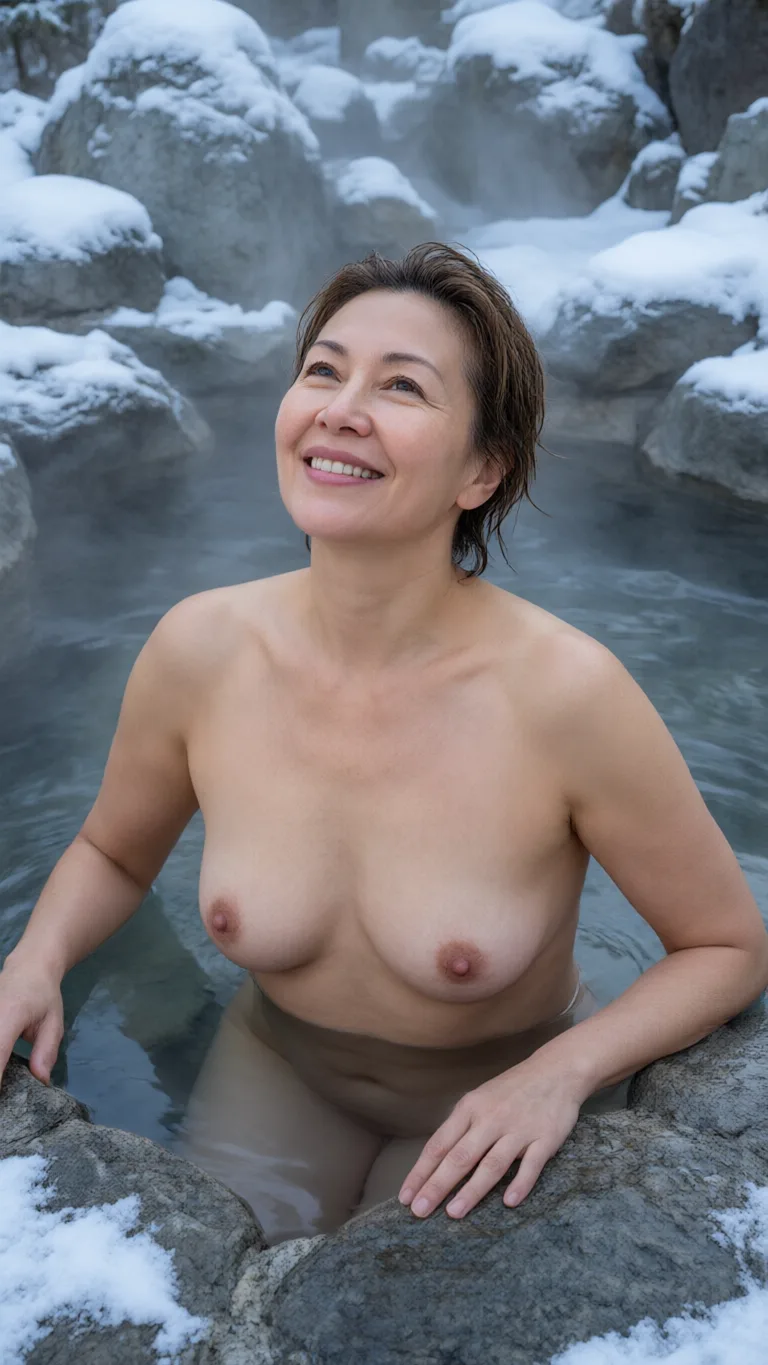 Snowy Hot Spring
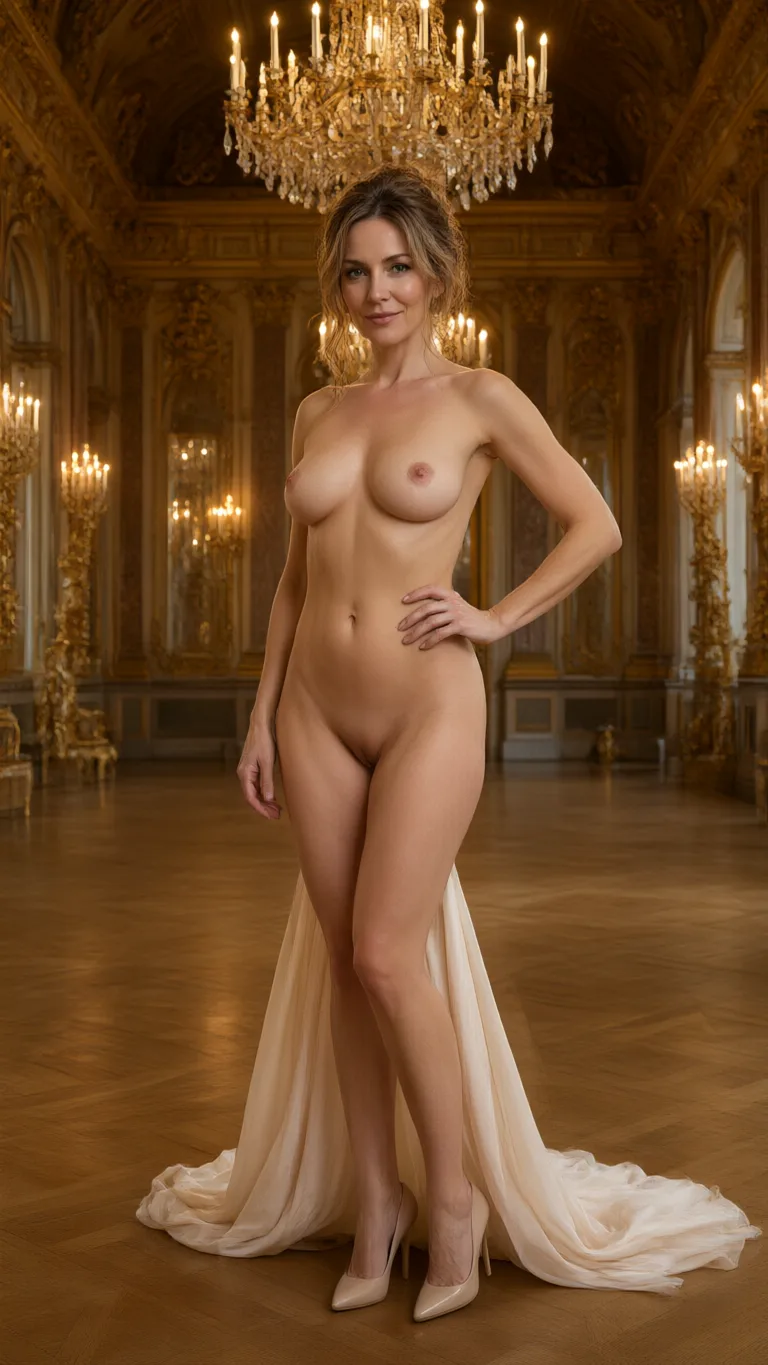 Ballroom After Hours
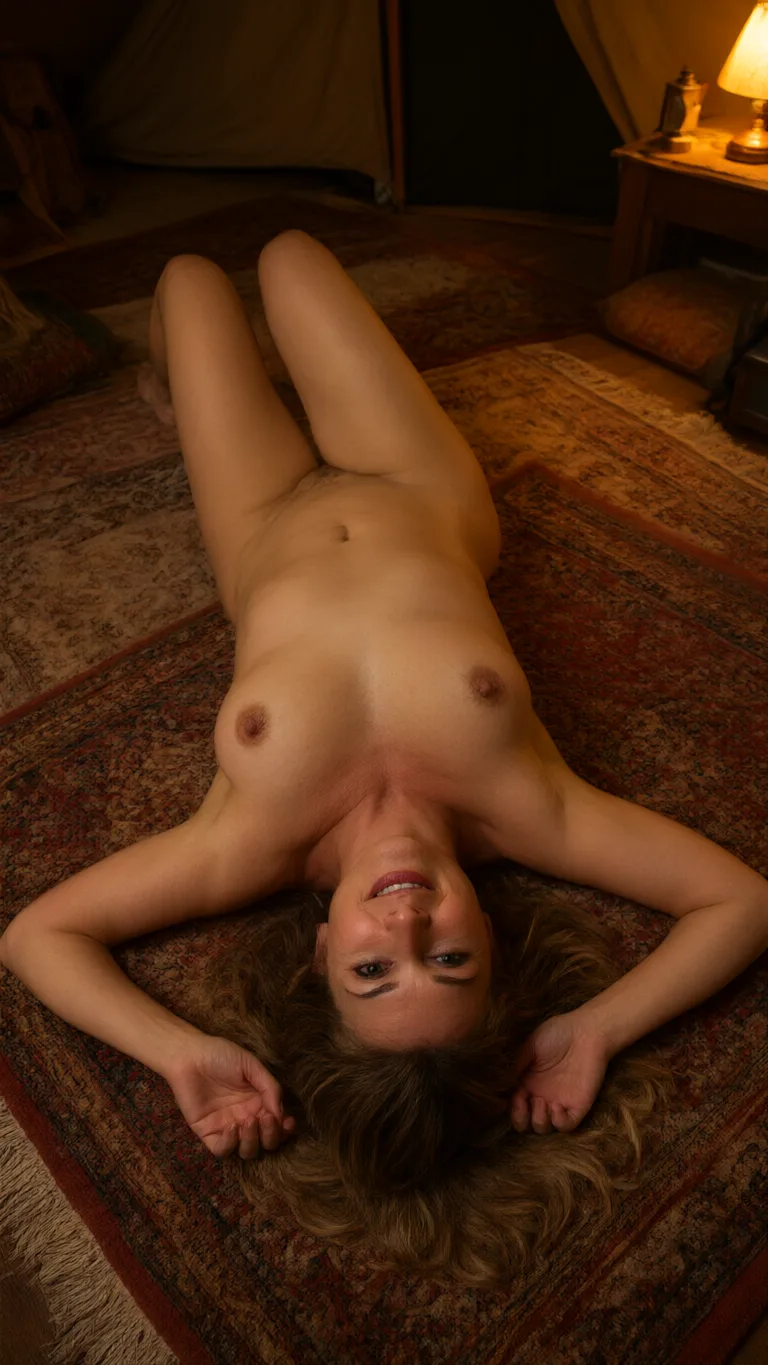 Night Tent Portrait
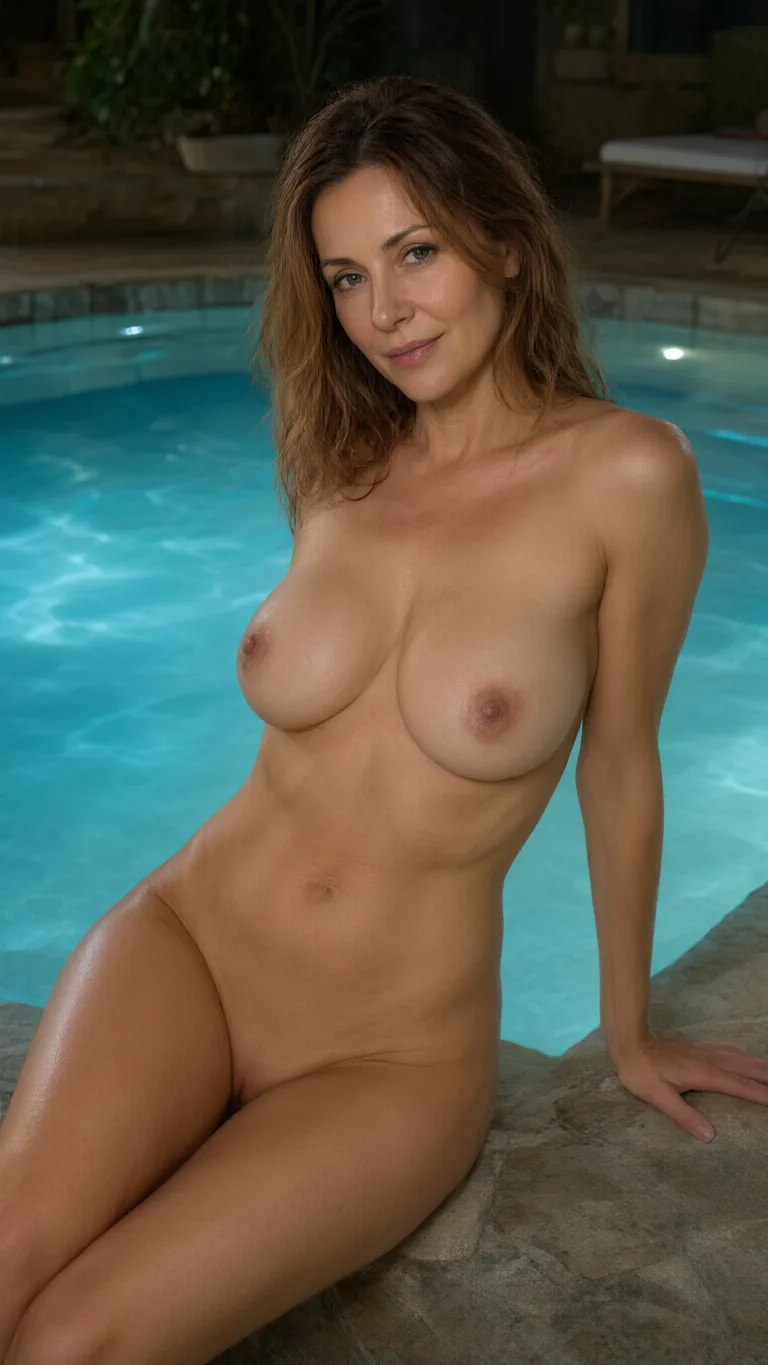 Crystal Pond Edge
Your photo is the starting pointTransform a photo of a consenting adult rather than generating a person from scratch.
Preset or photo referenceChoose an adult look or provide a second image as a visual reference.
Review the finished imageInspect the result before downloading it or trying another look.
Private recent resultsFind your recent completed images in your account gallery for up to 48 hours.
VISUAL IDEAS
Explore NSFW Image-to-Image AI Examples
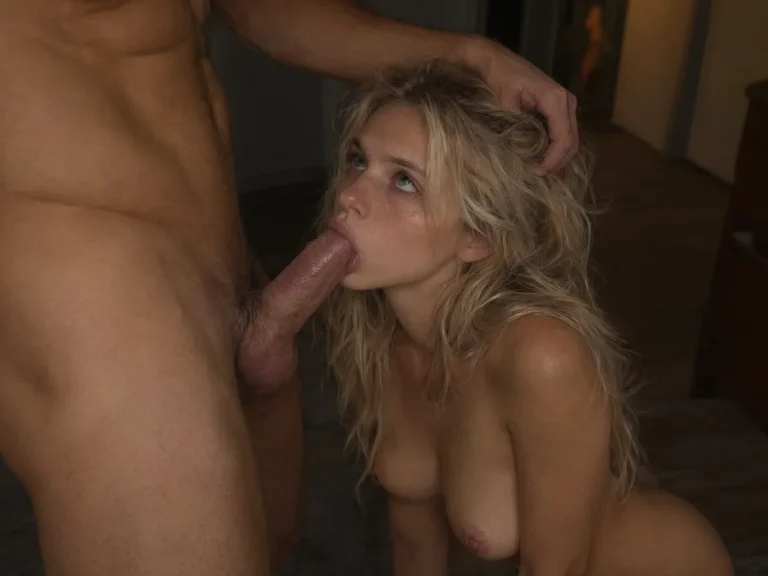
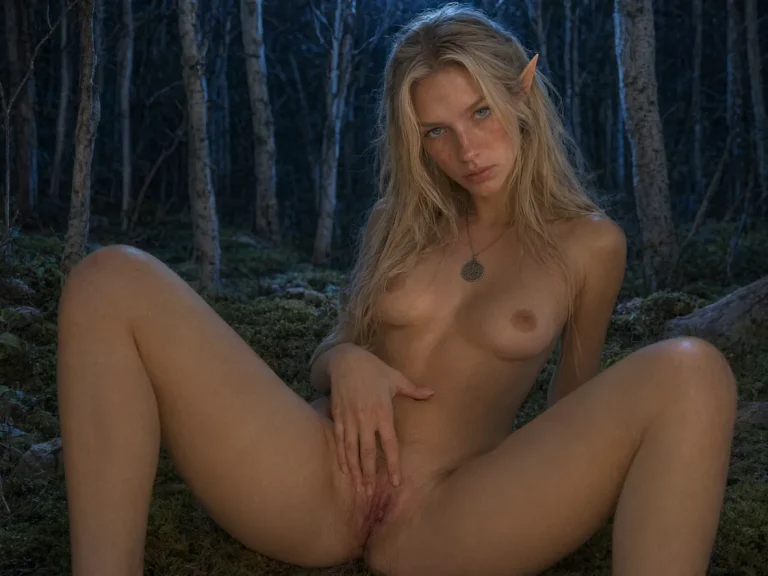
Compare the source photos with the generated results.
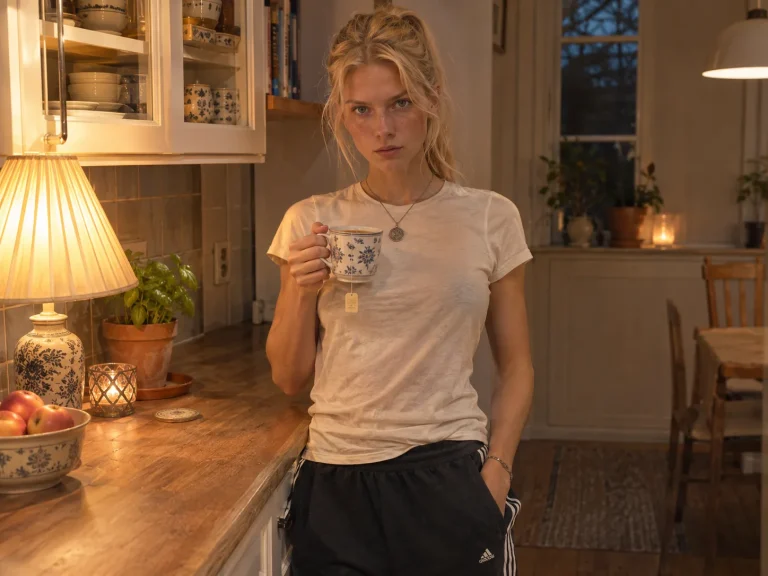
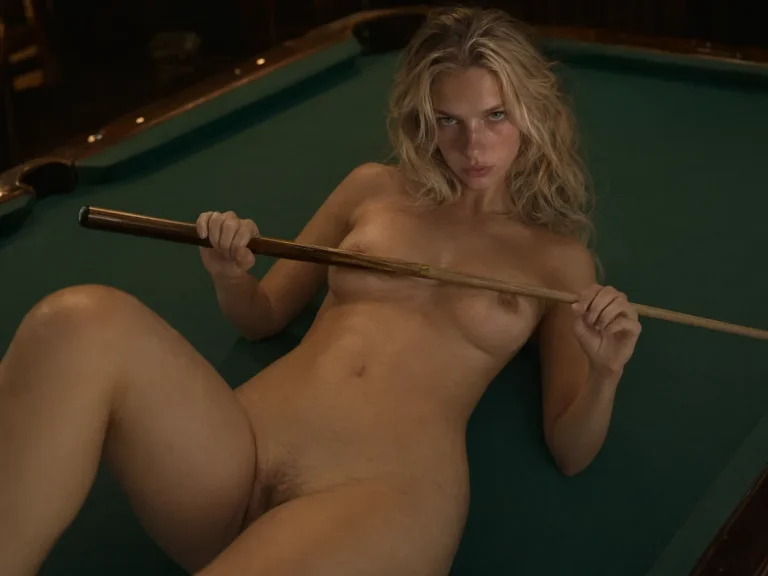
↔
BeforeAfter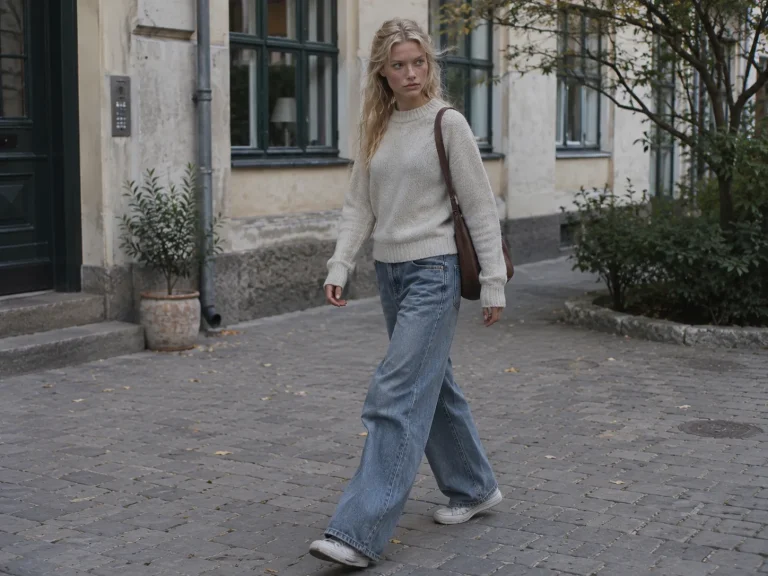
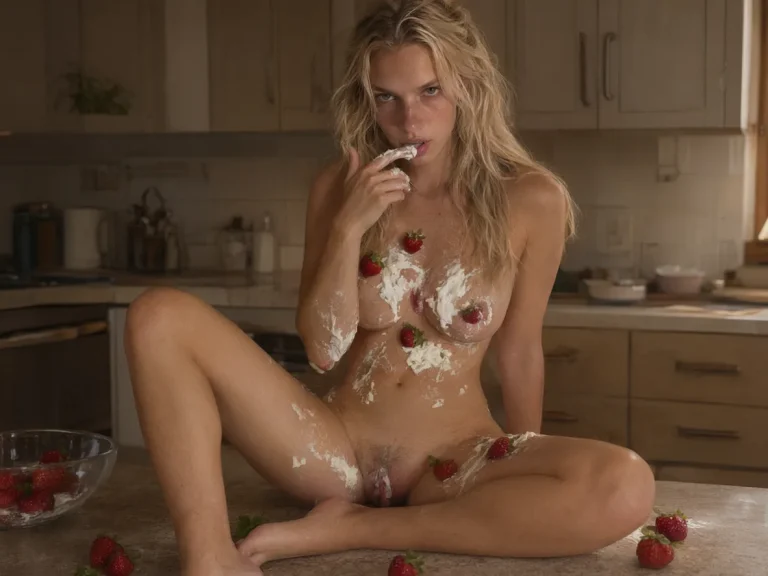
↔
BeforeAfter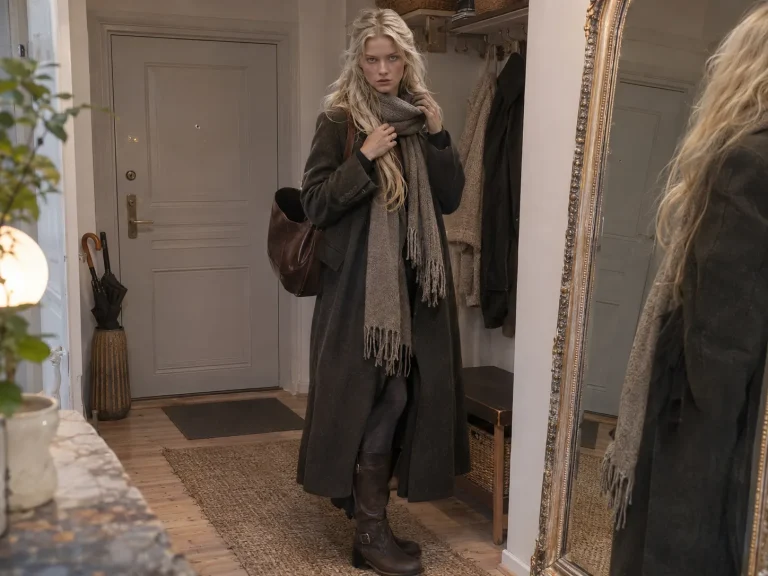
↔
BeforeAfter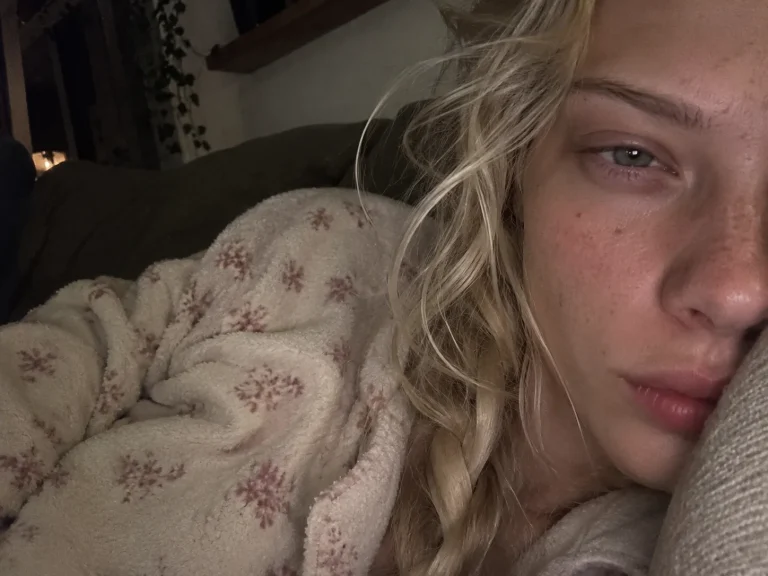
↔
BeforeAfter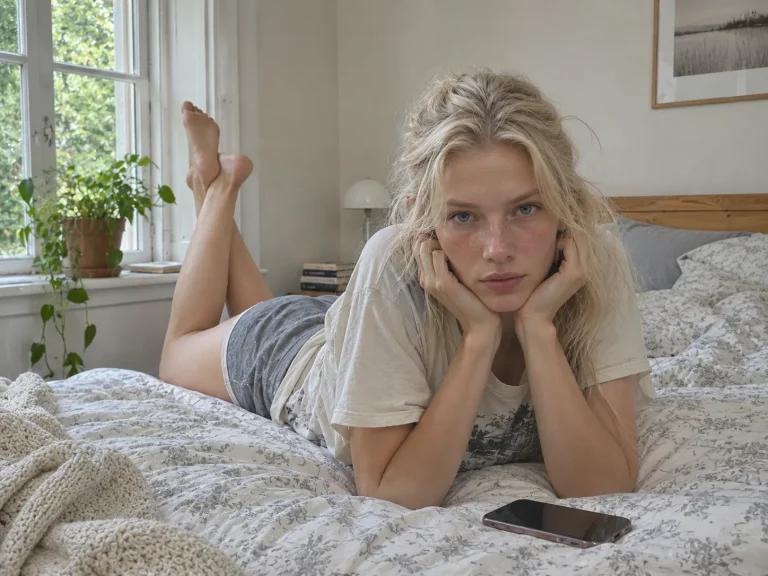
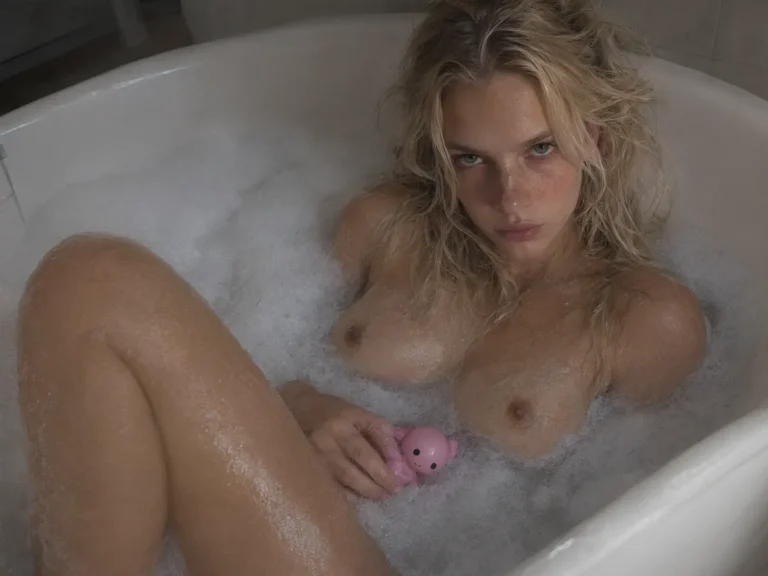
↔
BeforeAfter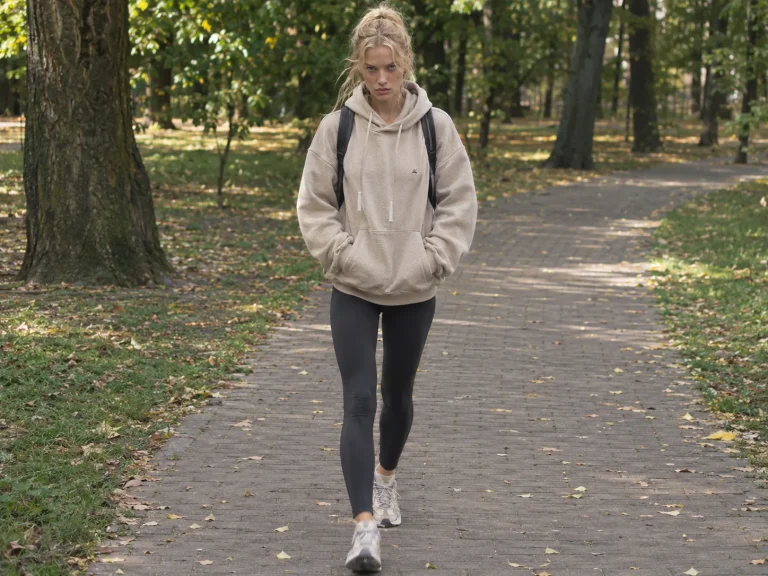
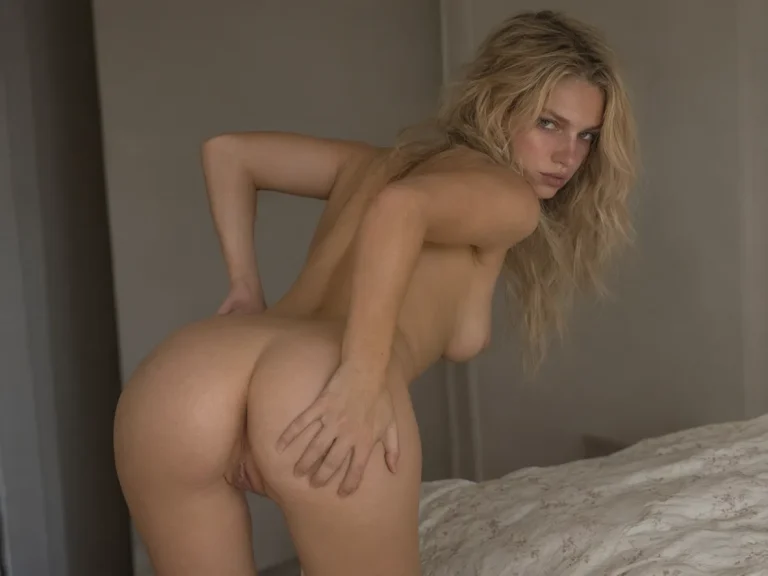
↔
BeforeAfterEXPLORE MORE
What Else Can You Change?
Explore other photo transformation tools and creative looks.
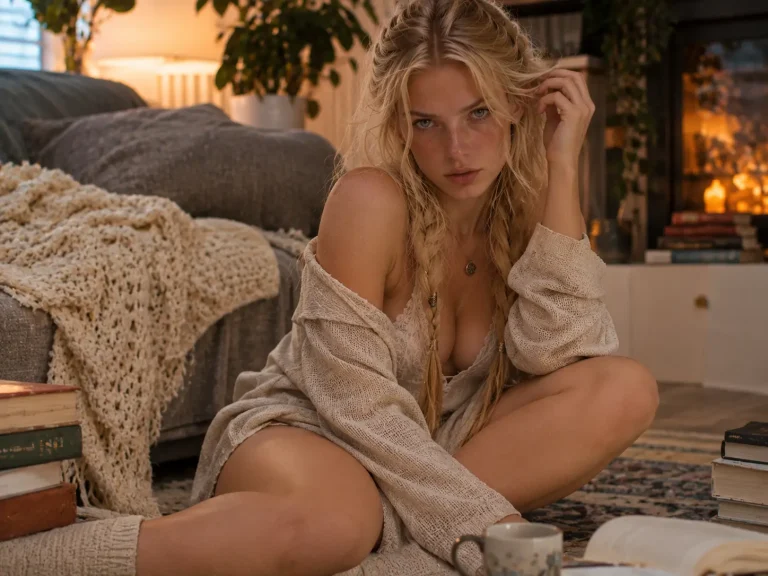 Adult AI Looks GeneratorDiscover adult-themed AI photo looks, choose a preset and transform an authorized adult photo.
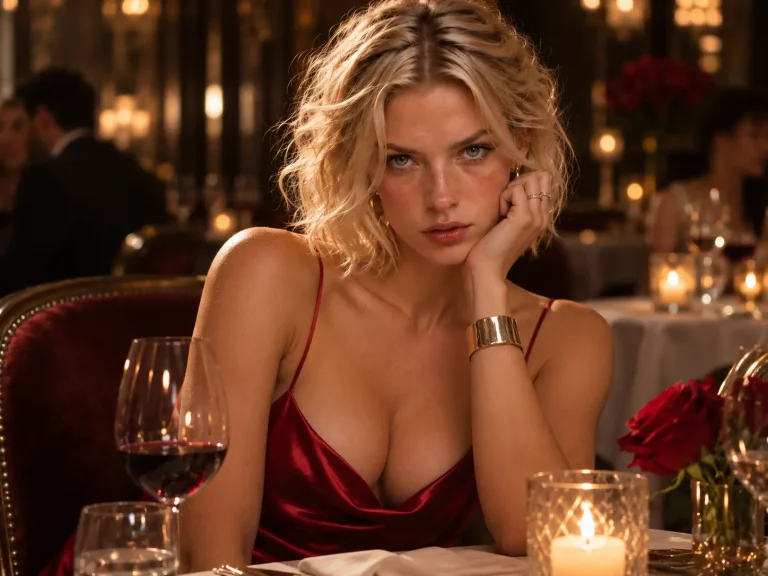 AI Boudoir PhotoshootExplore intimate, tasteful portrait styles with soft window light, silk and cinematic atmosphere.
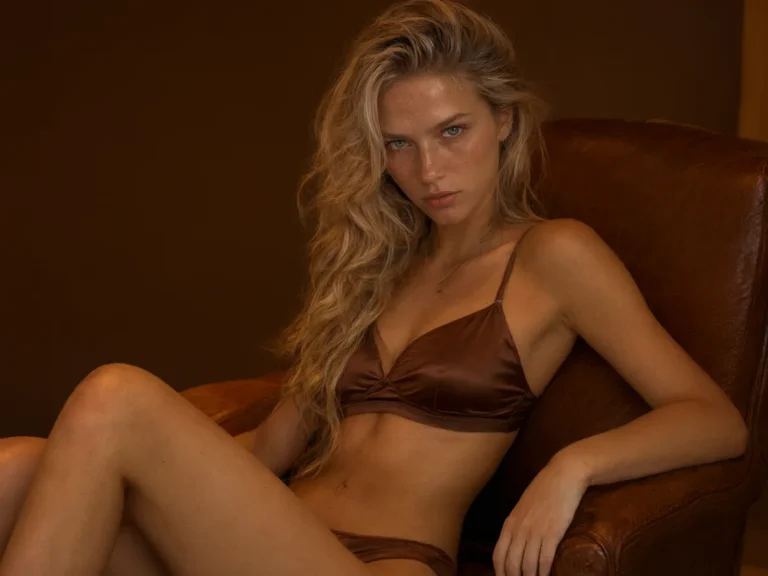 AI Lingerie Photo GeneratorChoose an adult lingerie photoshoot look, upload your photo and create a personalized result.
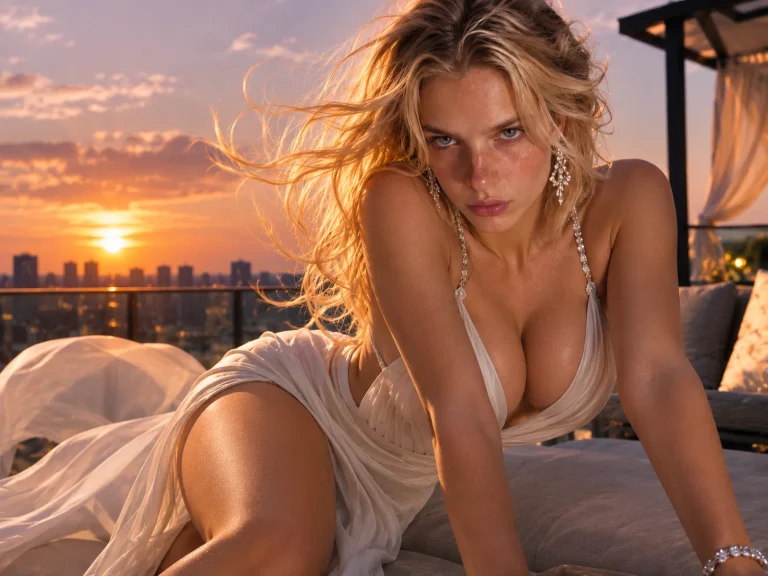 Sexy AI PhotoshootExplore confident adult photoshoot looks, from sophisticated evening portraits to bold editorial styling.Adult Fantasy AI LooksTransform an authorized adult portrait with fantasy-inspired styling, imaginary settings and cinematic character looks.
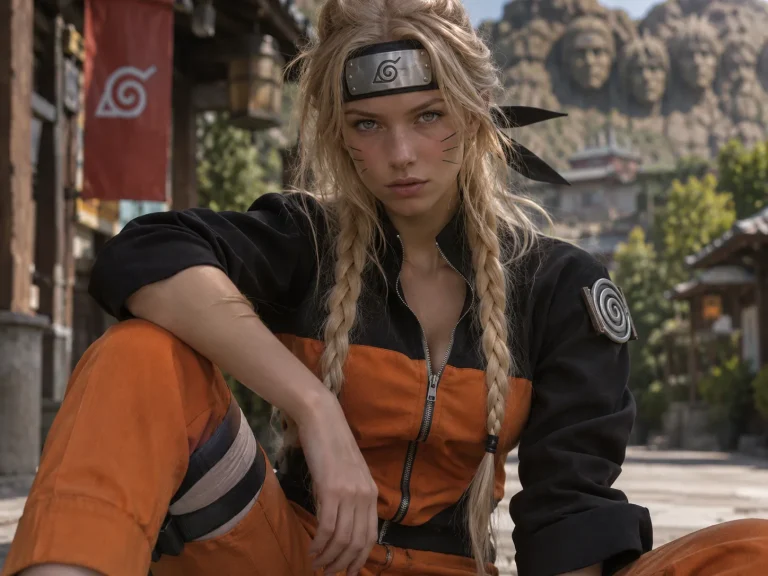 AI Cosplay Photo GeneratorTry original character costumes inspired by fantasy, sci-fi and anime aesthetics.
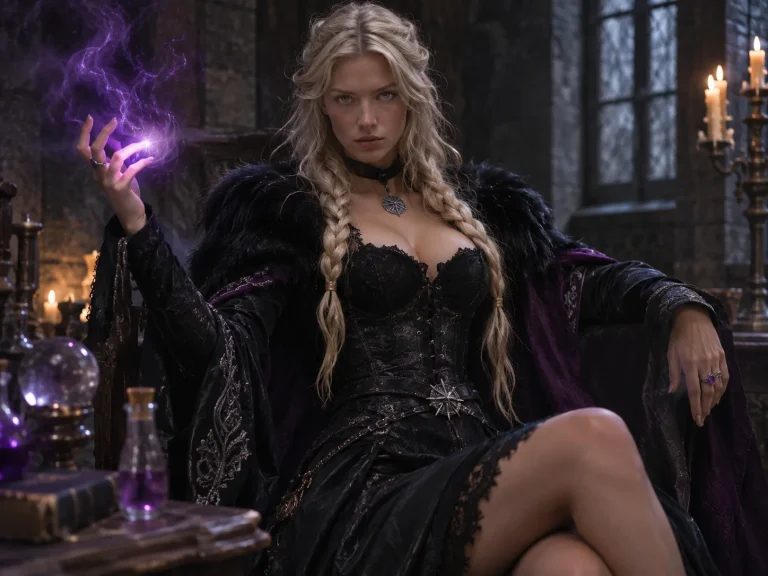 AI Fantasy Portrait GeneratorEnter a fantasy world with magical portraits, cinematic lighting and original character styles.
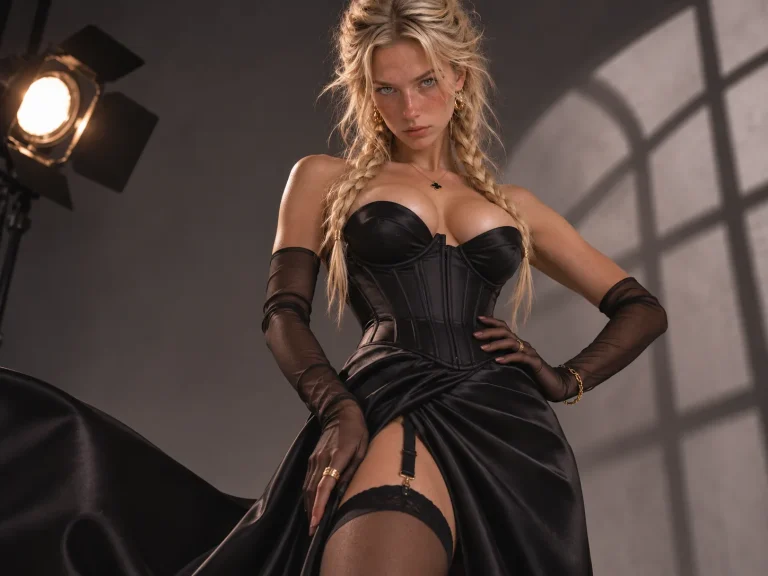 AI Fashion PhotoshootFrom modern tailoring to editorial street style, find a fashion look that fits your photo.
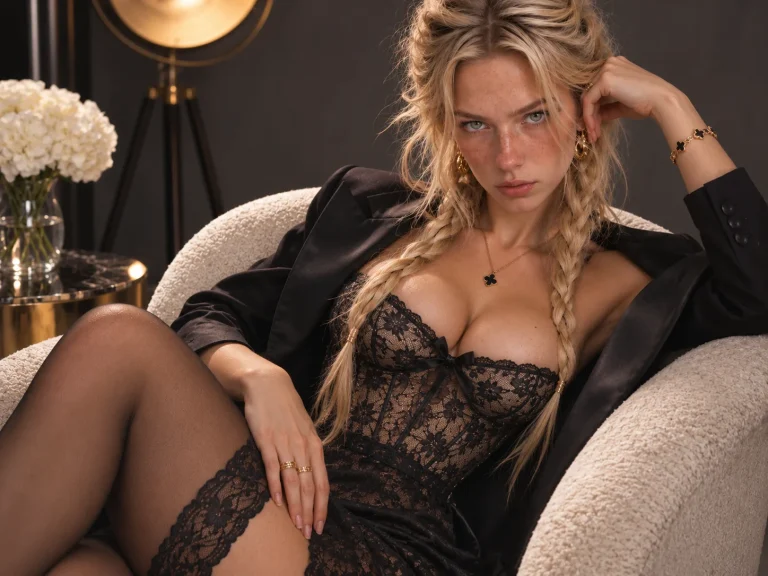 AI Glamour PhotoshootCreate polished glamour portraits with elegant outfits, studio light and a recognizable face.
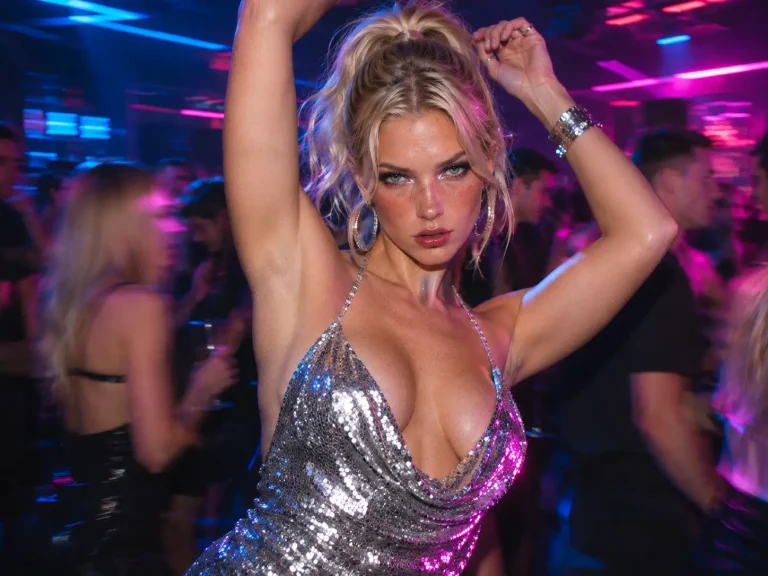 AI Looks GeneratorDiscover a new look in a few steps. Pick a style, upload your photo and generate…
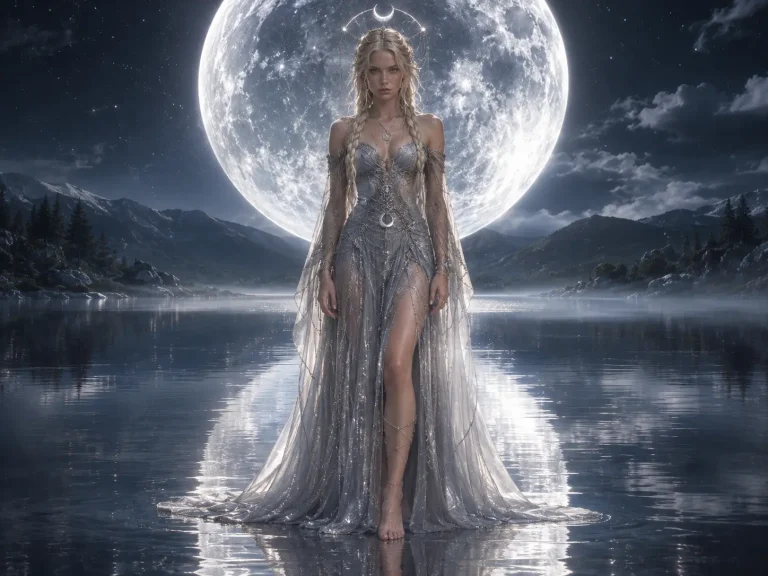 AI Looks StudioChoose a look, upload a photo you have permission to edit, and create a new image…
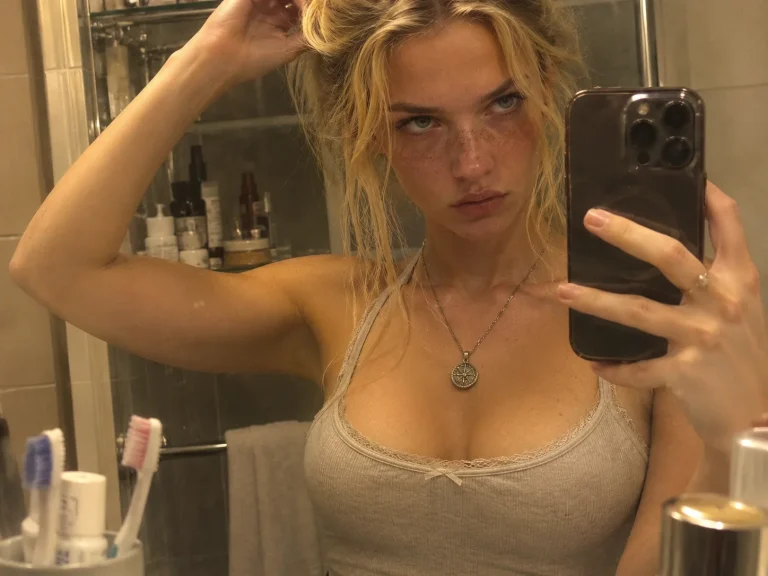 UndressAn 18+ photo editor for authorized images. Choose who to edit and review the result.
HOW IT WORKS
How to Use the NSFW Image-to-Image AI
Choose an adult preset or Photo Reference, upload an authorized source image and generate a new visual direction.
Choose a look
Browse this category and select a preset that matches the style you want.
Upload your photo
Choose a clear photograph of an adult you have permission to edit.
Generate and download
Create the image, review the result and save it from the studio or your private gallery.
STYLES & USE CASES
Explore More AI Photo Looks
Browse photo styles and tools for your next edit, from studio portraits to creative transformations.
AI Boudoir PhotoshootExplore intimate, tasteful portrait styles with soft window light, silk and cinematic atmosphere.AI Cosplay Photo GeneratorTry original character costumes inspired by fantasy, sci-fi and anime aesthetics.AI Fantasy Portrait GeneratorEnter a fantasy world with magical portraits, cinematic lighting and original character styles.AI Fashion PhotoshootFrom modern tailoring to editorial street style, find a fashion look that fits your photo.AI Glamour PhotoshootCreate polished glamour portraits with elegant outfits, studio light and a recognizable face.AI Lingerie Photo GeneratorChoose an adult lingerie photoshoot look, upload your photo and create a personalized result.AI Looks GeneratorDiscover a new look in a few steps. Pick a style, upload your photo and generate…AI Looks StudioChoose a look, upload a photo you have permission to edit, and create a new image…Sexy AI PhotoshootExplore confident adult photoshoot looks, from sophisticated evening portraits to bold editorial styling.UndressAn 18+ photo editor for authorized images. Choose who to edit and review the result.Adult AI Looks GeneratorDiscover adult-themed AI photo looks, choose a preset and transform an authorized adult photo.Adult Fantasy AI LooksTransform an authorized adult portrait with fantasy-inspired styling, imaginary settings and cinematic character looks.ABOUT THE TOOL
Edit an Adult Photo with Image-to-Image AI
Image-to-image AI starts with an existing photograph rather than a blank canvas. The source provides visual context such as the subject and framing, while a preset or reference image describes the new style. On this adult-themed page, you can explore visual transformations built around mood, setting, clothing and photographic atmosphere. The tool is intended exclusively for photographs of consenting adults that you own or have permission to edit.
Preset-based transformation or Photo Reference?
A ready-made preset is the fastest option when you like the example image and want to try a similar visual direction. Select a look from the gallery, upload your source and generate. Photo Reference is useful when a second photograph better expresses the outfit, environment or overall composition you have in mind. That reference guides the prompt; it is not a promise that every detail of the reference will be reproduced exactly.
What the source photo contributes
A well-lit photograph with a clear subject gives the AI more reliable visual information. Close portraits can suit face-focused transformations, while wider photos are more appropriate for full-body scenes. Avoid heavy blur, strong obstructions and source images that are inconsistent with the desired framing. The finished image may still reinterpret fine details, accessories, hands or lighting. Inspect every result before sharing it.
Creative edits, not identity replacement
This tool is intended for changing the visual style of an authorized adult photograph. It is not a way to produce intimate images of someone without their consent or to make misleading claims about what a real person did. Use only photographs you are allowed to process and follow the service's content rules. The AI provider may refuse requests that are outside its permitted use.
Keep track of the result
After the image is ready, you can download it and choose another look without uploading the same source again during the session. The private account gallery keeps recent completed results for a limited period of up to 48 hours. Download images you want to keep; the site's storage window is separate from any retention policies of third-party AI processors.
Explore other adult photo looks
If you want a broad library of preset ideas, browse Adult AI Looks. For portrait lighting and intimate atmosphere, the Boudoir Photoshoot collection is more focused. Those pages emphasize styles and example images; this page emphasizes the image-to-image workflow itself.
BEST PHOTO TIPS
How to get a better result
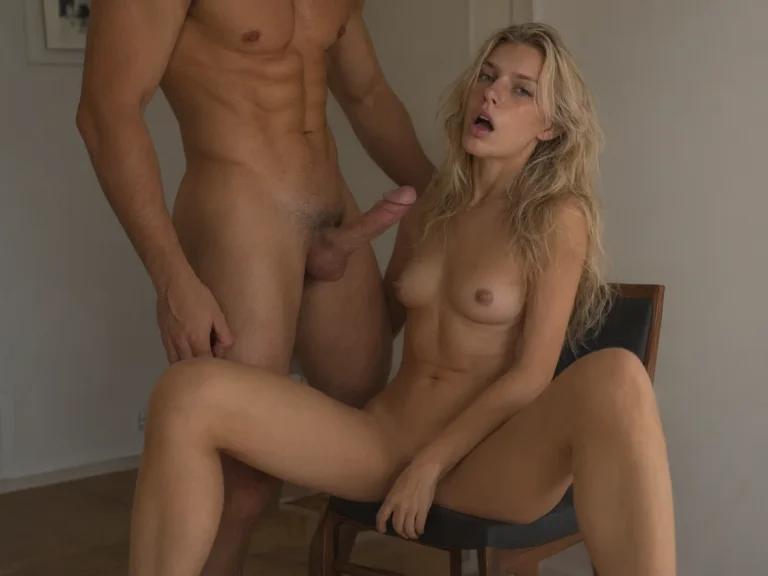
Choose a reference with the framing and lighting you want. The original photo supplies the person.
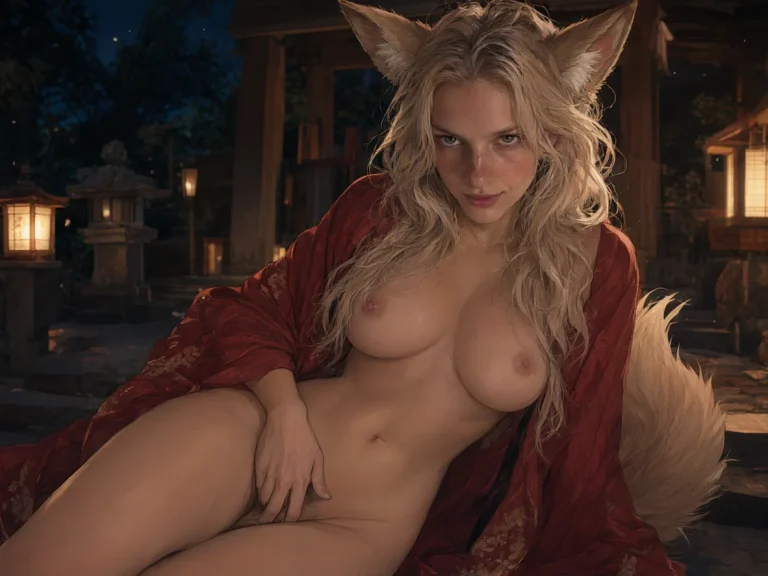 Use a Clear PhotoA sharp, well-lit image helps preserve facial details.
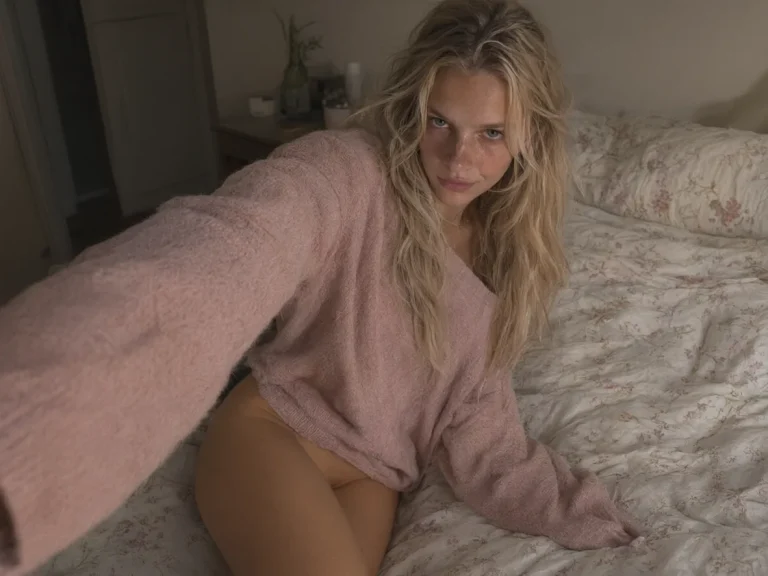 Choose the Right CropSelect a portrait or full-body photo to match your look.
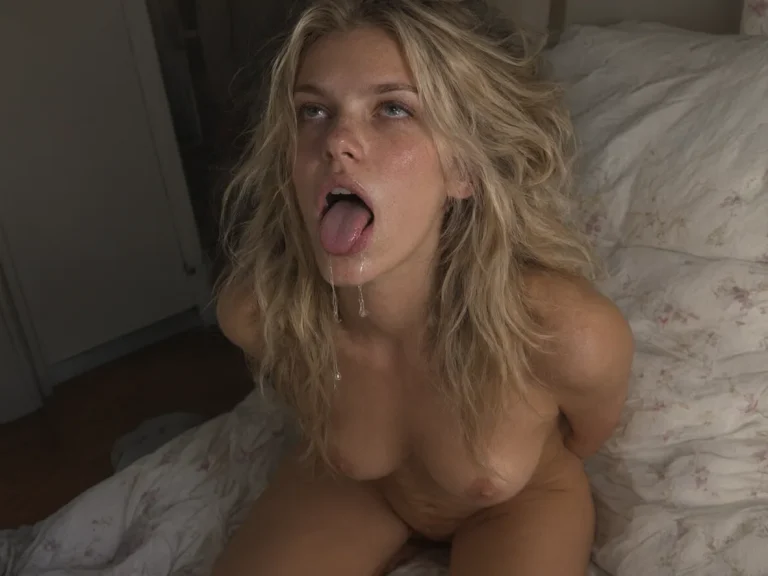 Mind the DetailsKeep important features visible and avoid heavy filters.
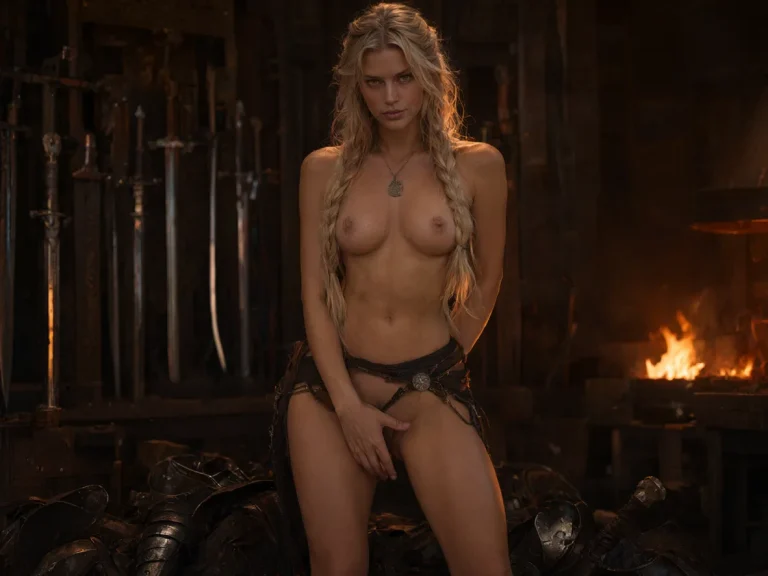 Try Another StyleExplore different presets until the result feels right.
Use a clear photo with one main subject, a visible face and enough space around the clothing or body area that should change. Natural lighting or an evenly lit indoor portrait usually works better than a very dark, blurry or heavily filtered source image.
LIMITATIONS & PRICING
What visitors should know before generating
Check the token price in the editor before you generate.
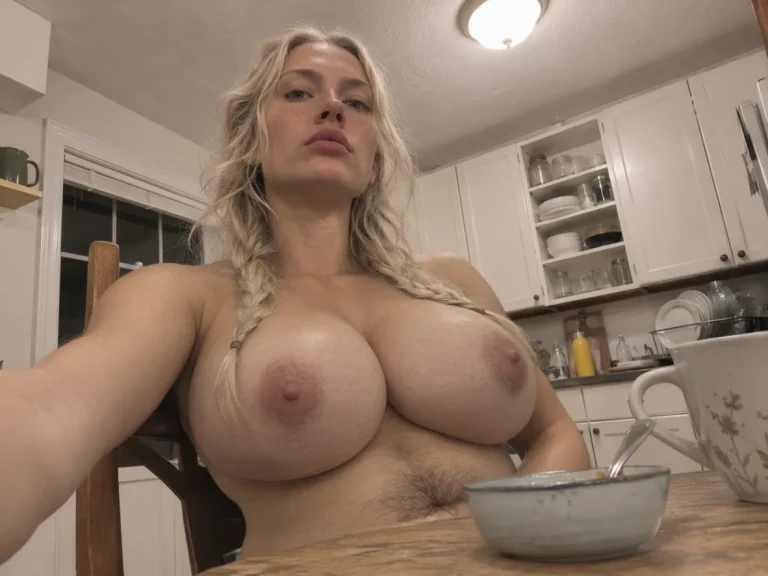
The editor shows the token price before you start. AI results can vary in details such as folds, lighting and framing.
YOUR QUESTIONS
NSFW Image-to-Image AI FAQ
What does NSFW image-to-image mean?
It means using an existing, authorized adult photograph as the starting point for an adult-themed AI transformation.
Can I provide a second image as a reference?
Yes. When Photo Reference is enabled, a second image can guide the intended styling and visual direction.
Will the output match the reference exactly?
No. Generative editing interprets the reference. Clothing, pose and lighting details may vary.
Can I edit someone else’s photo?
Only when the person is an adult and has given explicit permission for the requested transformation.
How long are completed photos available?
The site’s private account gallery keeps recent results for up to 48 hours, subject to the privacy policy.
What does the reference photo control?
It guides the appearance of the edit, such as pose, framing and lighting. The person comes from the original photo.
CREATE YOUR NEXT LOOK
Ready to Create Your Next Look?
Select a style, upload your photo and see what AI can create.
Get Started